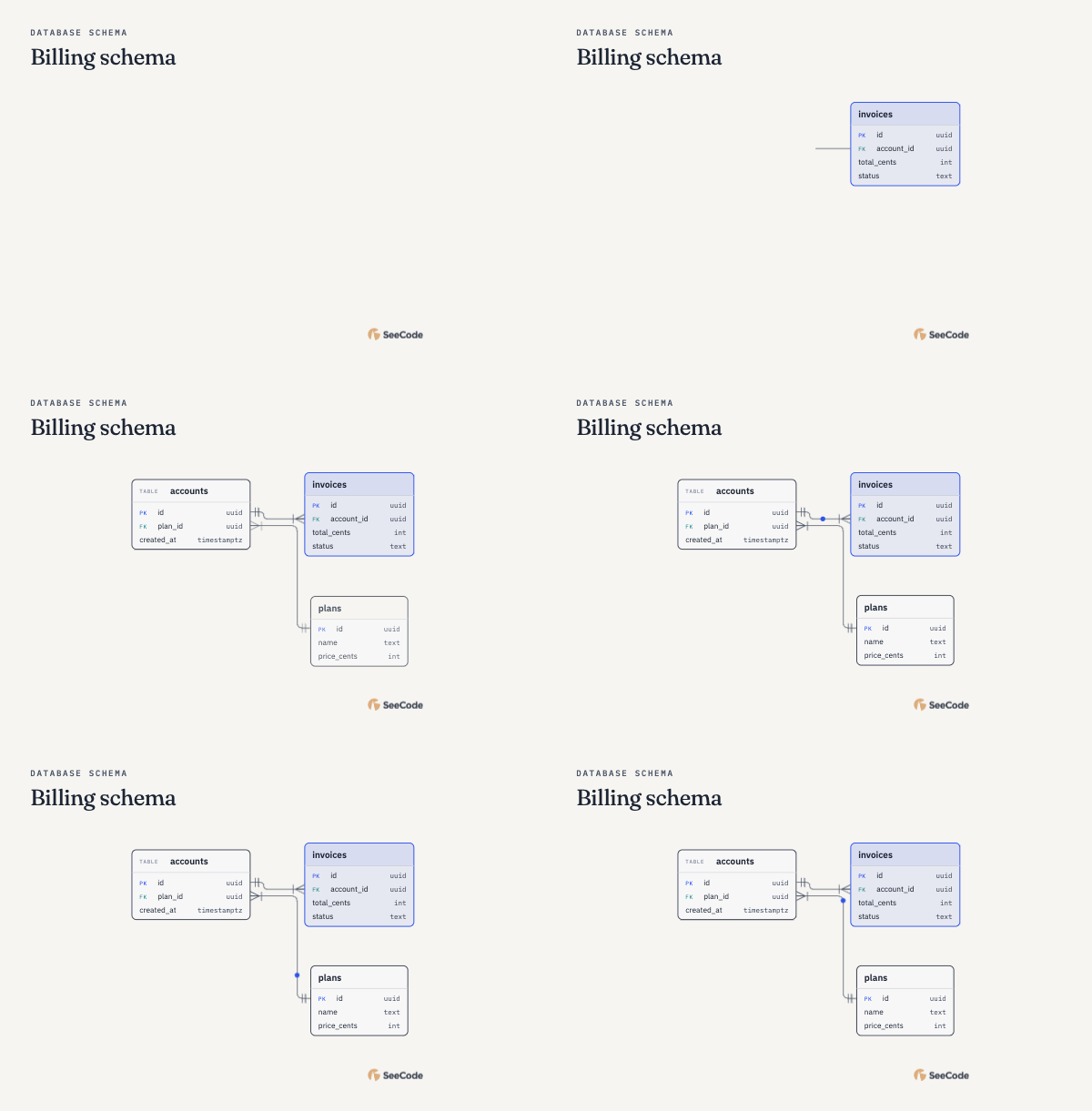
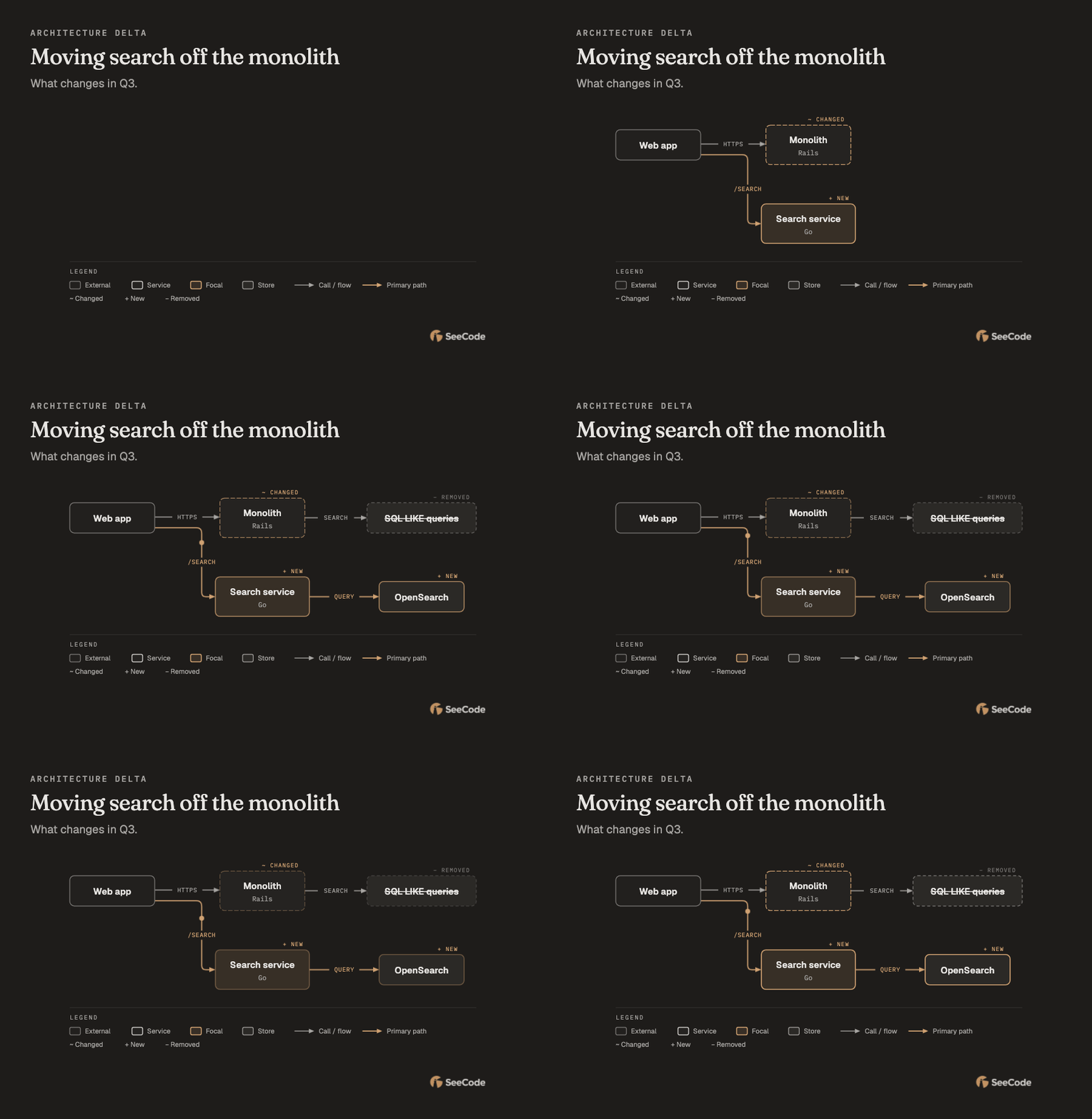
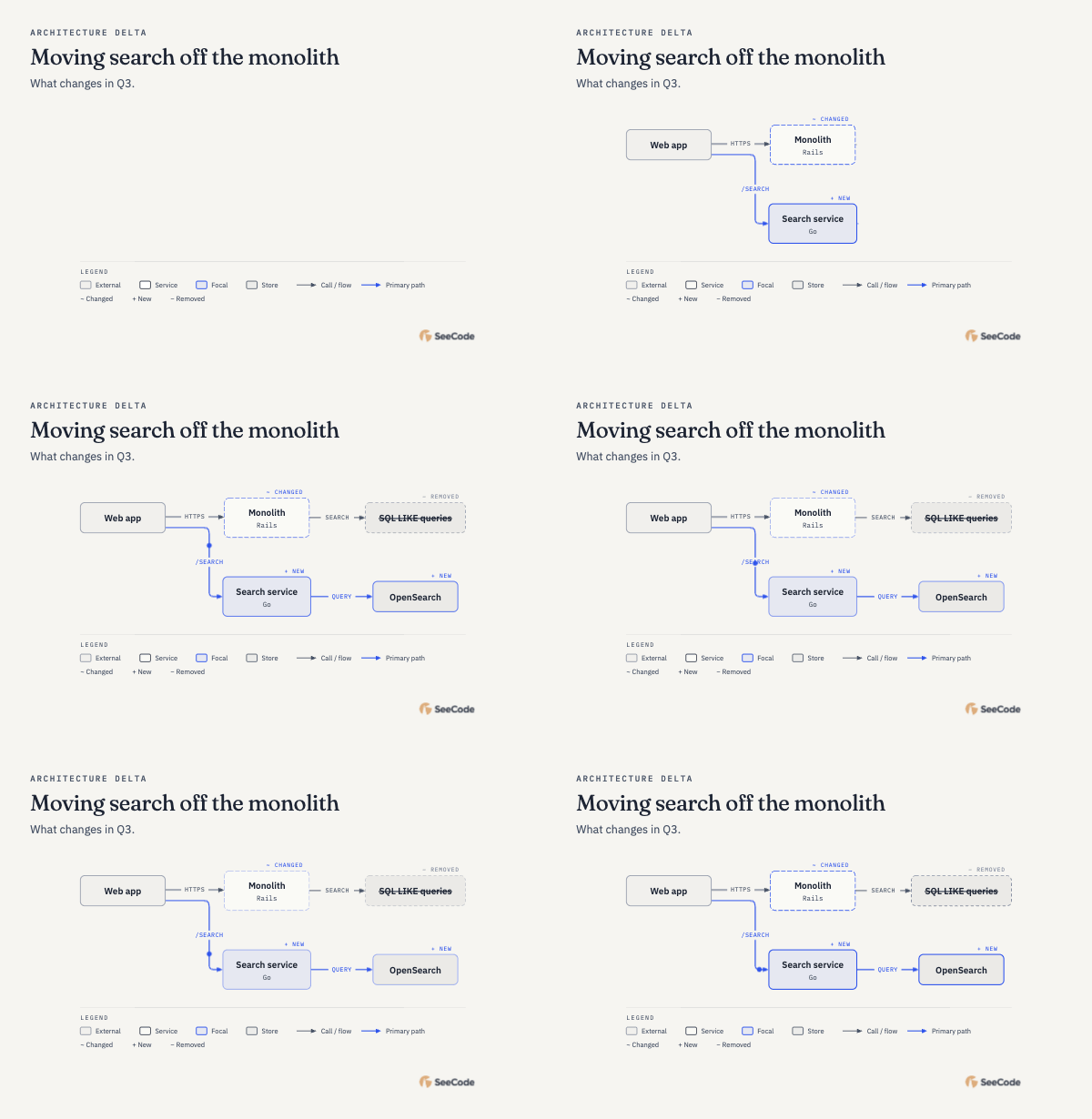
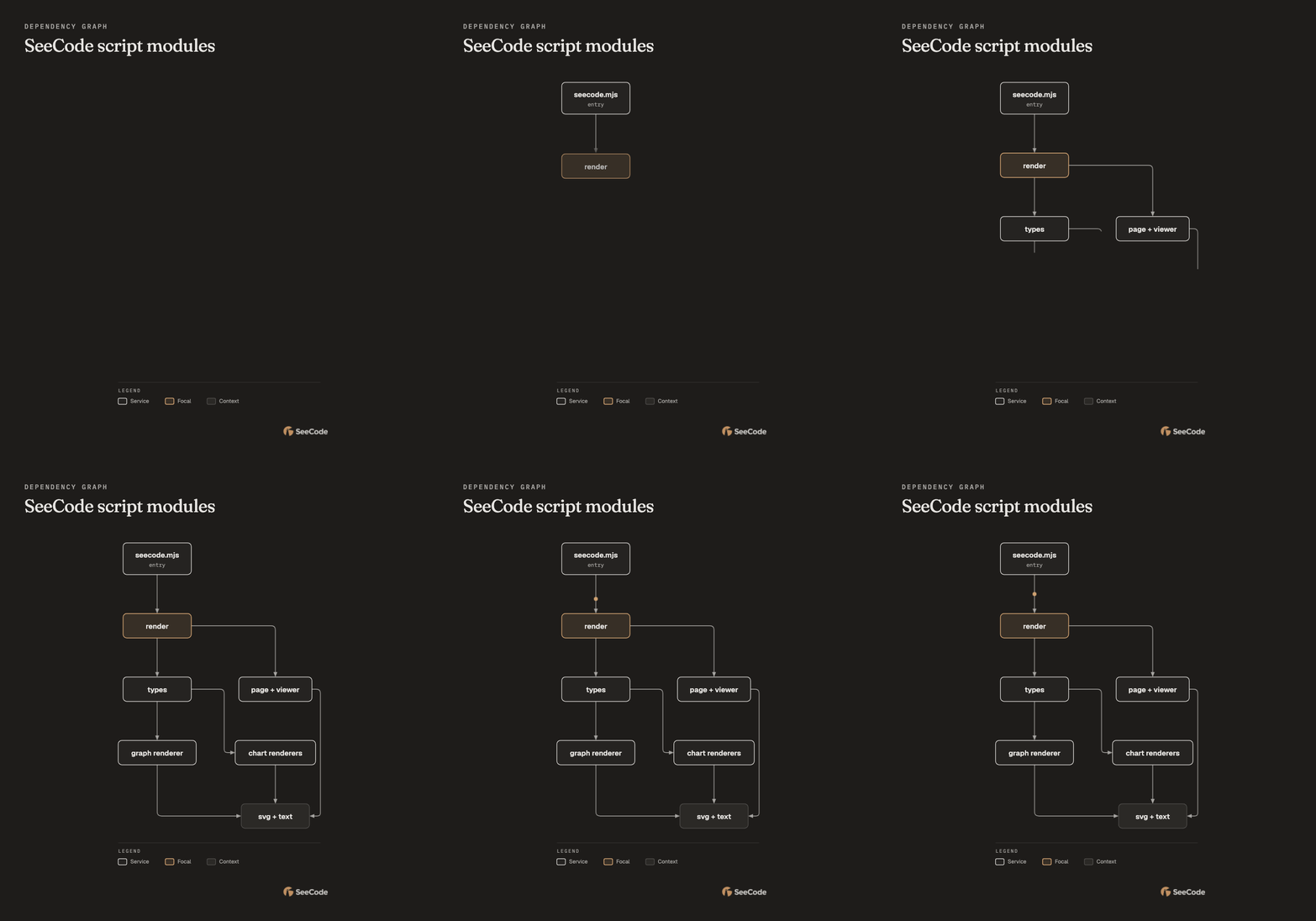
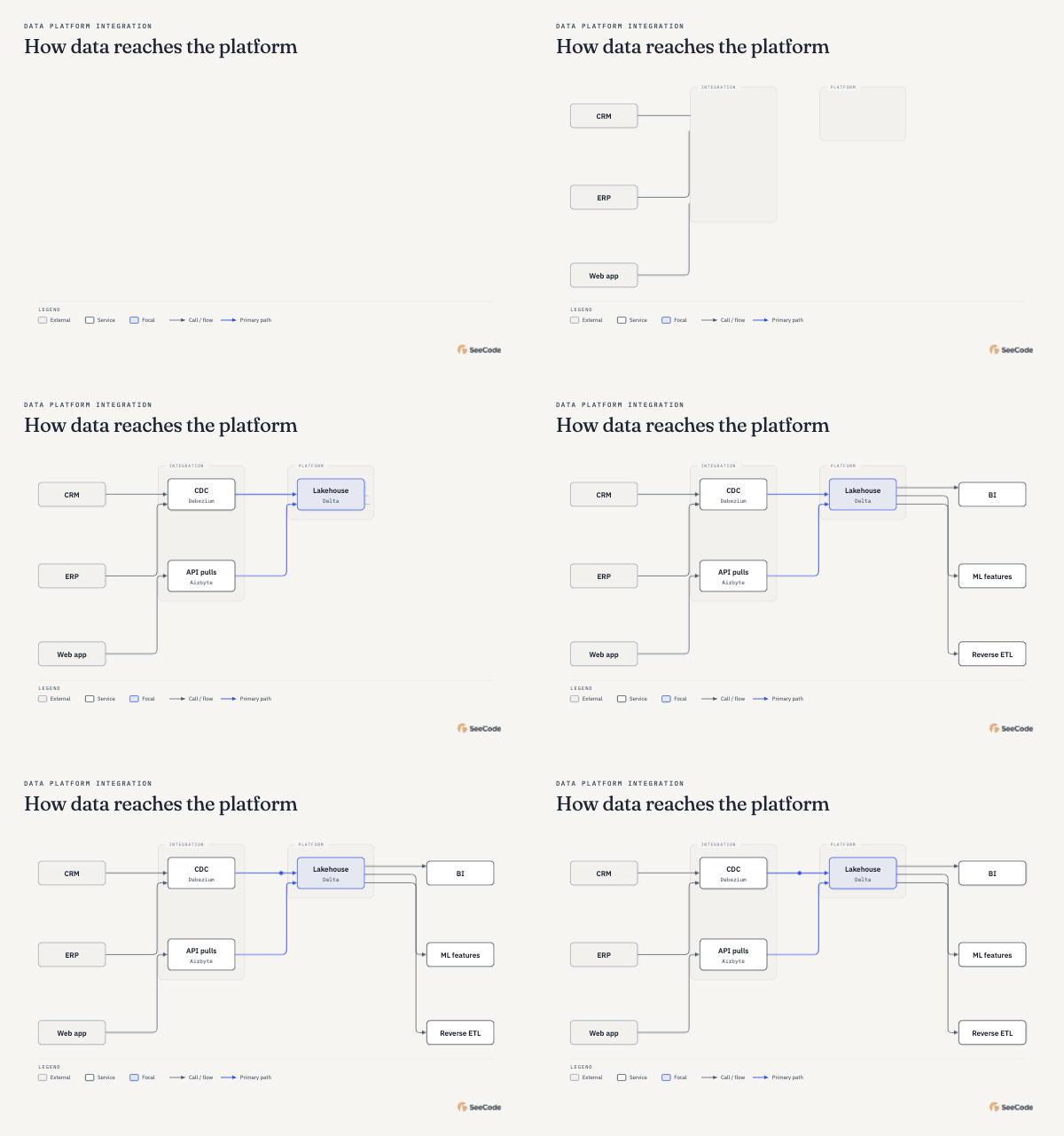
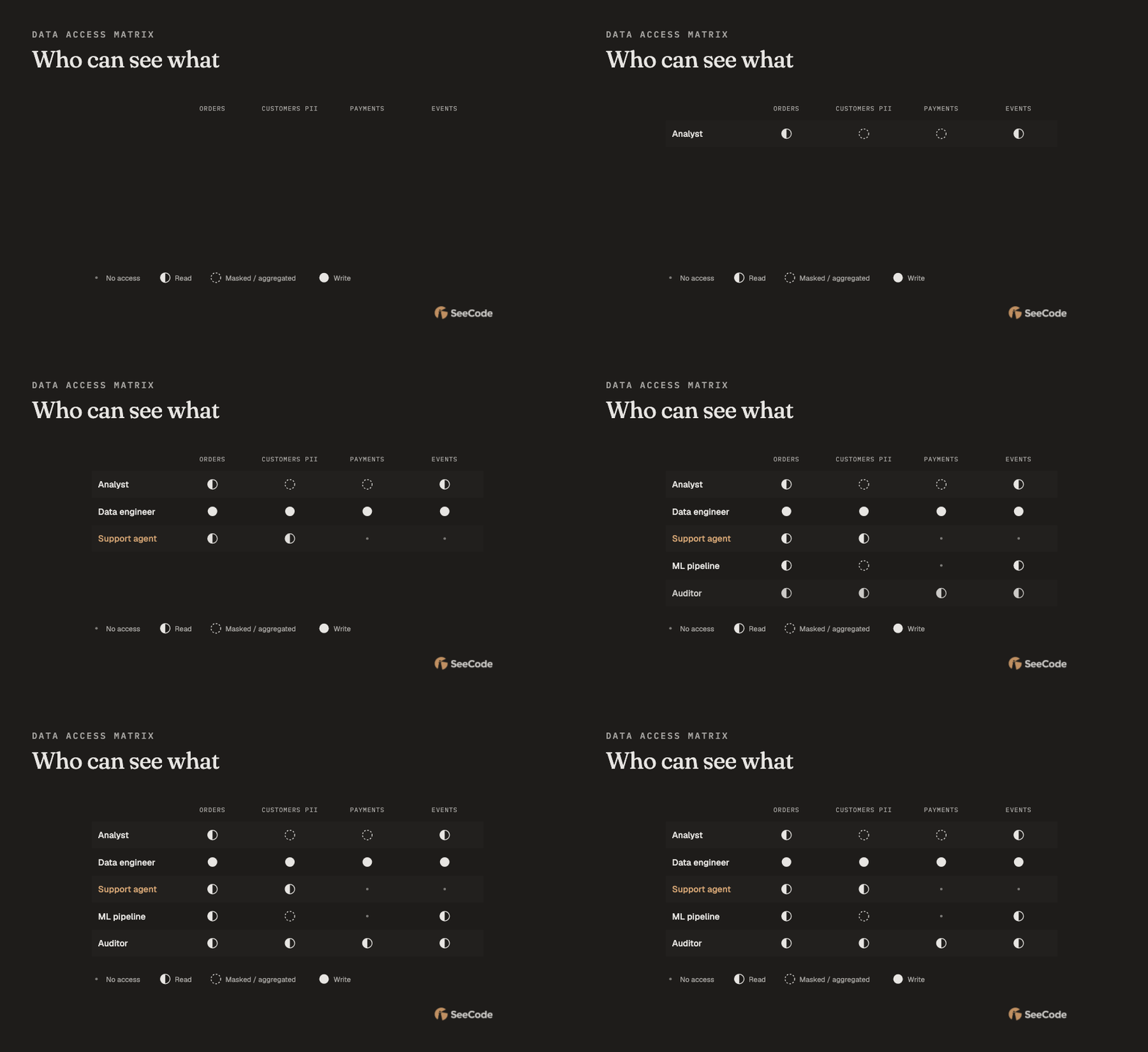
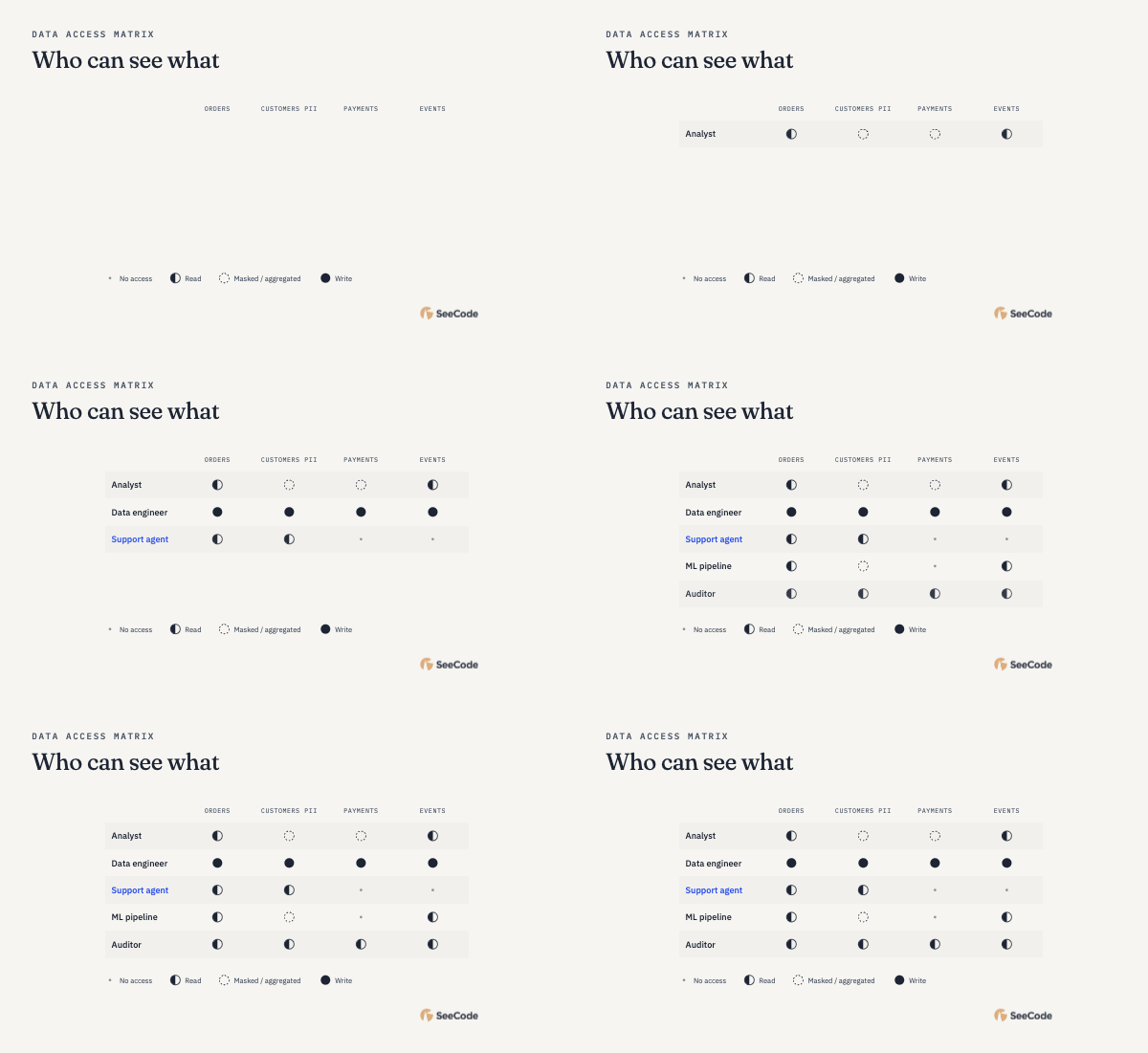
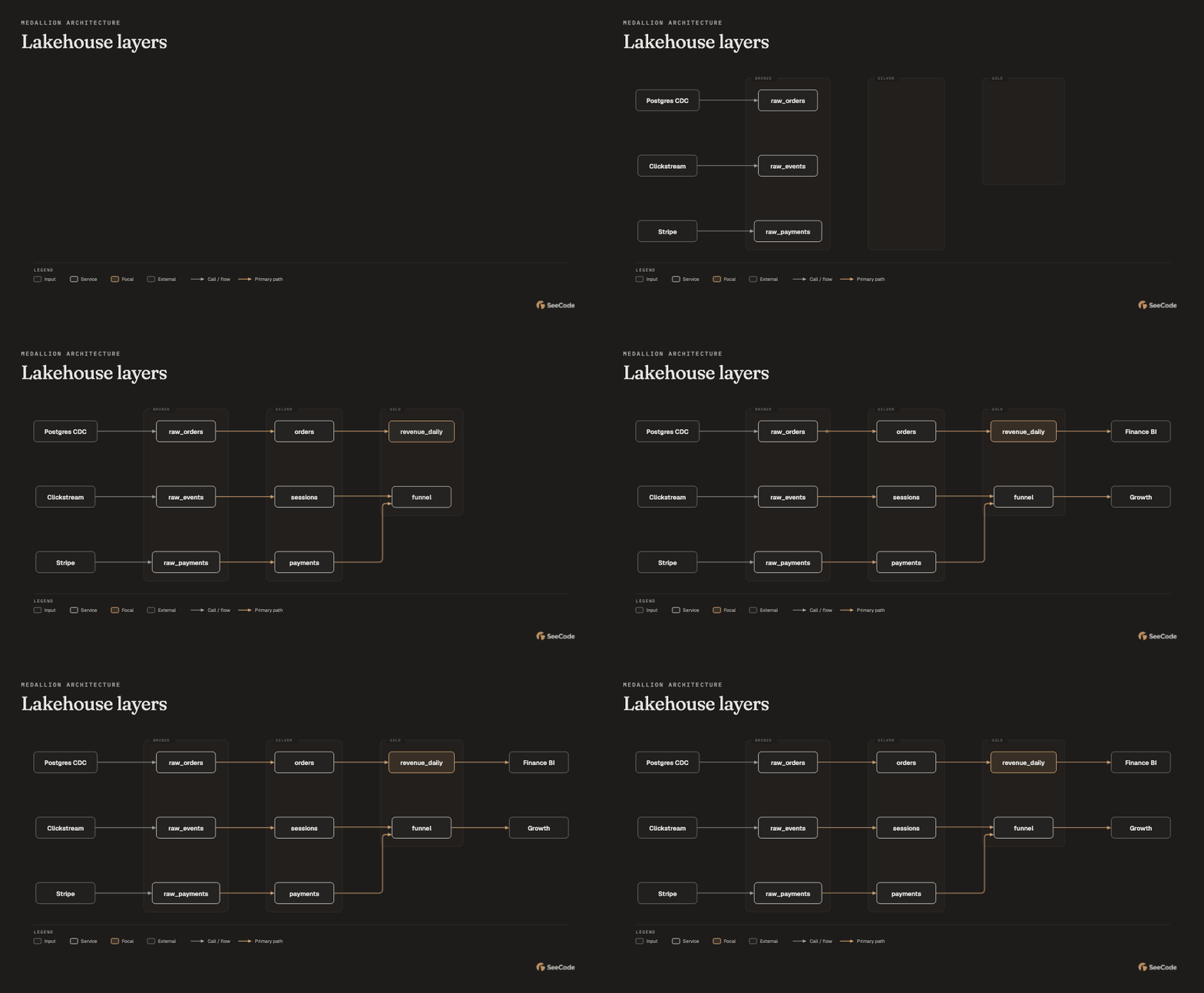
Say what you see.
Describe an idea, point to your code, or bring a diagram you already have.
 Use SeeCode to show
our payment flow▍

Turn a simple prompt into a beautiful, animated visual.
Understand the system. Follow the connections.
Share the whole picture.
↳ Works inside the coding agent you already use.
One request. Three connections. The whole picture.
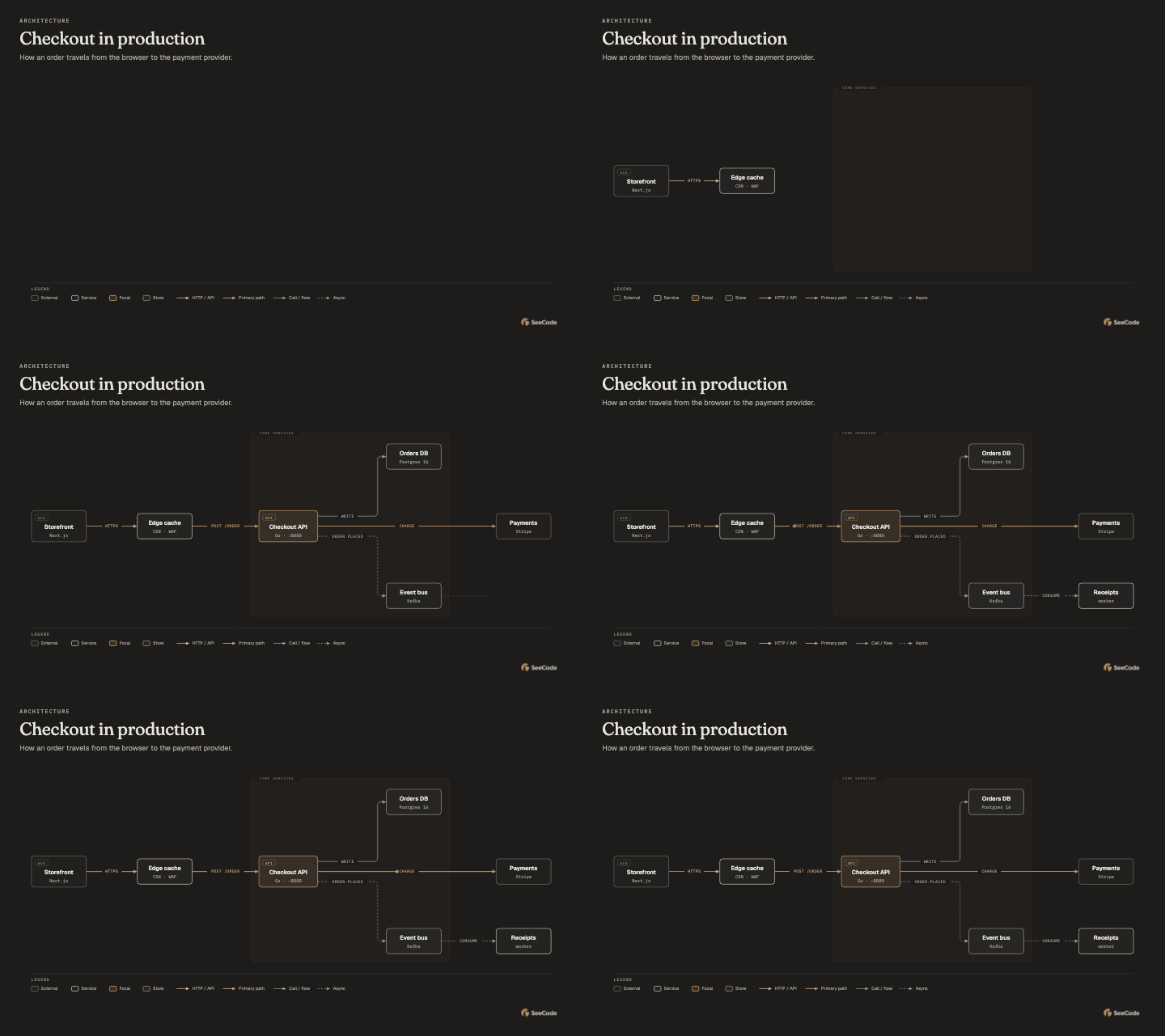
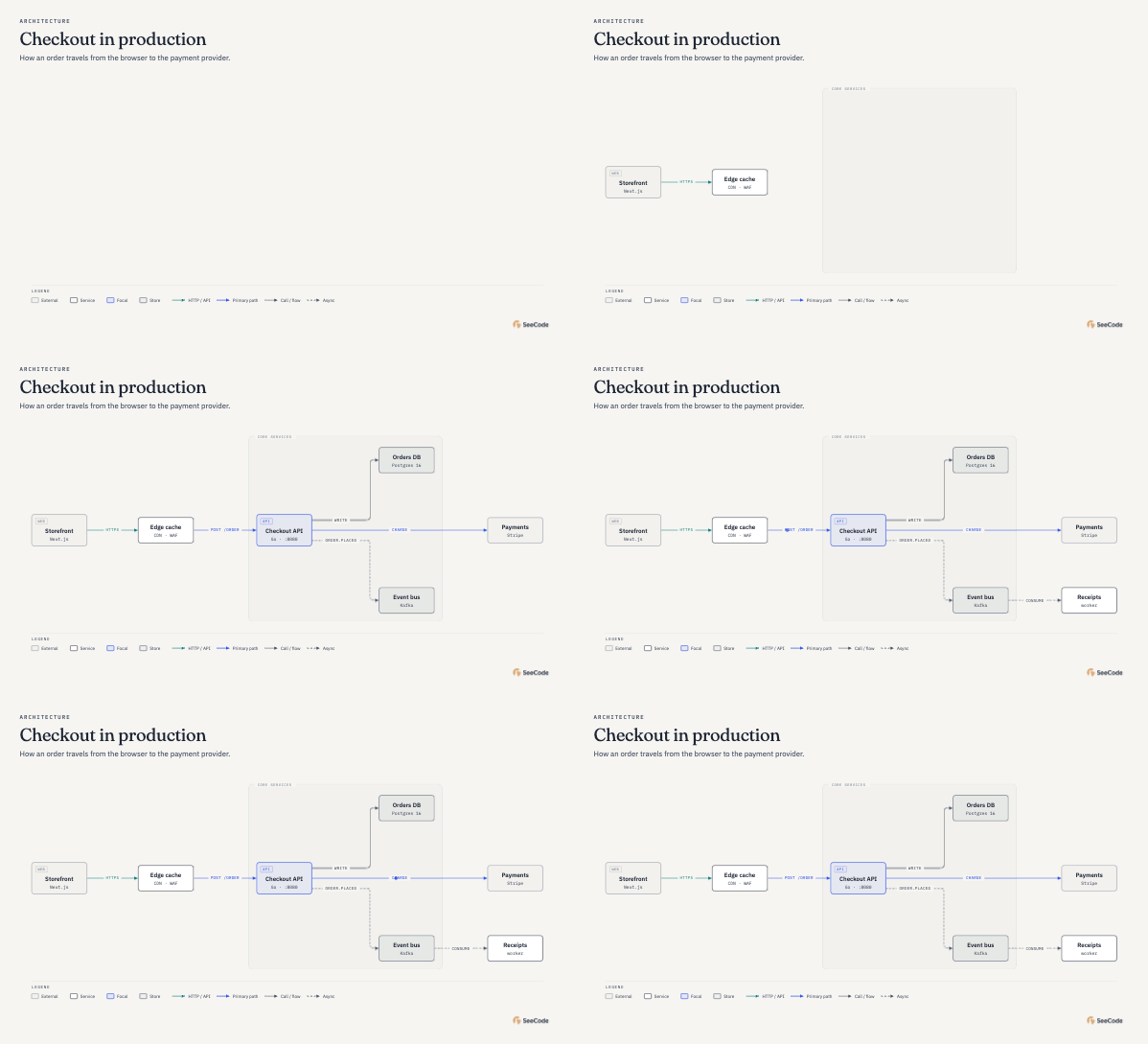
“Show me how checkout works.”↵BUILT FOR THE WAY YOU ALREADY WORK
Click your agent for installation steps.
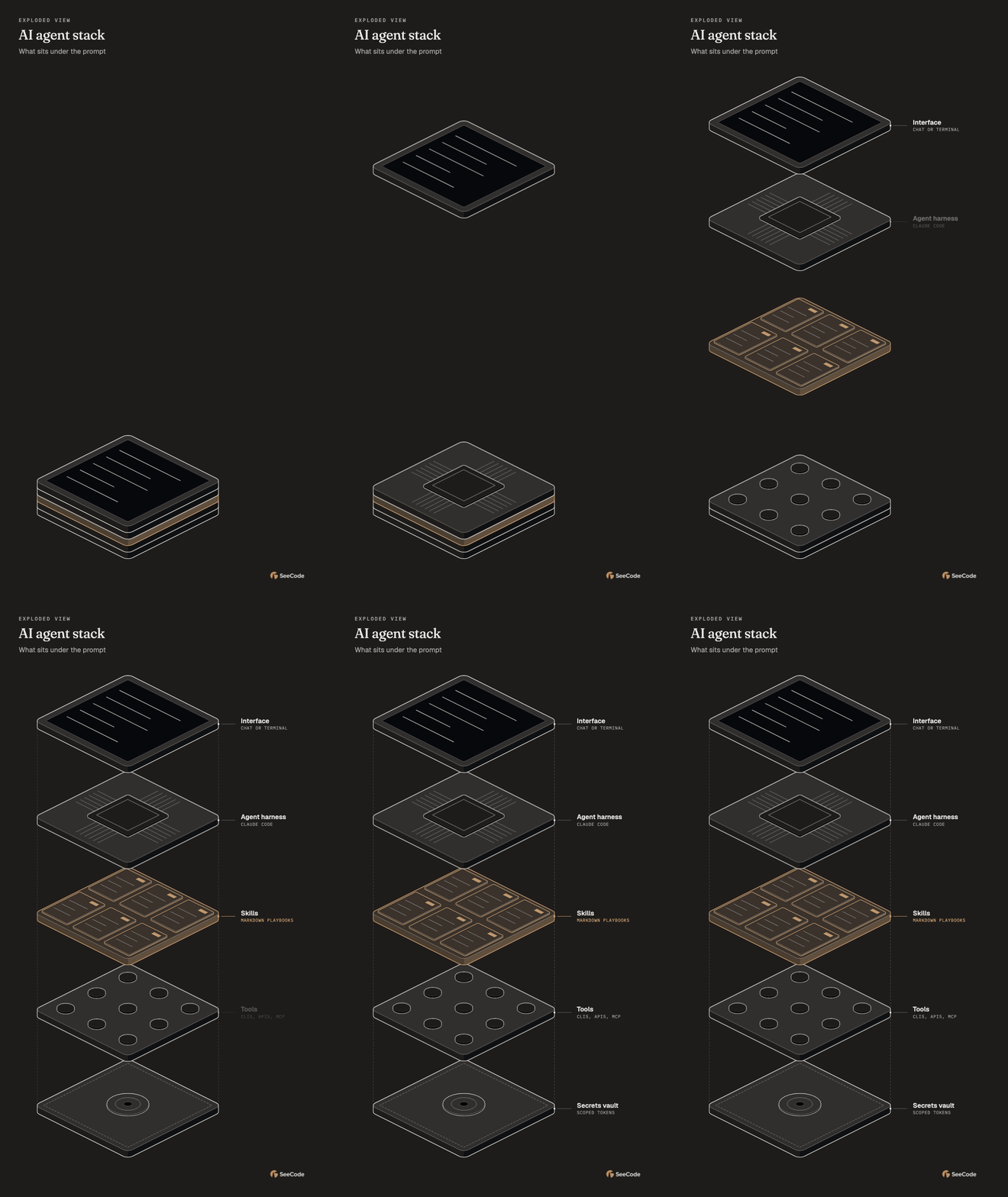
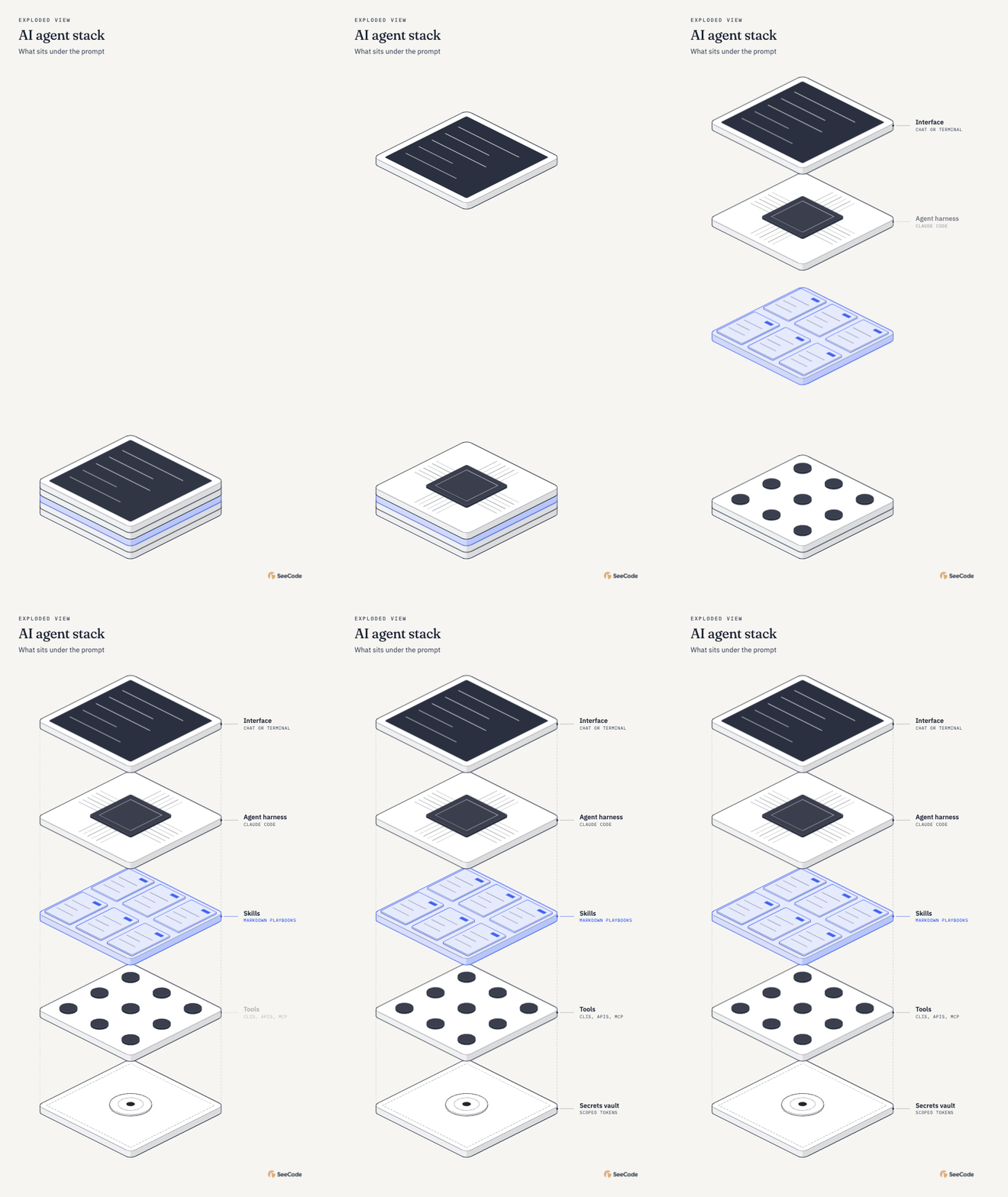
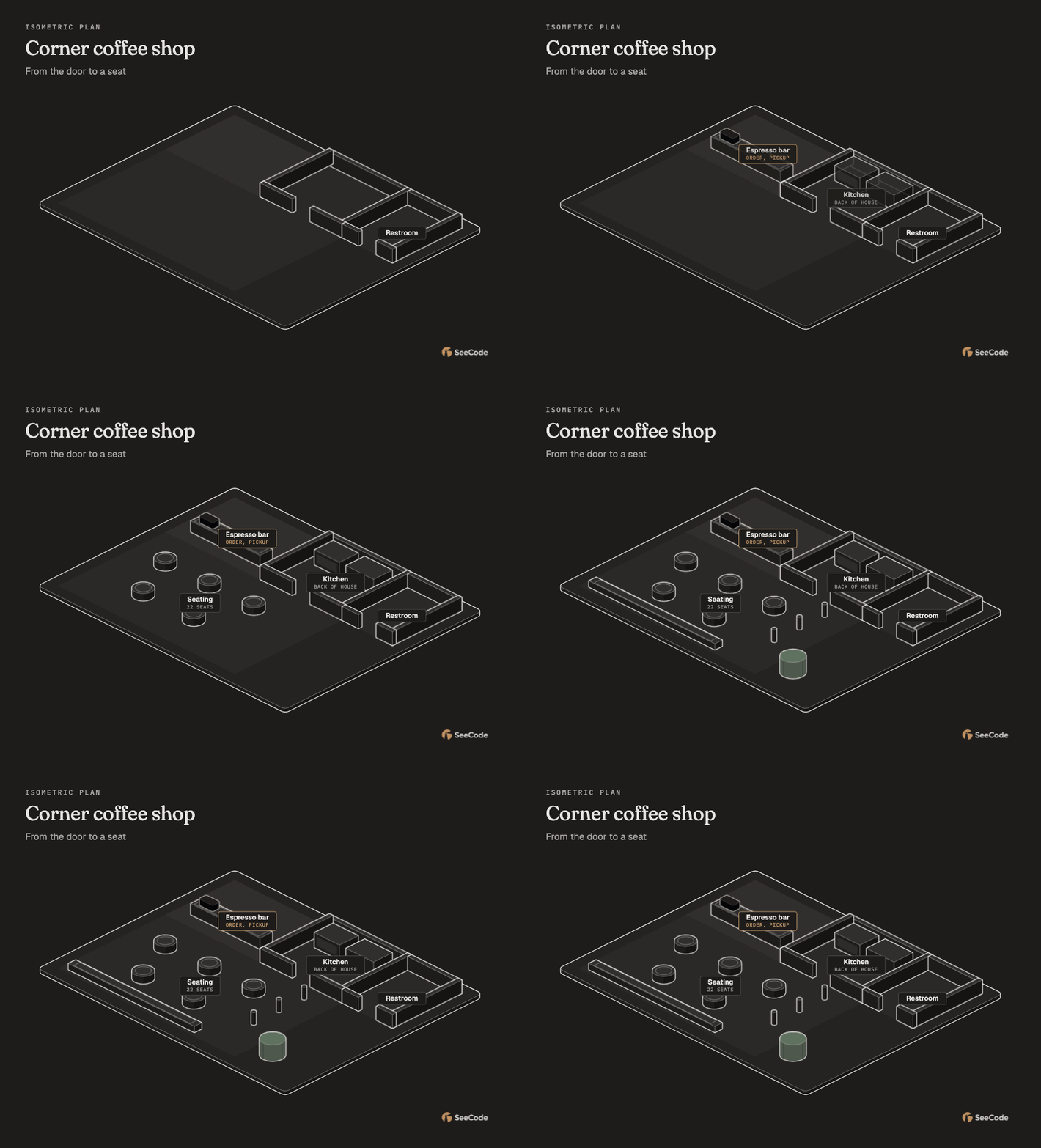
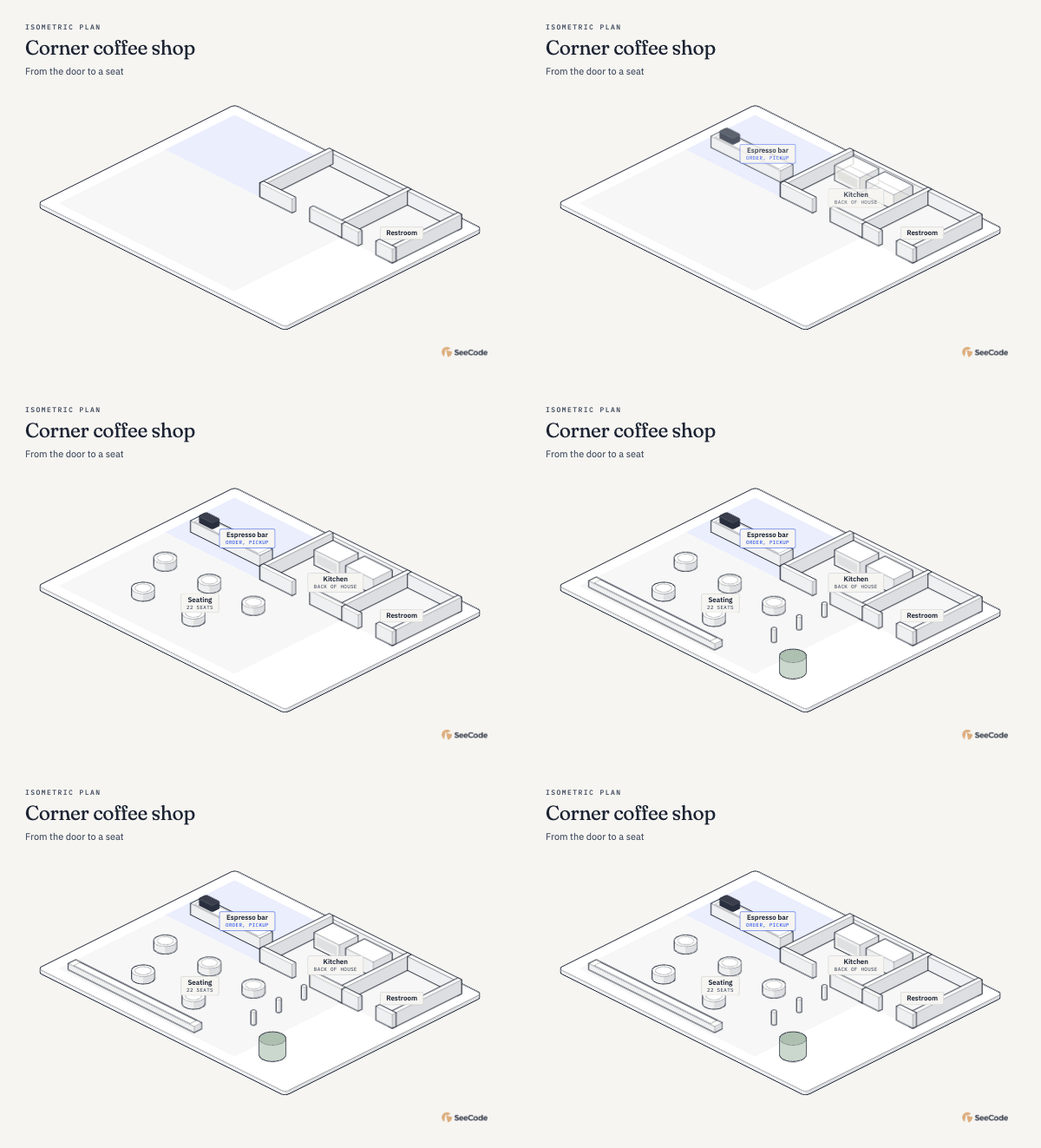
Your architecture, a launch plan, the story in your data.
Just tell your agent what you’re thinking.
SeeCode takes care of the picture.
Describe an idea, point to your code, or bring a diagram you already have.
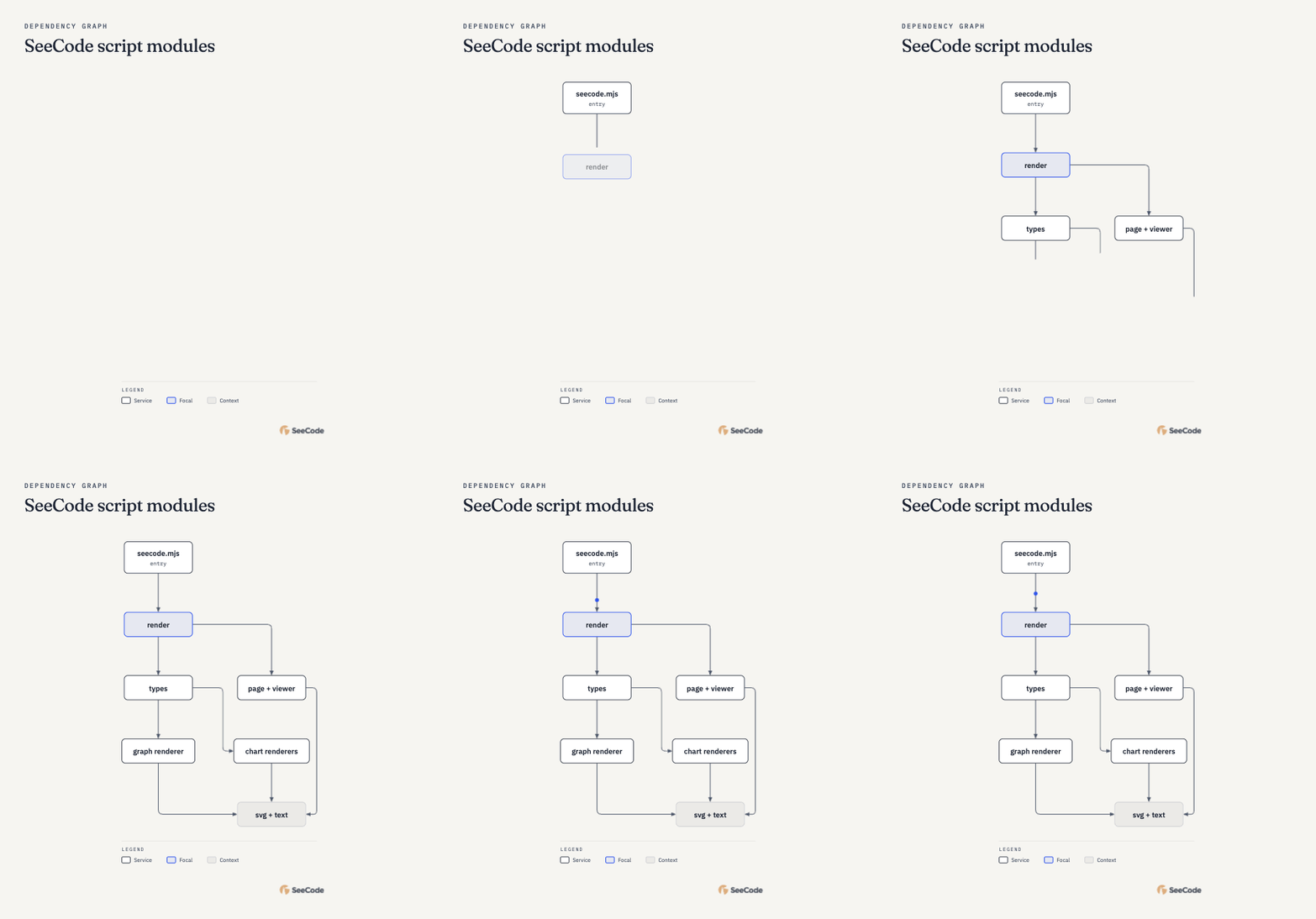
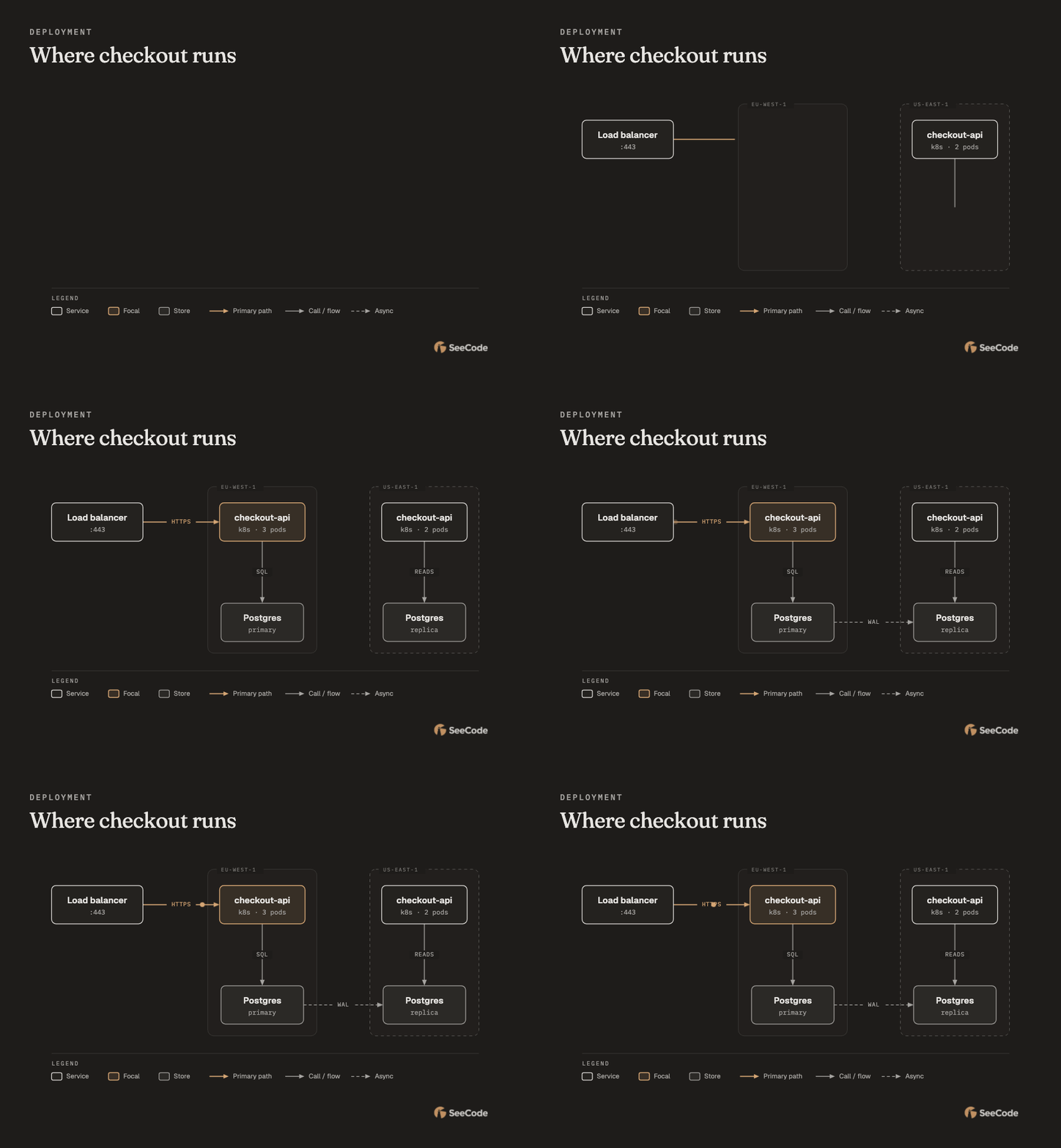
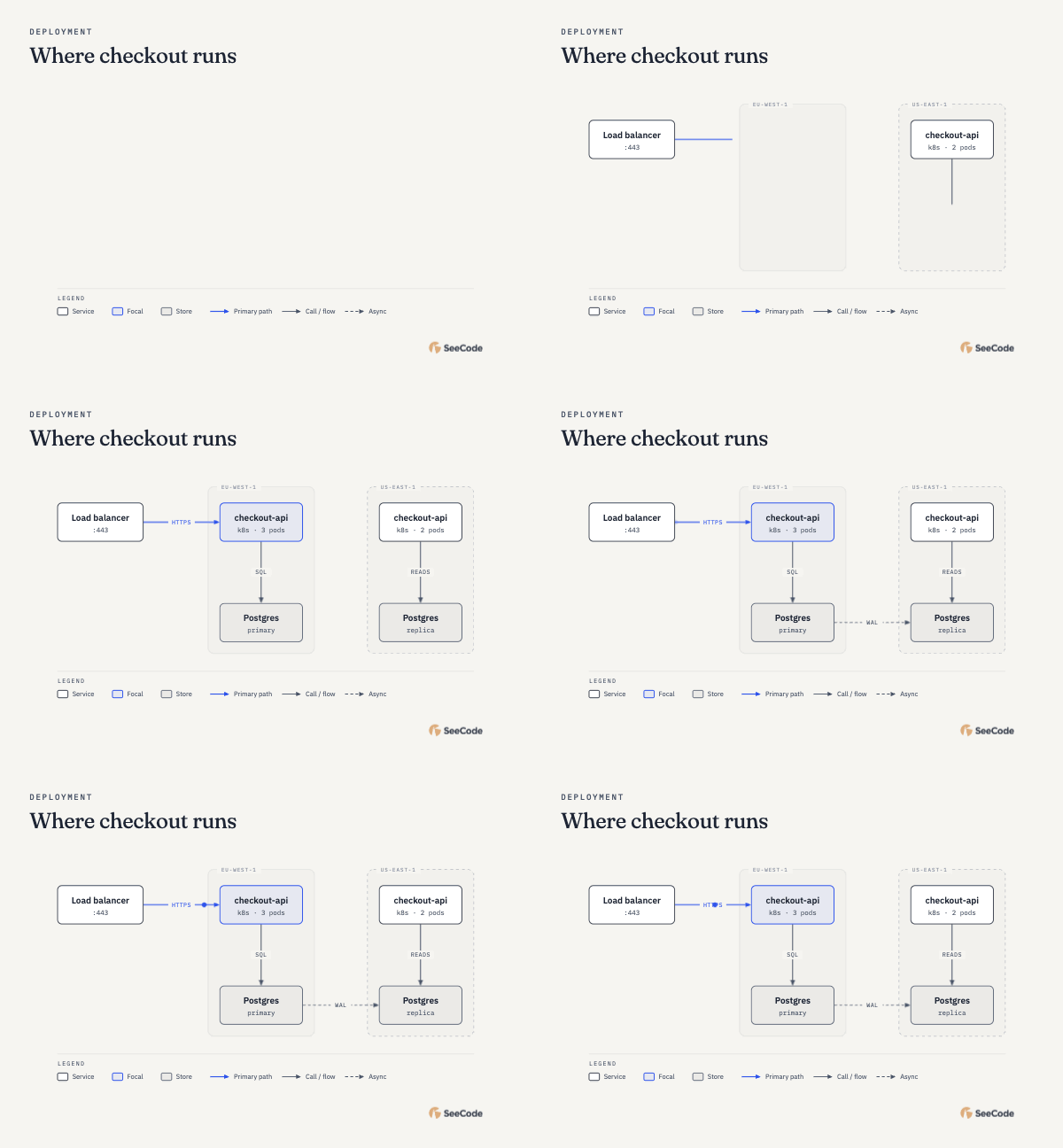
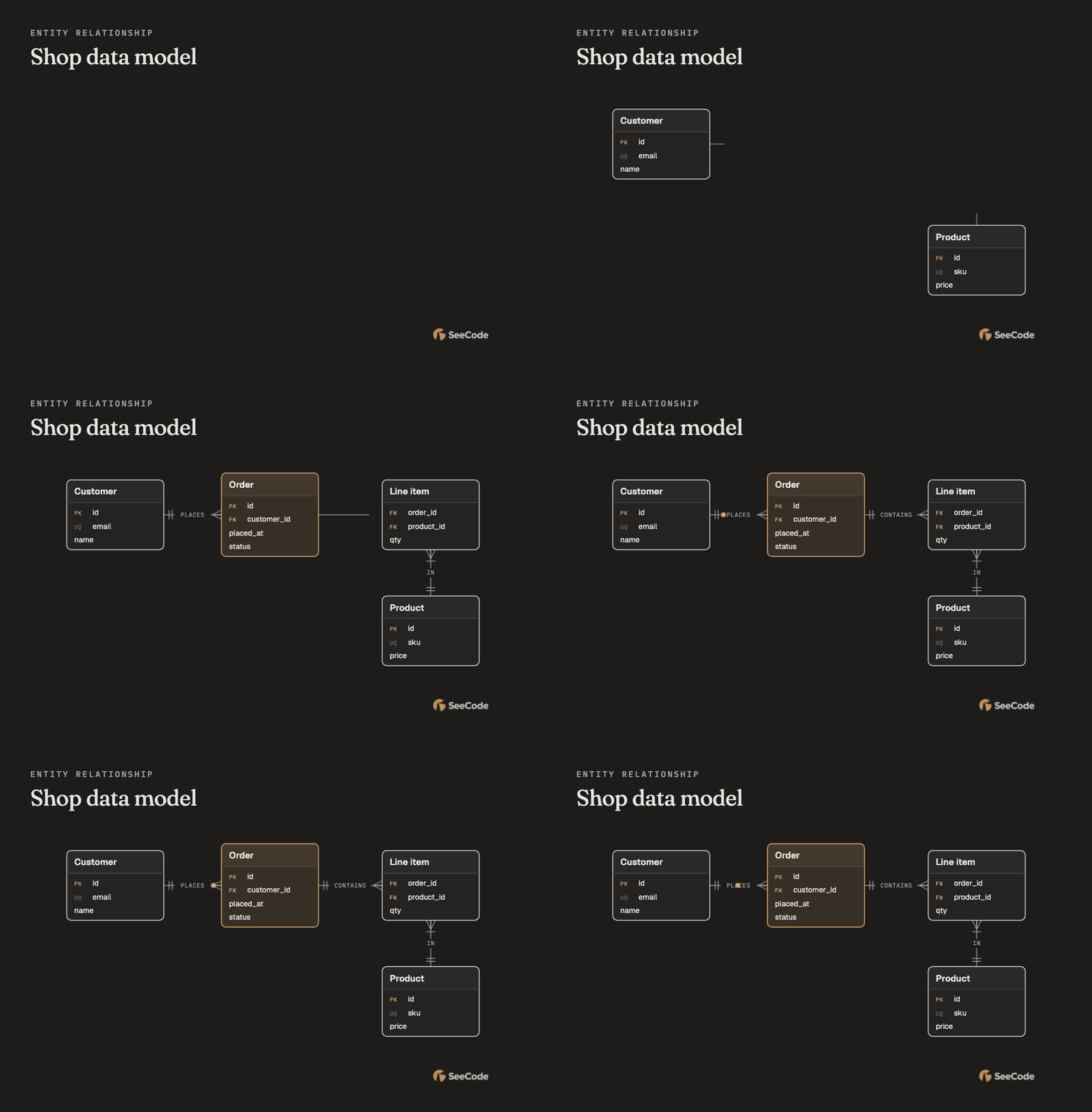
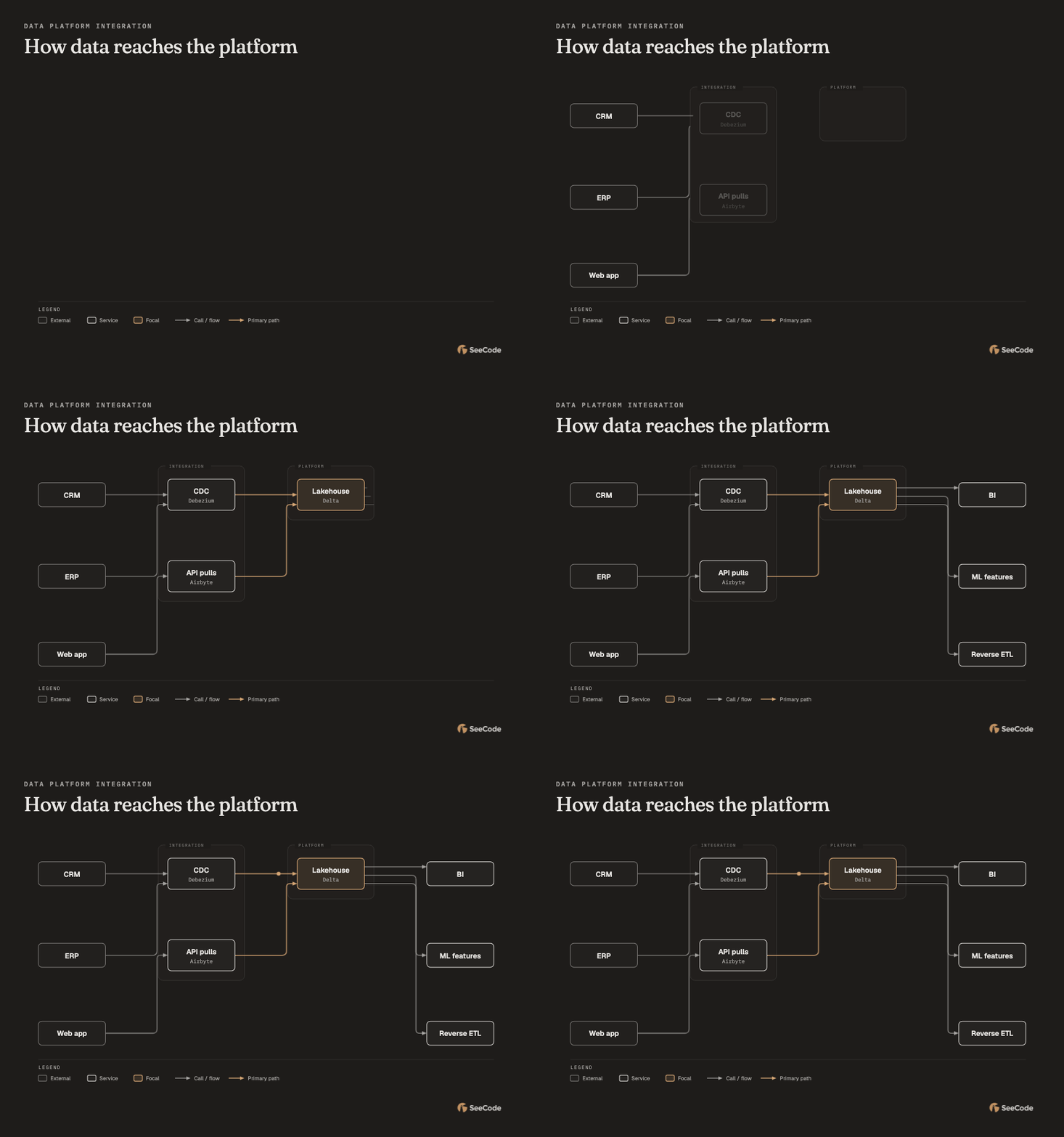
Use SeeCode to showYour agent creates an animated diagram. Hover, focus, and follow every connection.
Keep the interactive HTML, or export a crisp image or animation for your next big explanation.
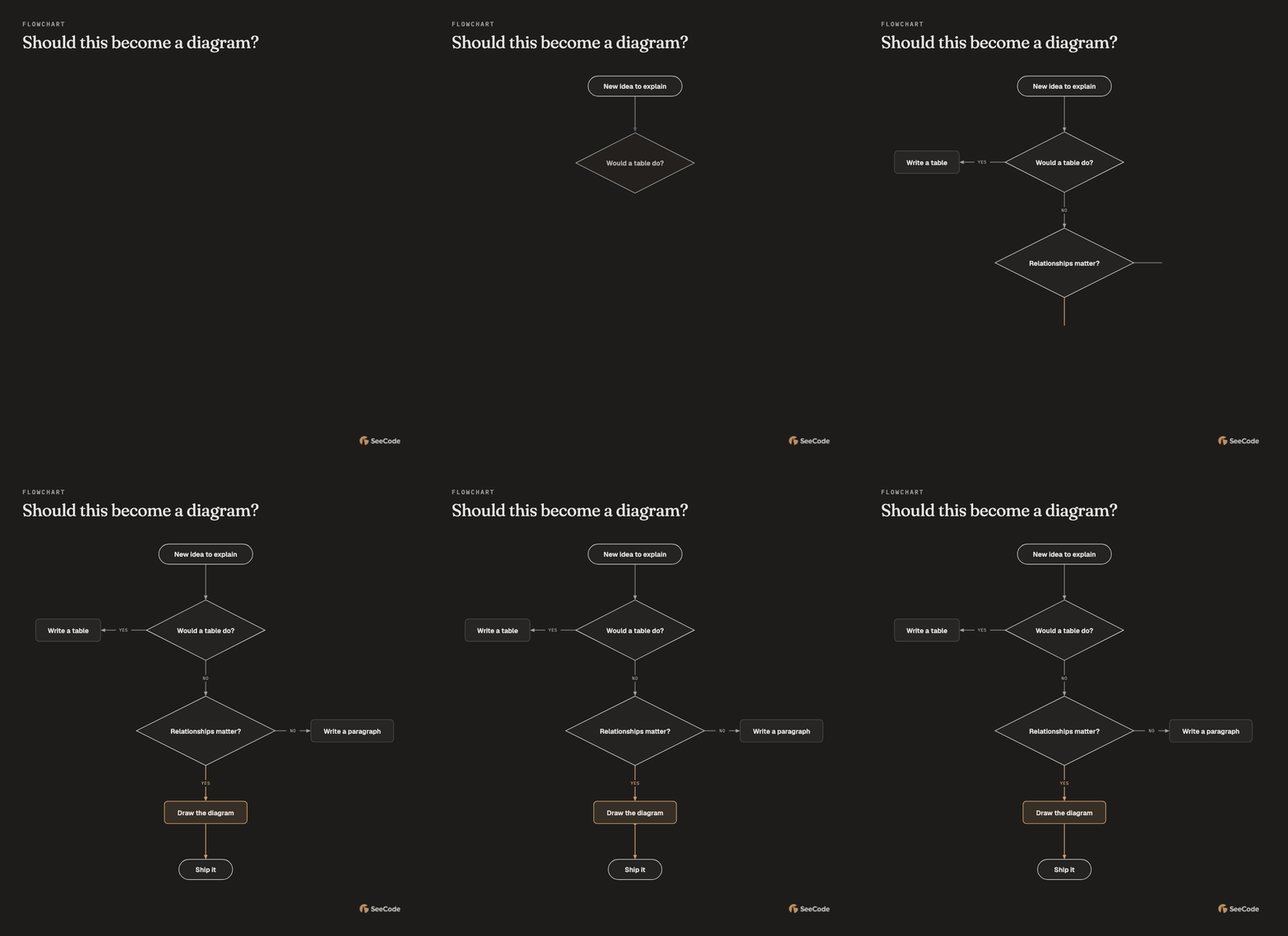
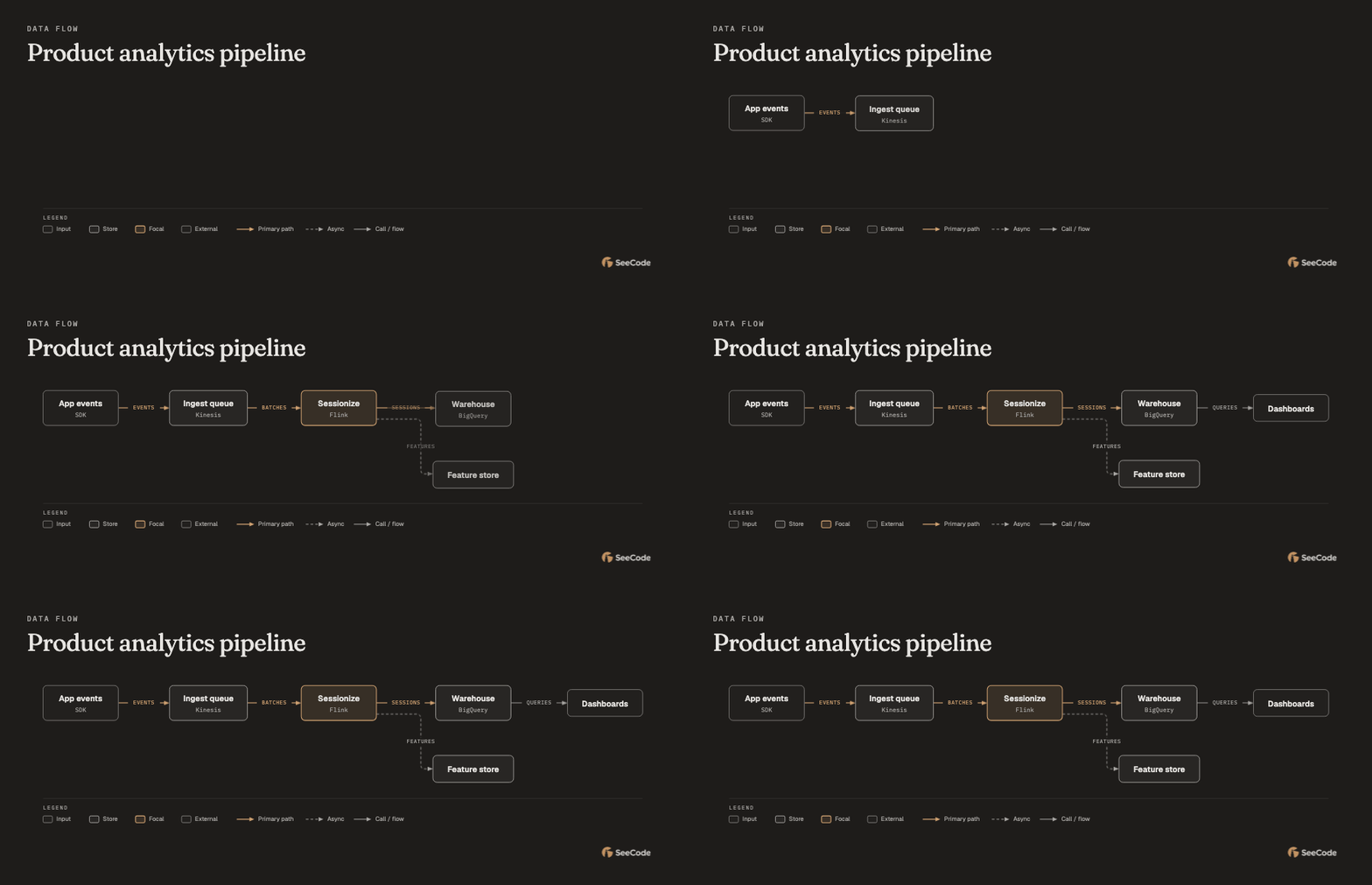
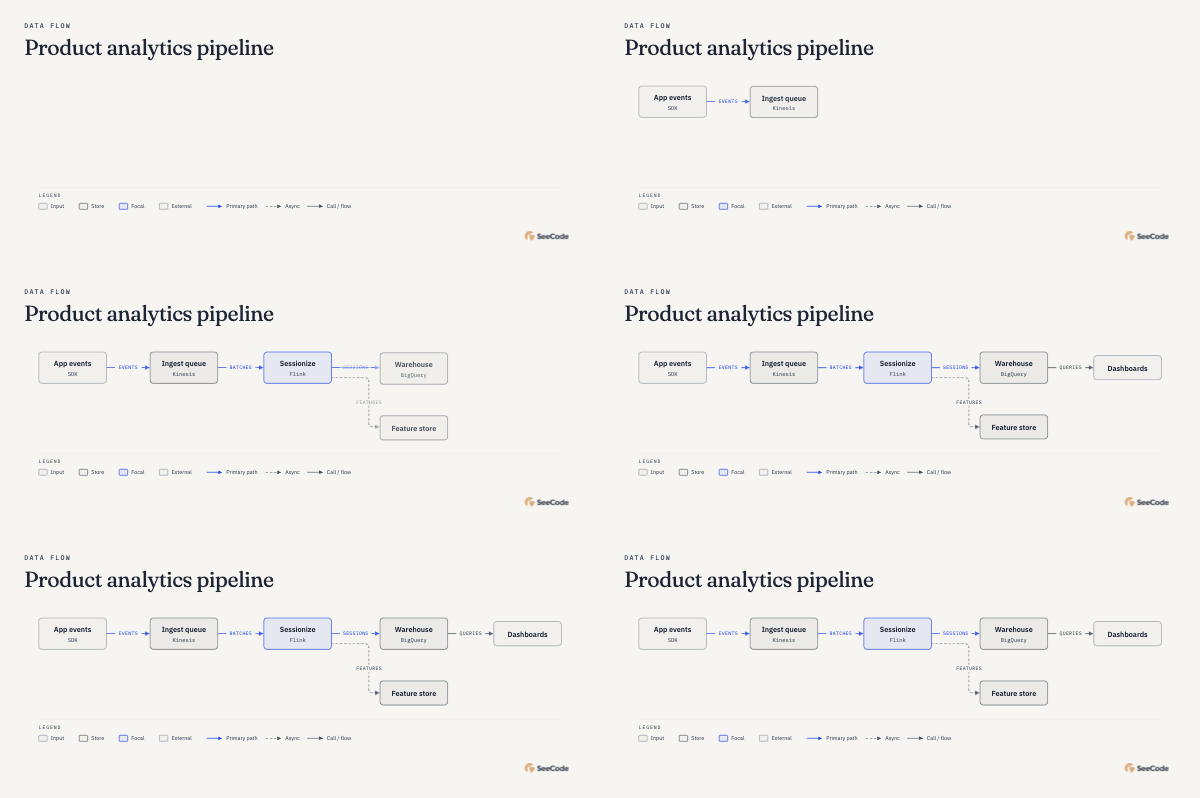
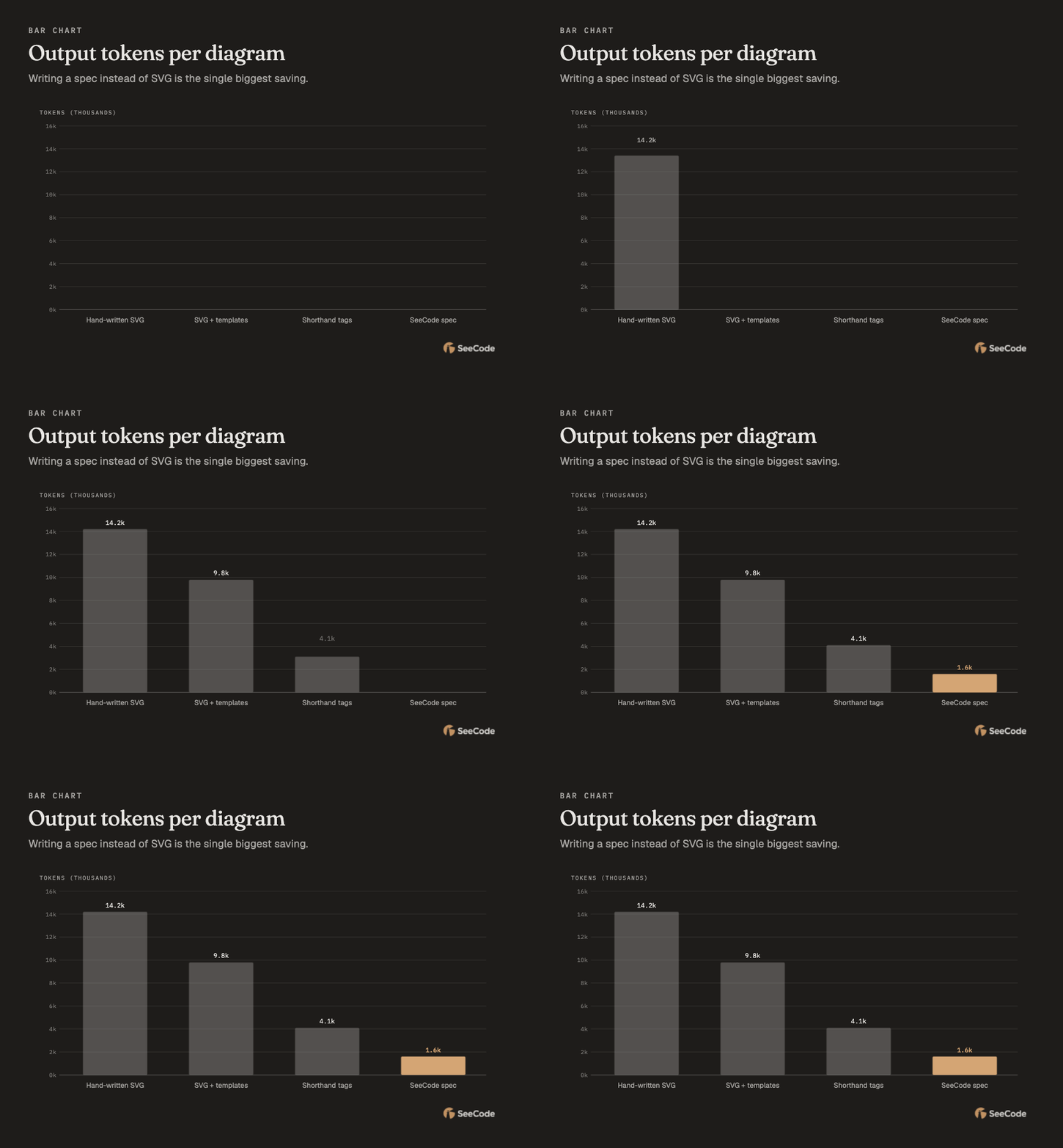
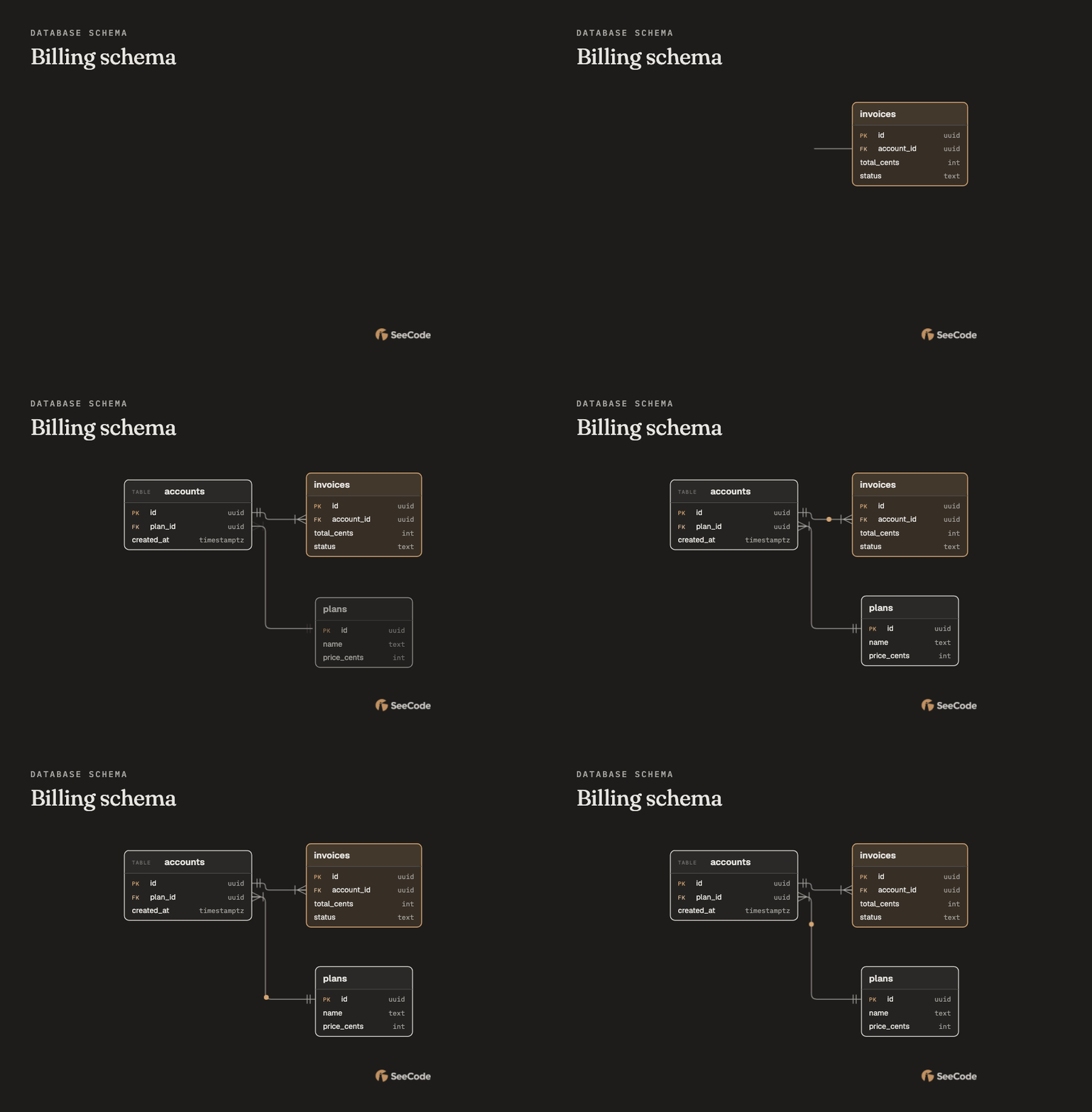
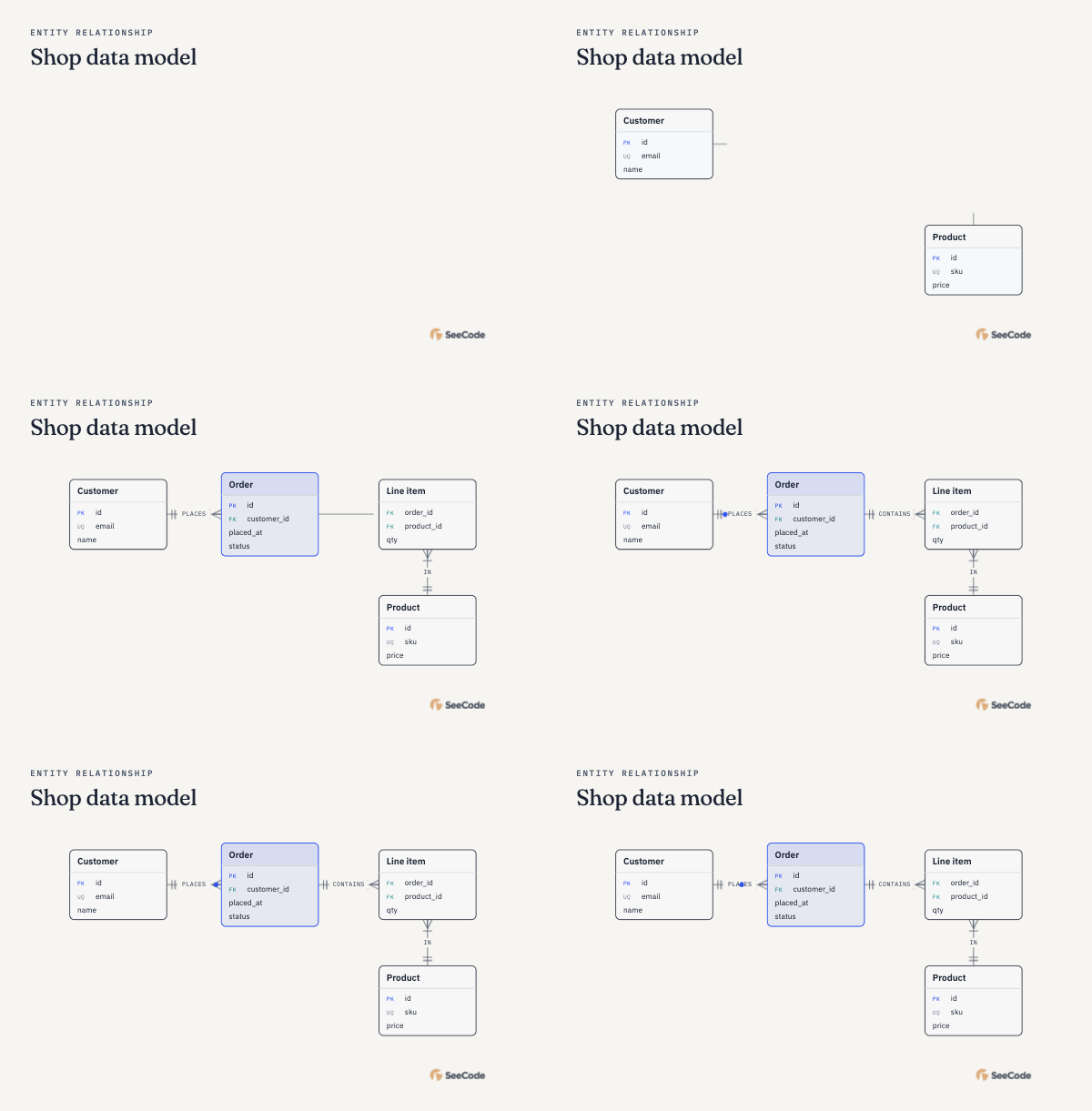
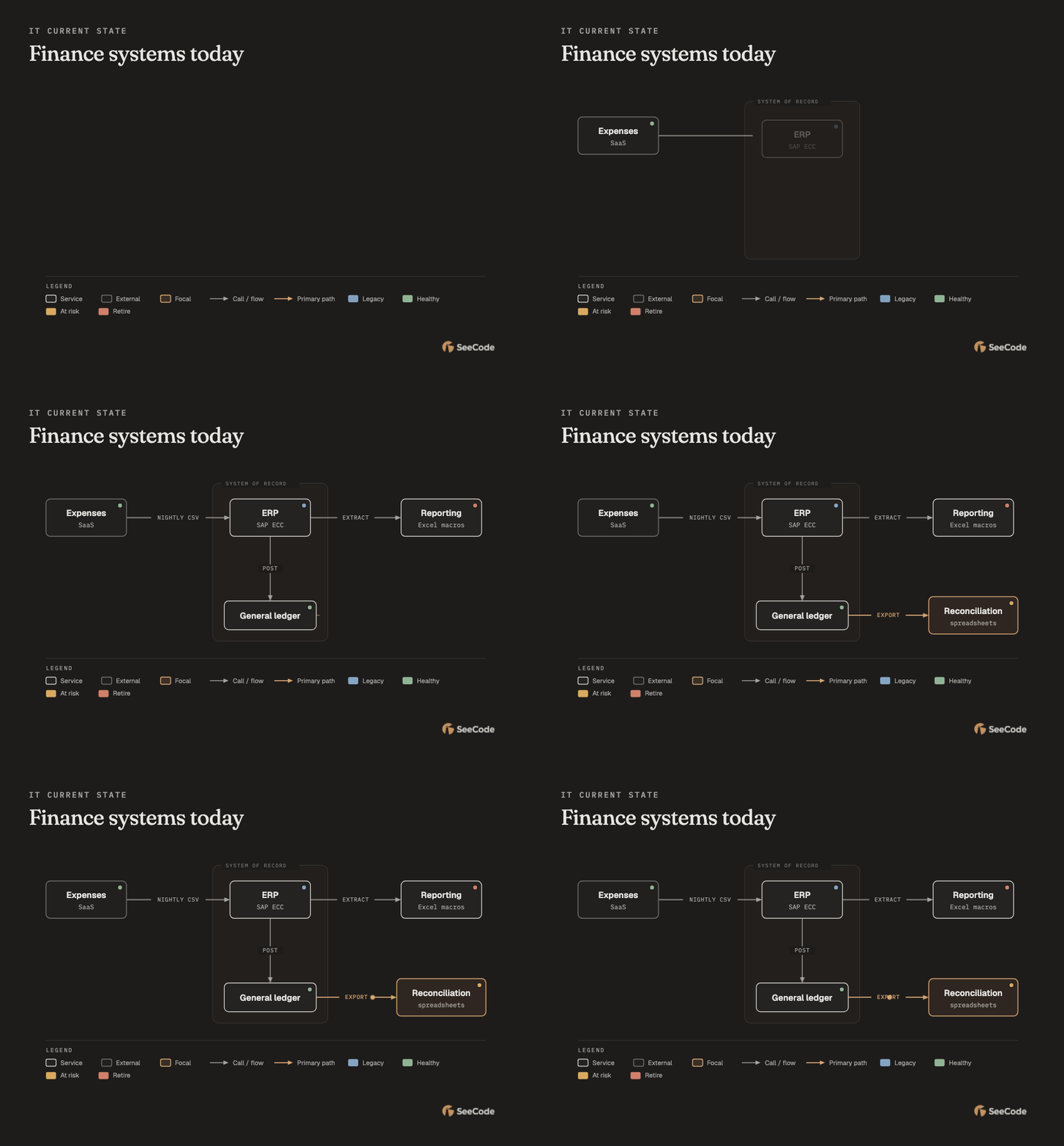
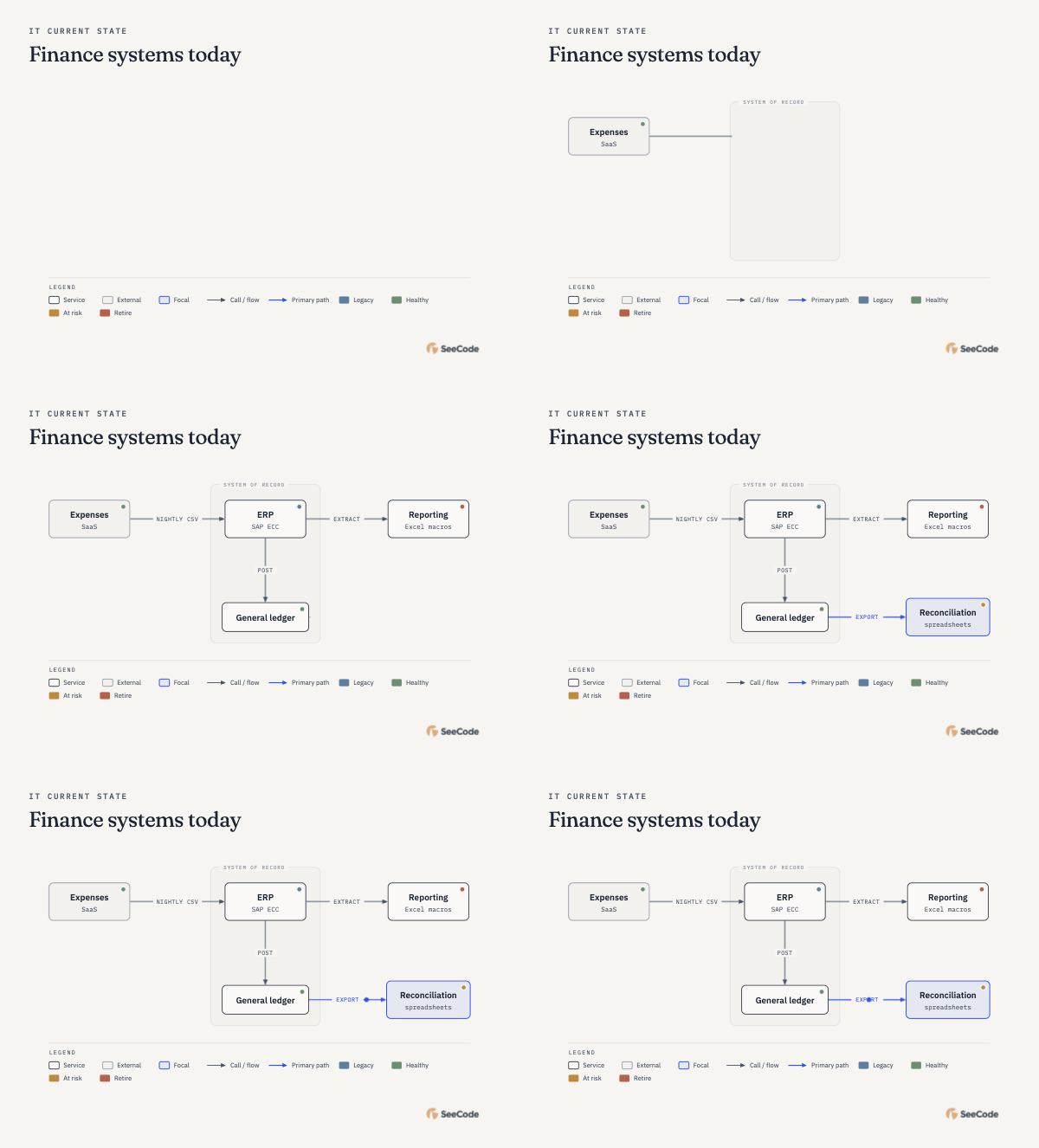
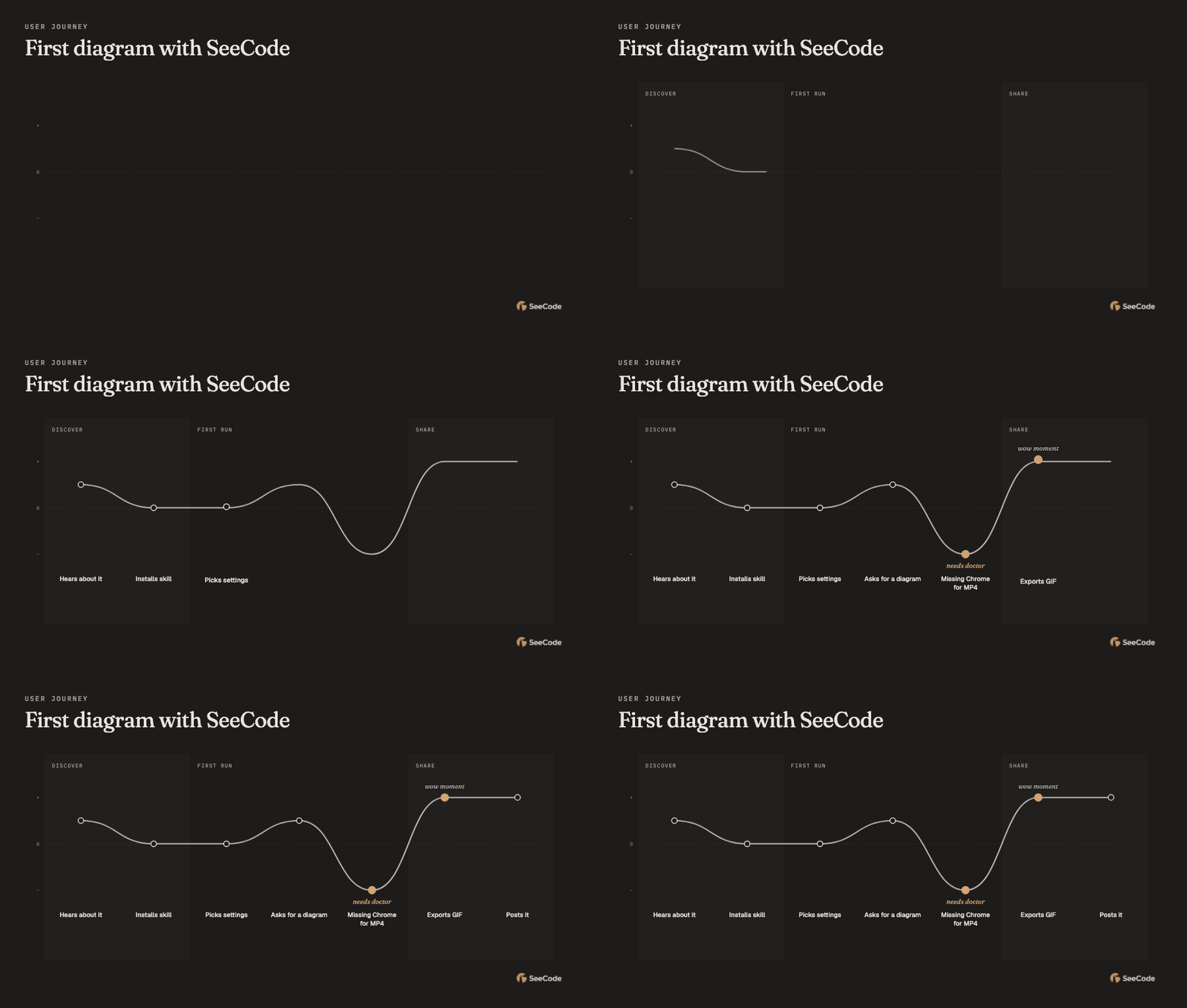
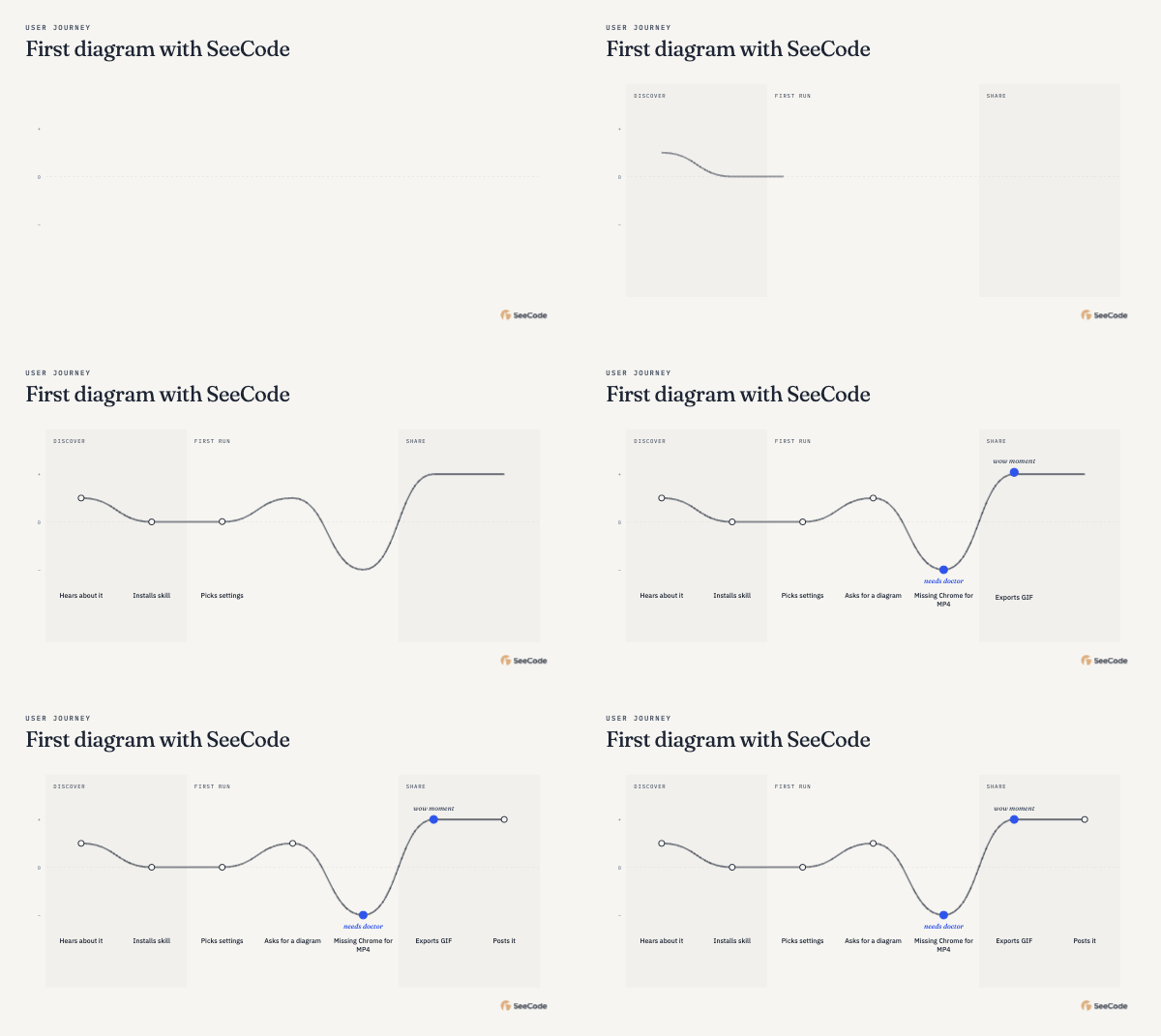
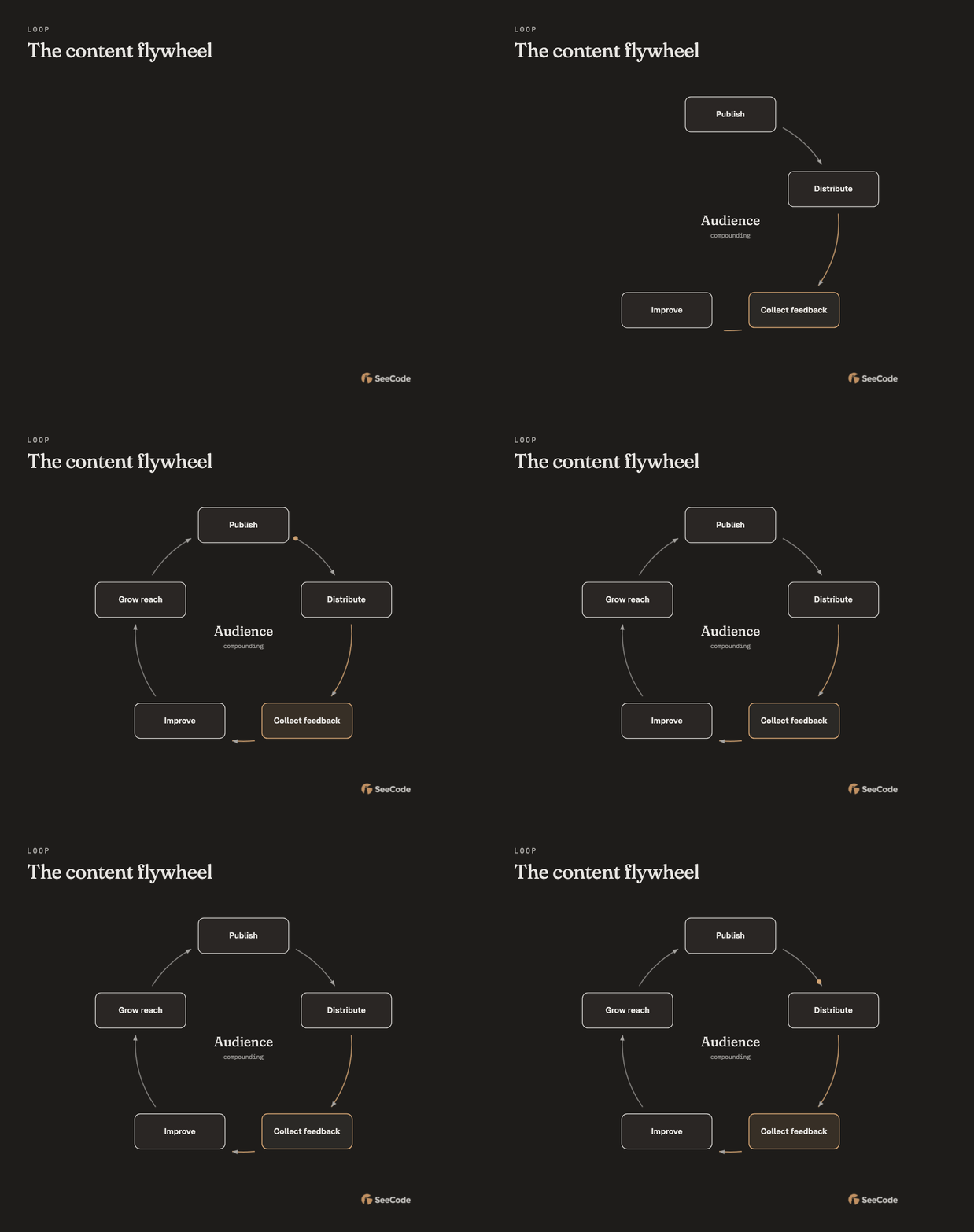
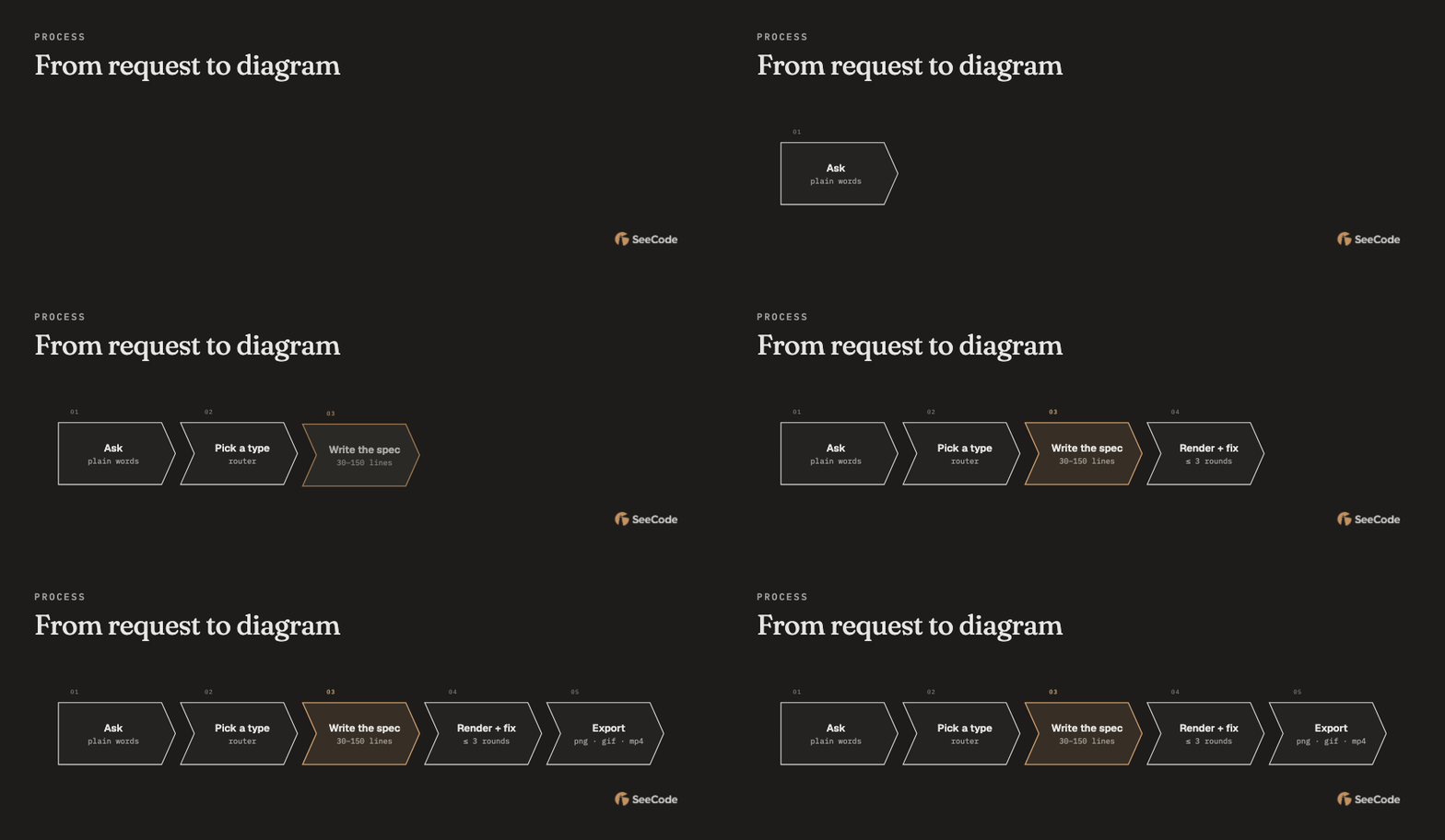
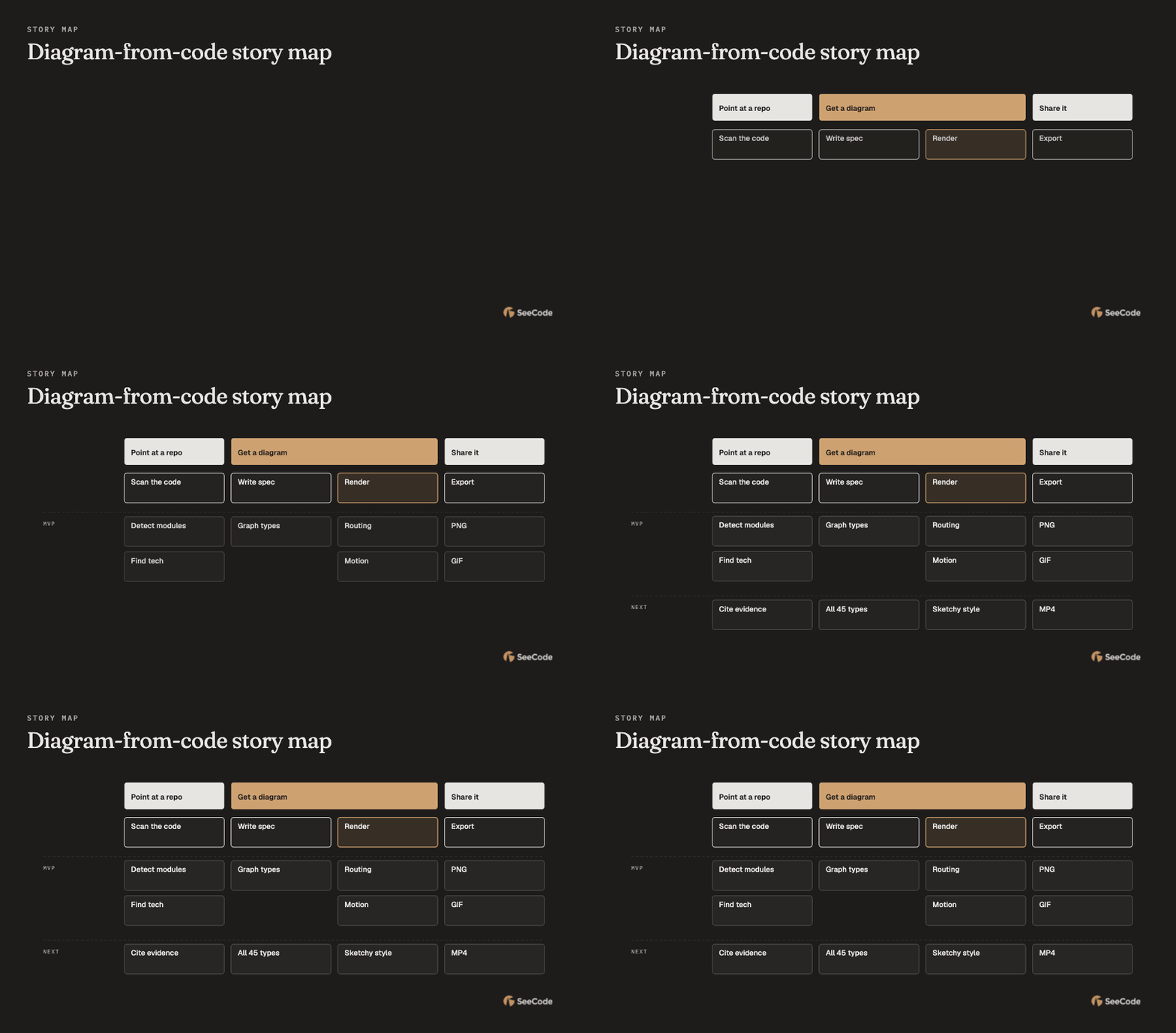
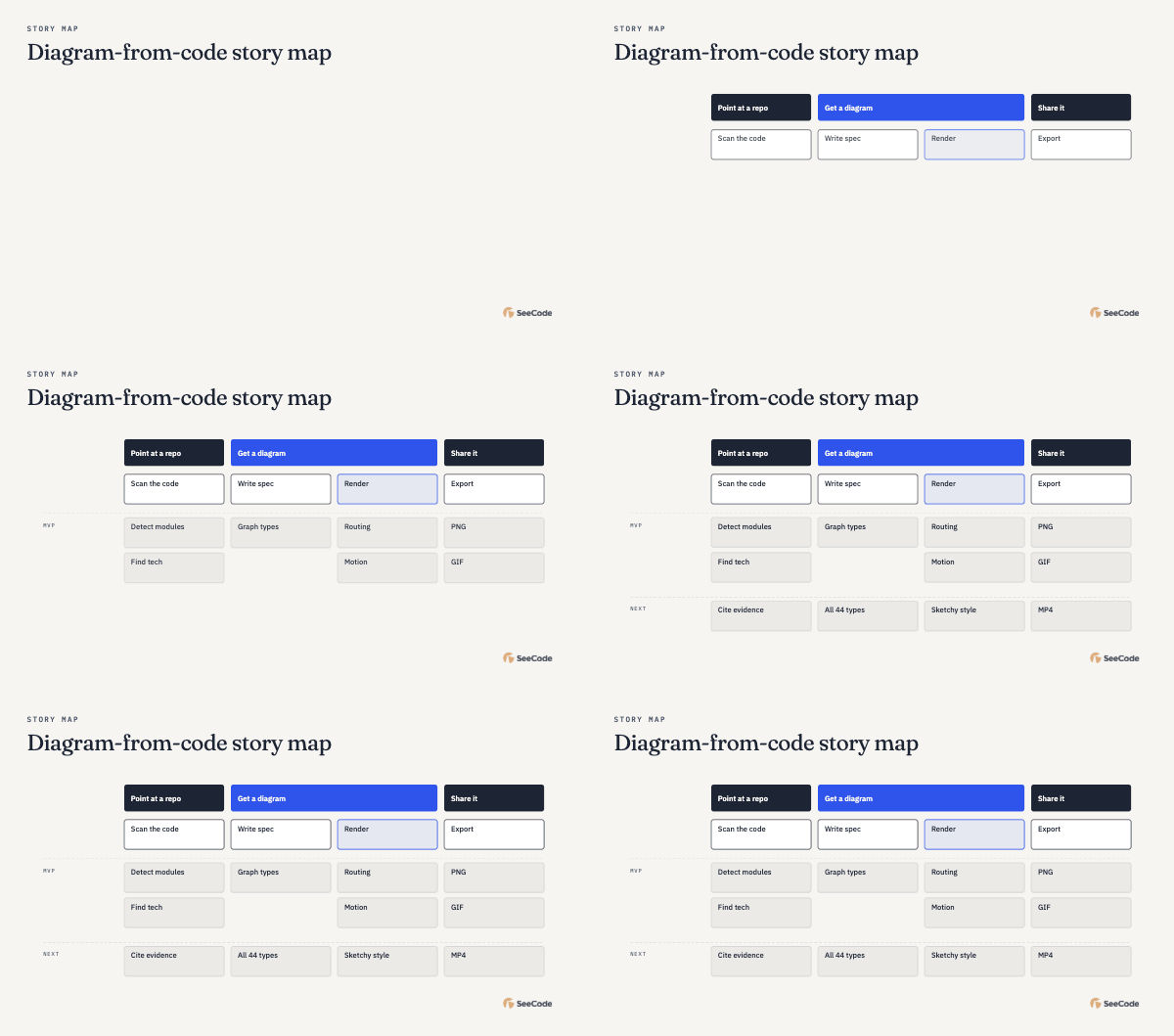
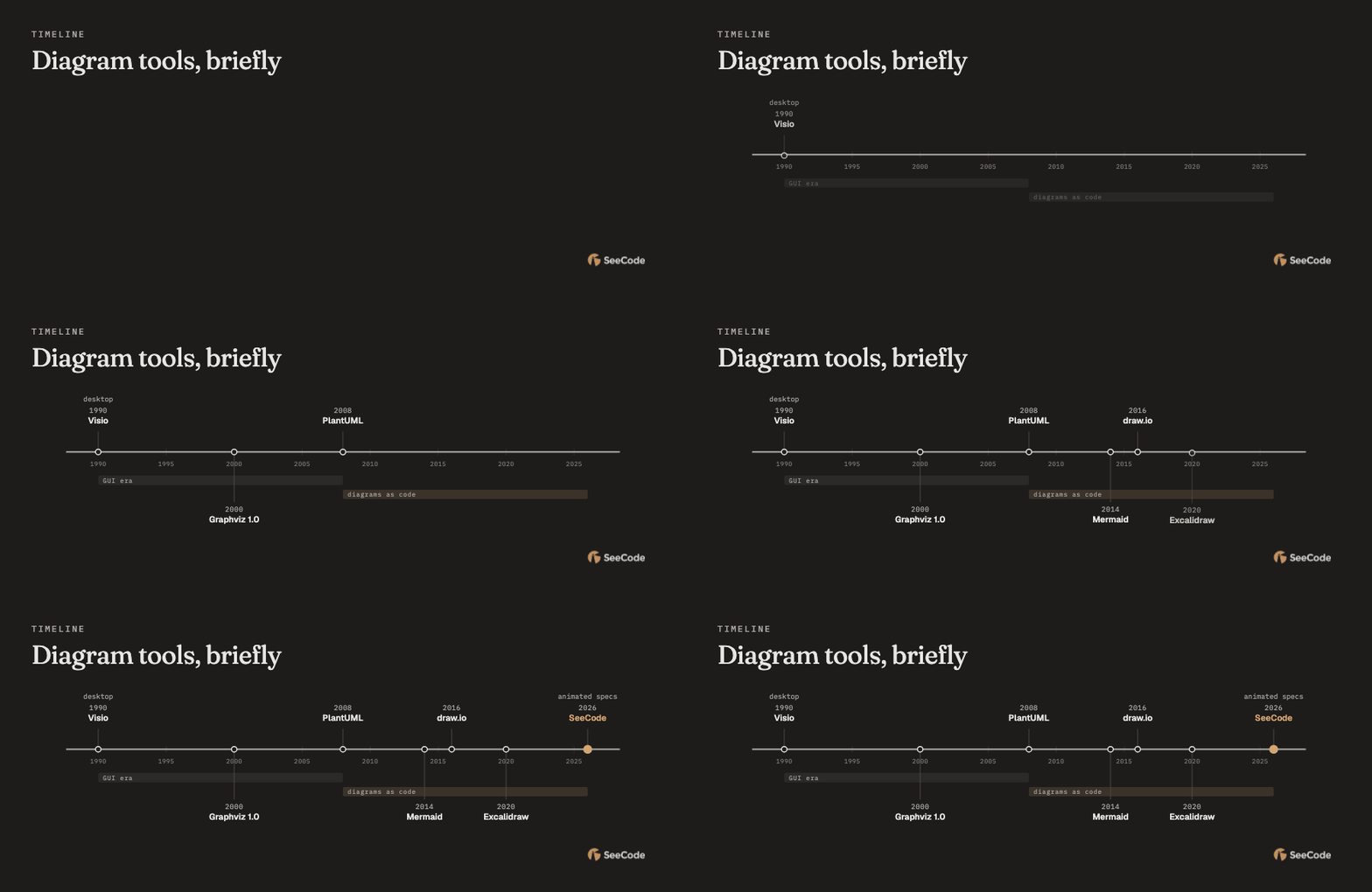
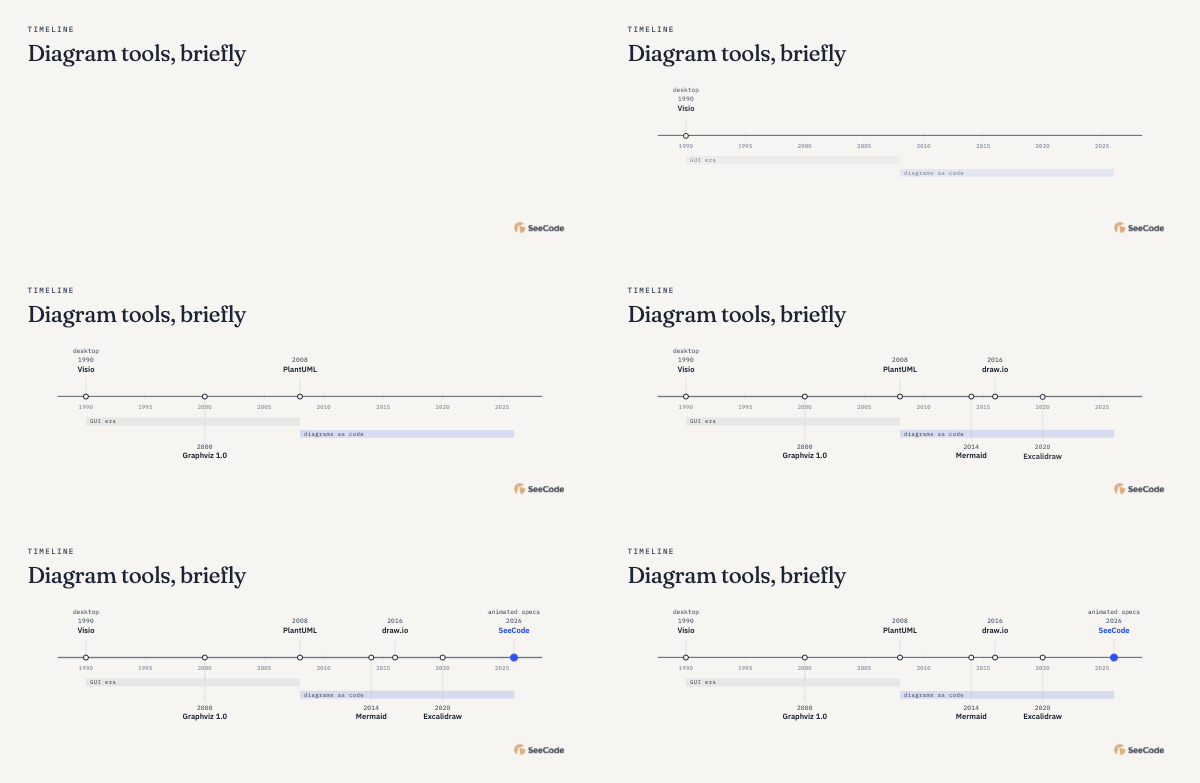
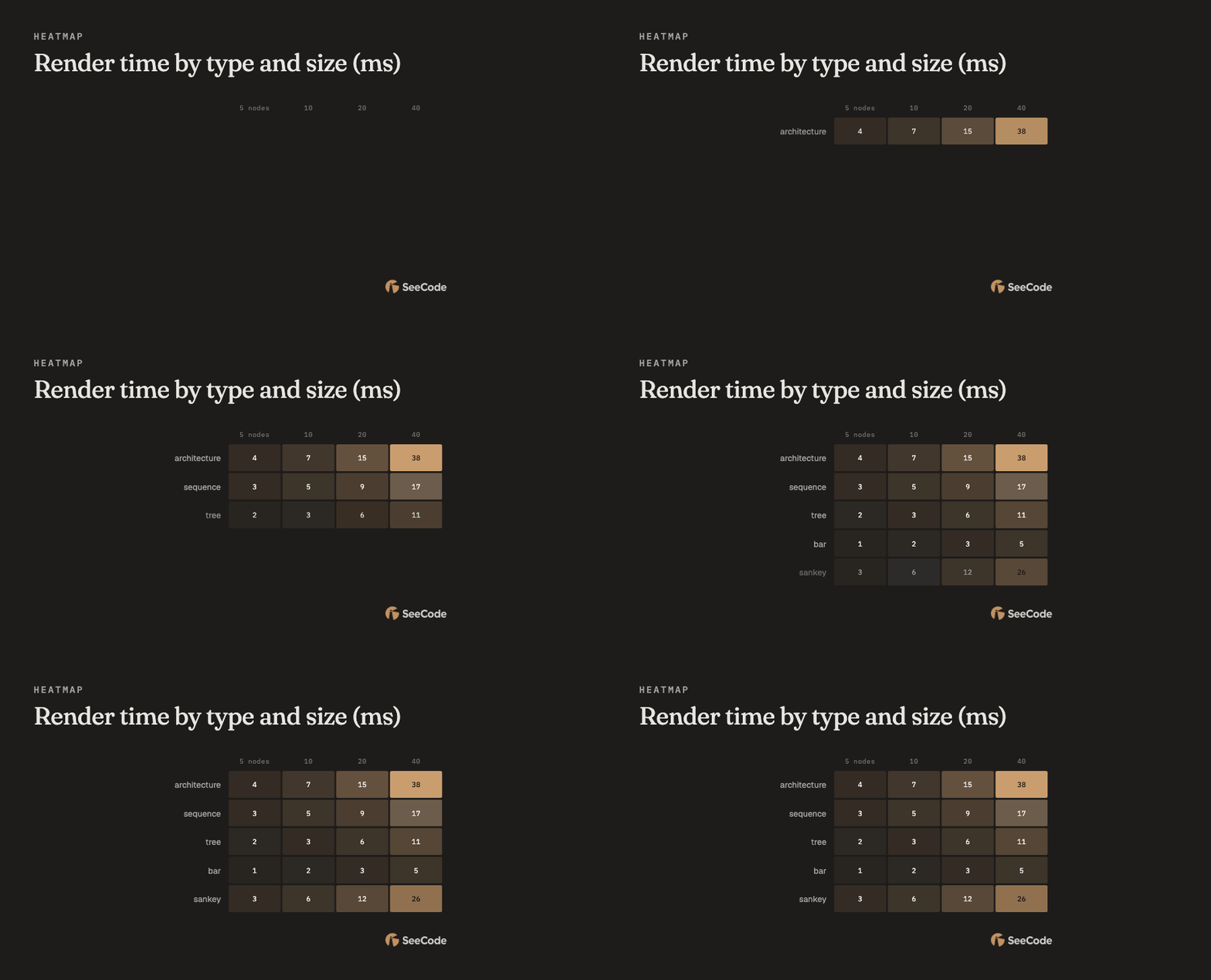
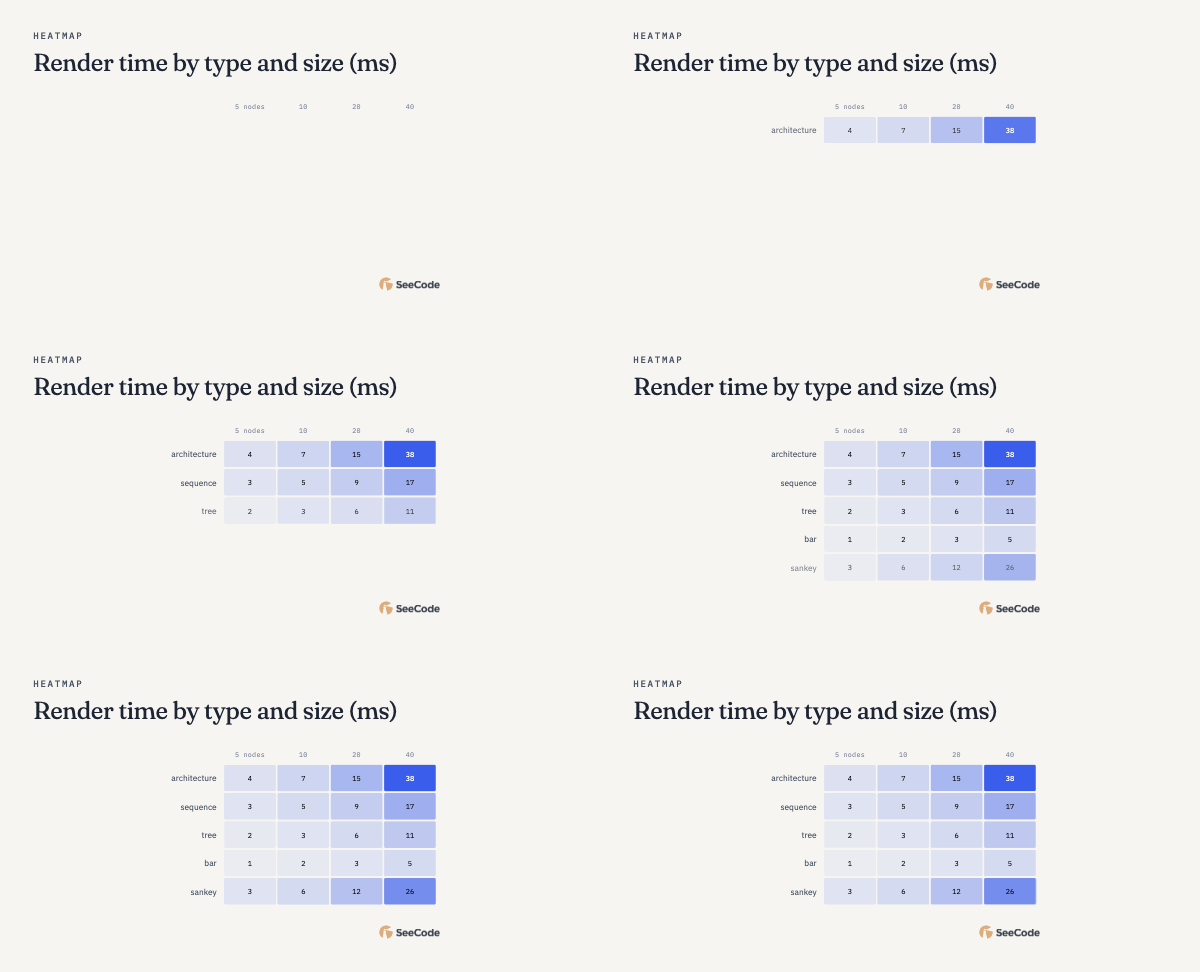
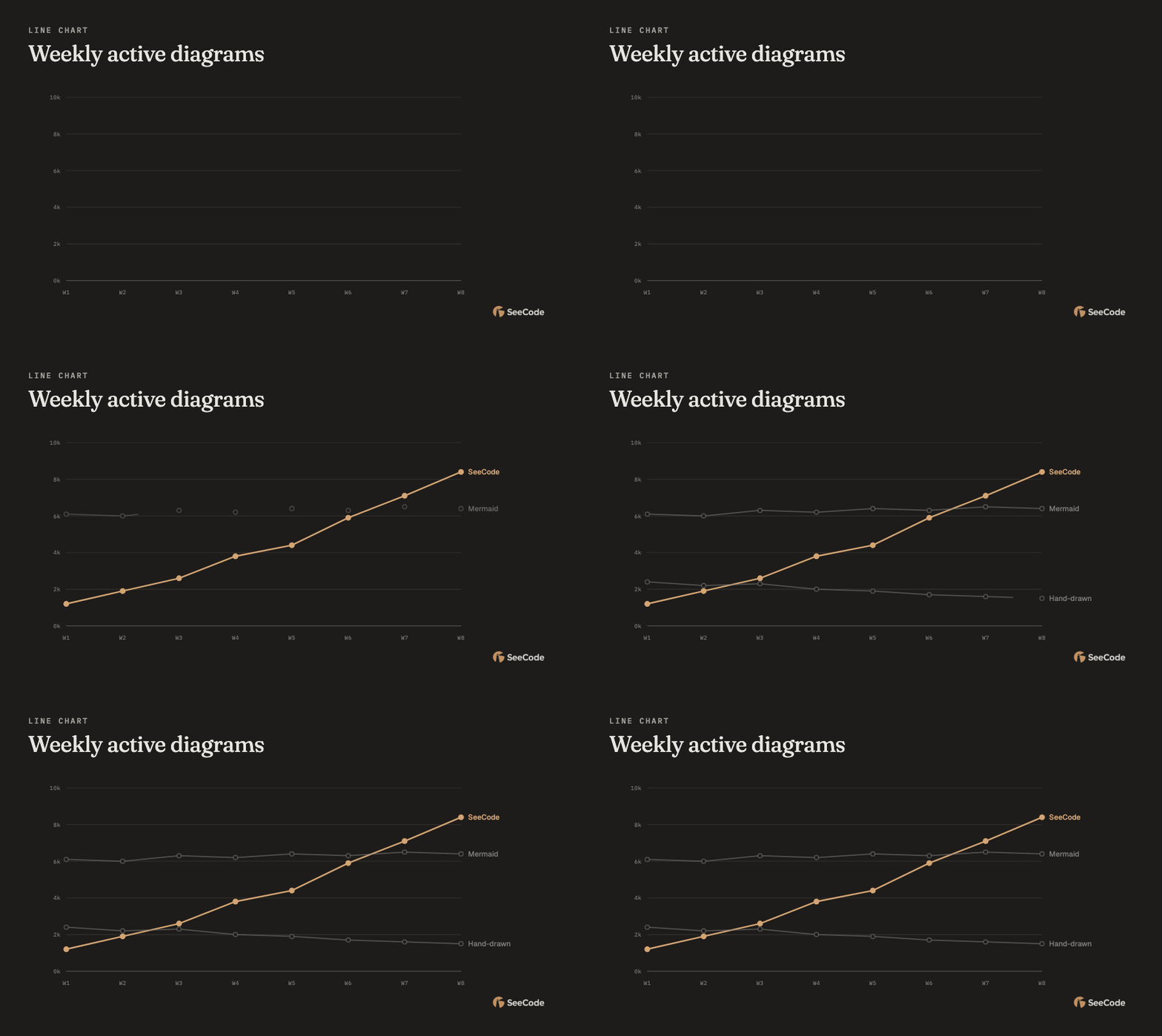
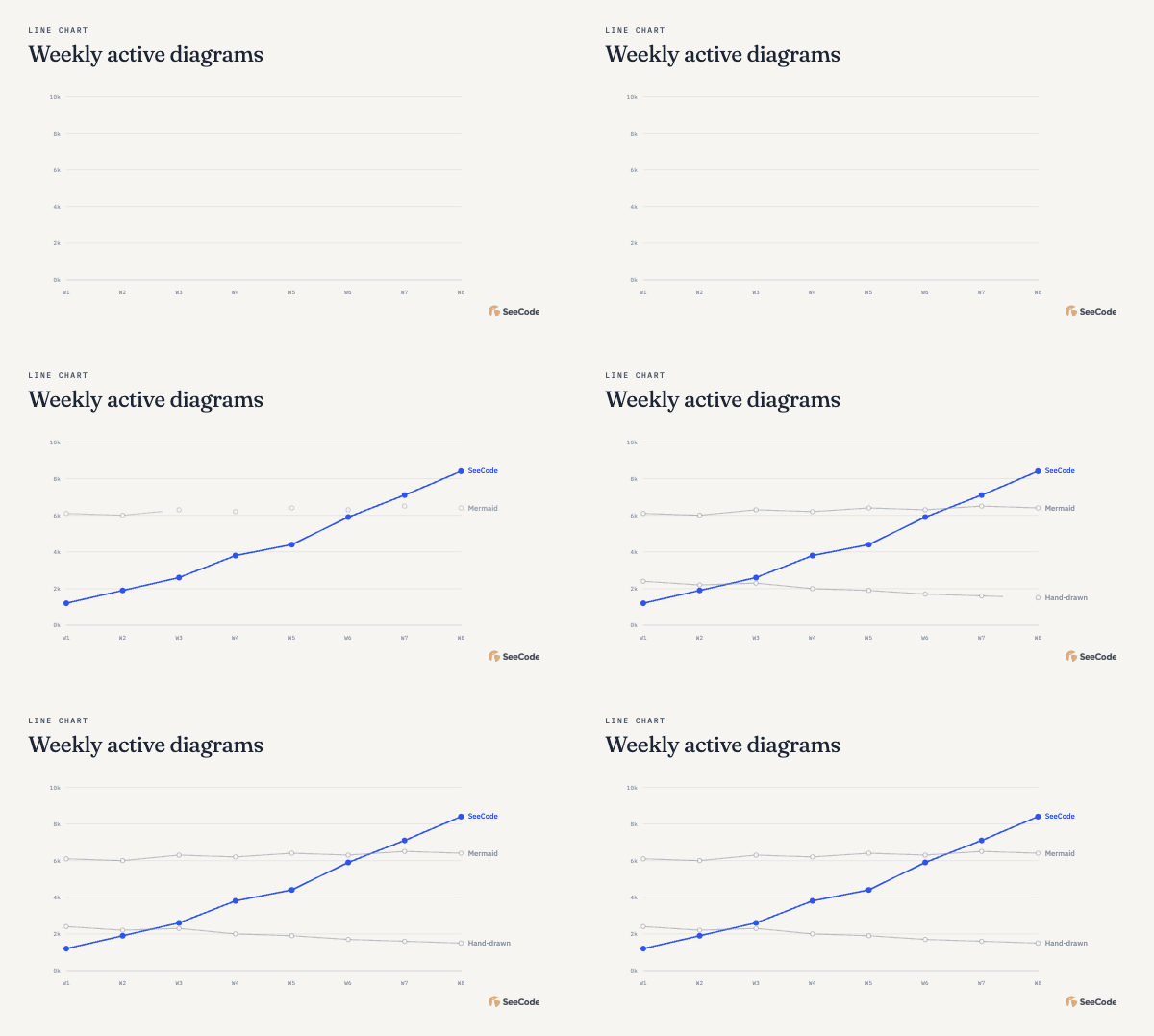
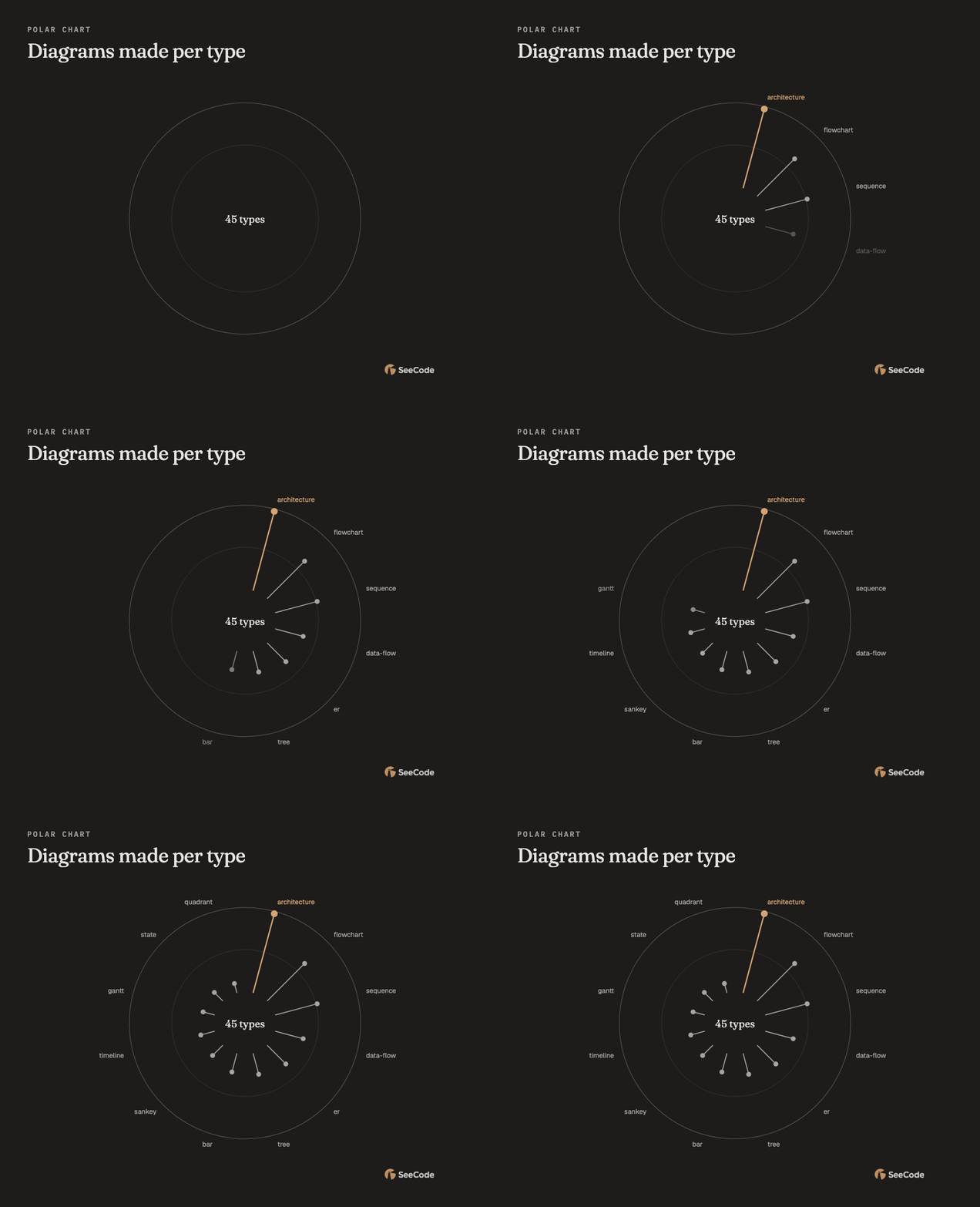
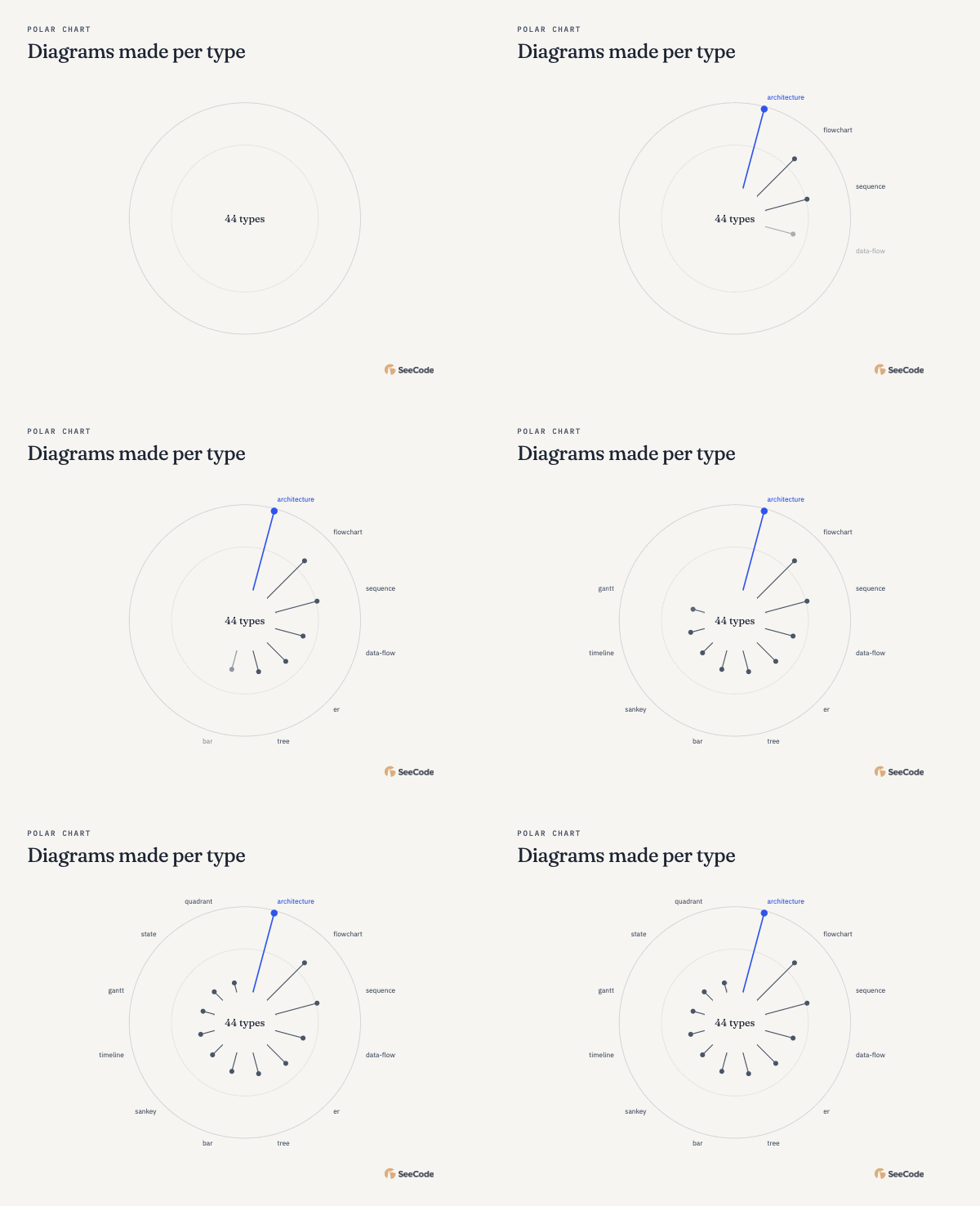
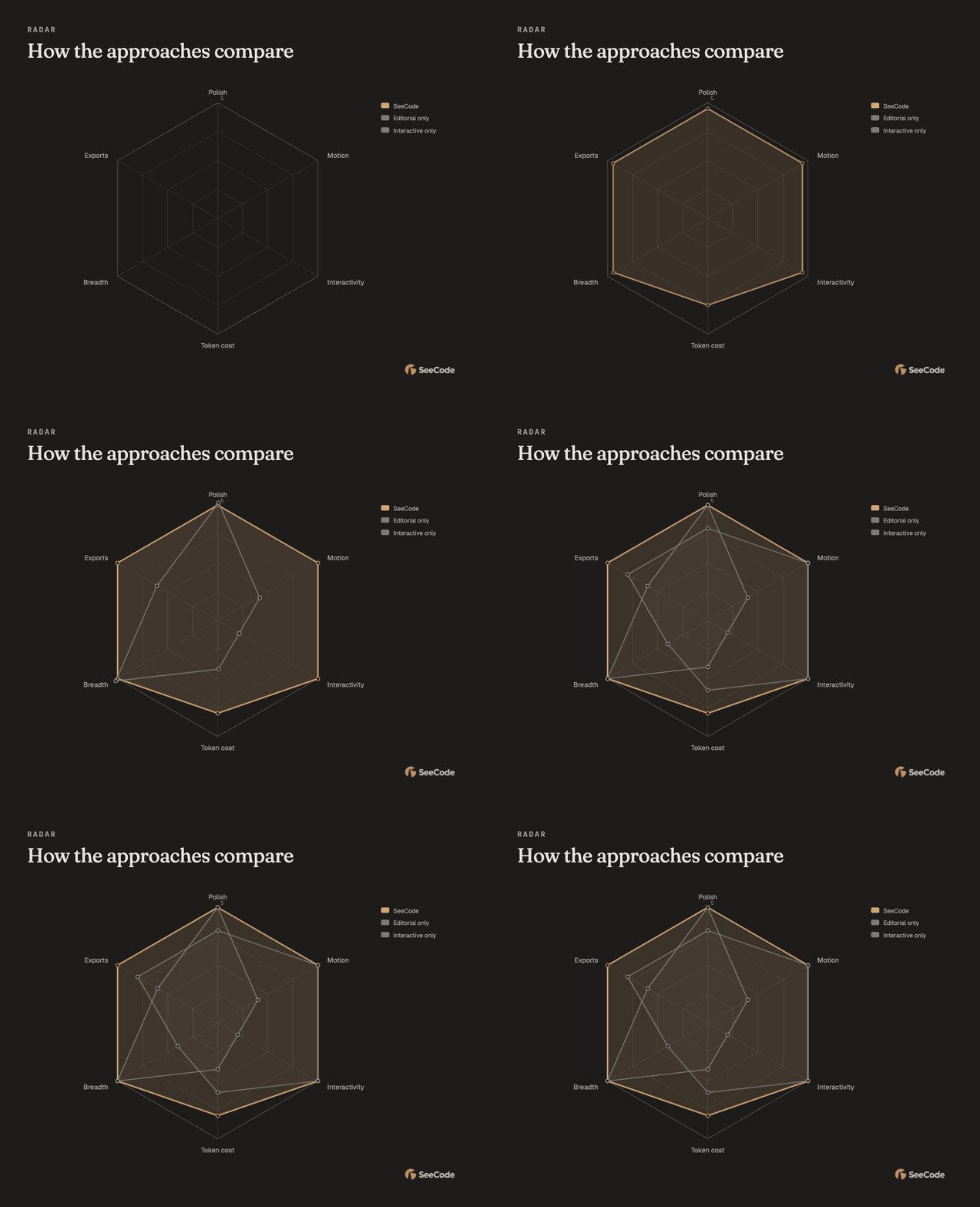
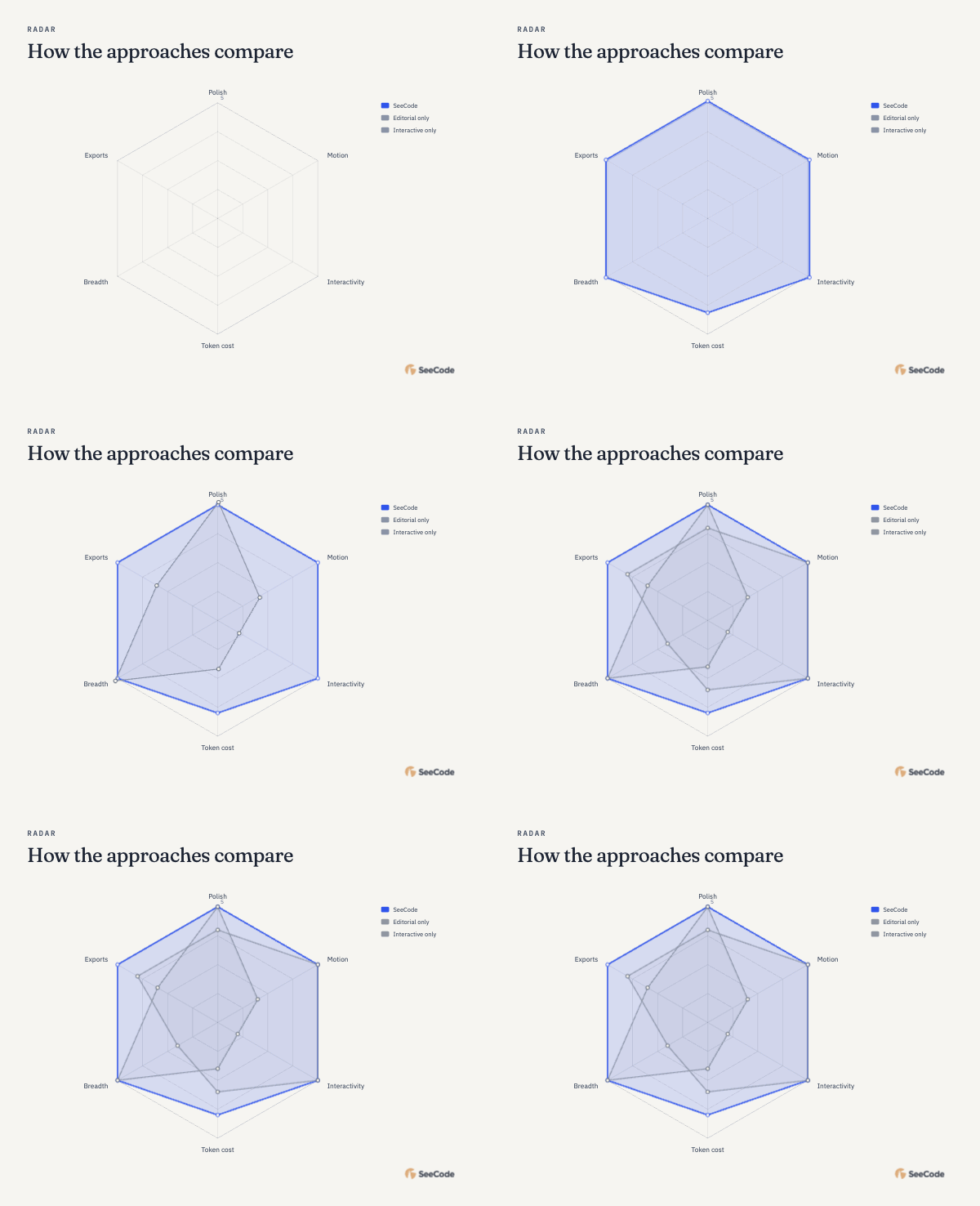
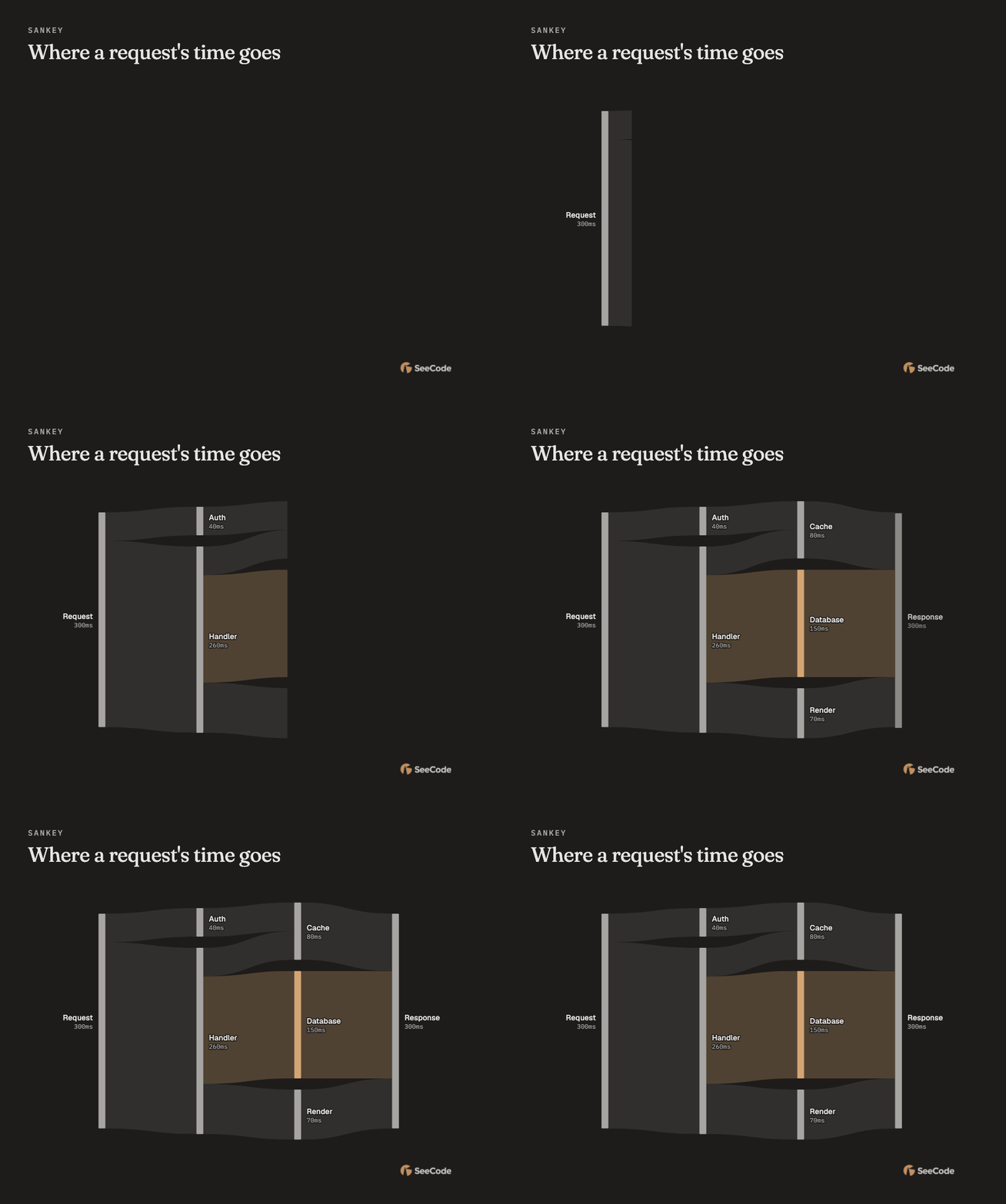
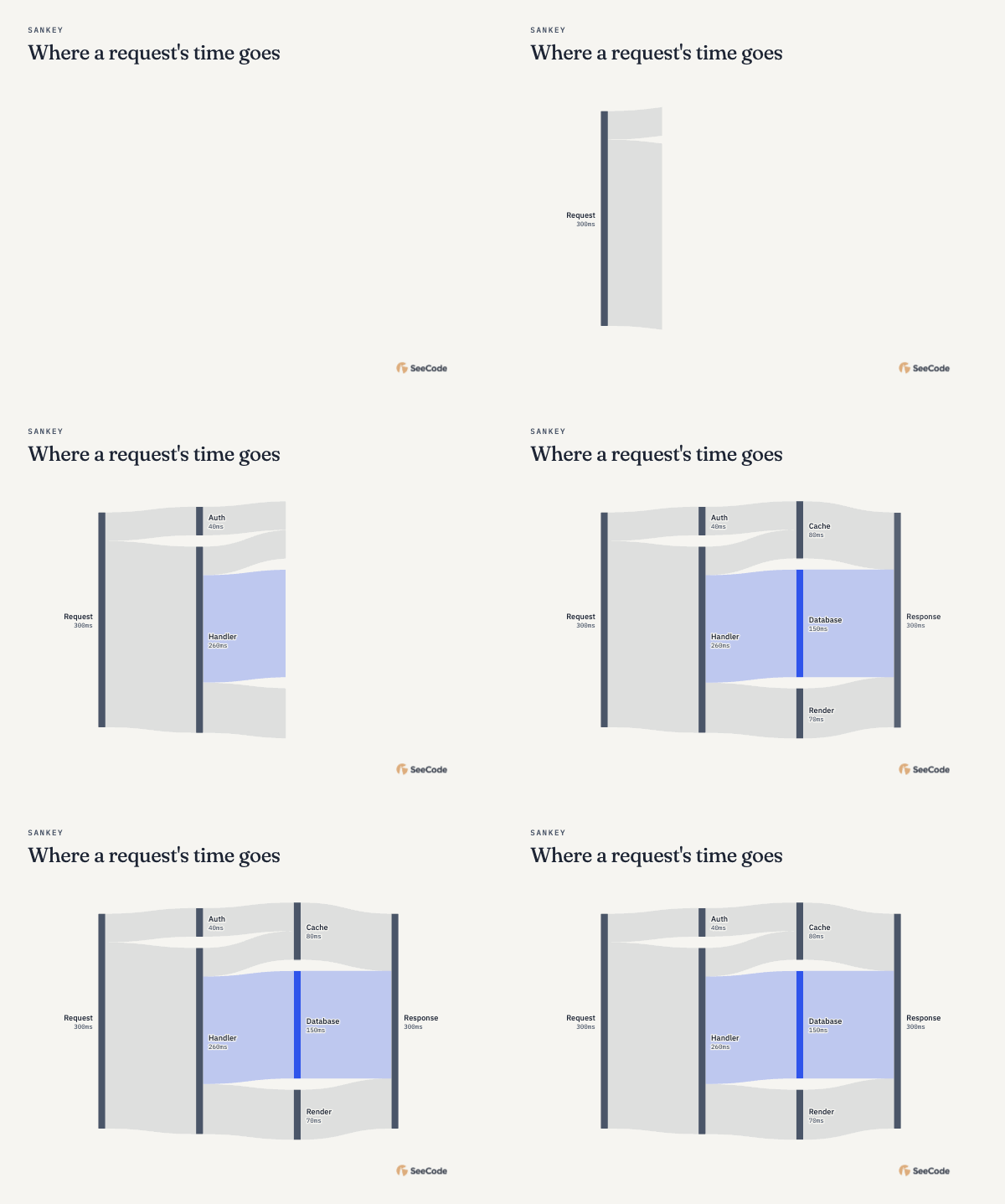
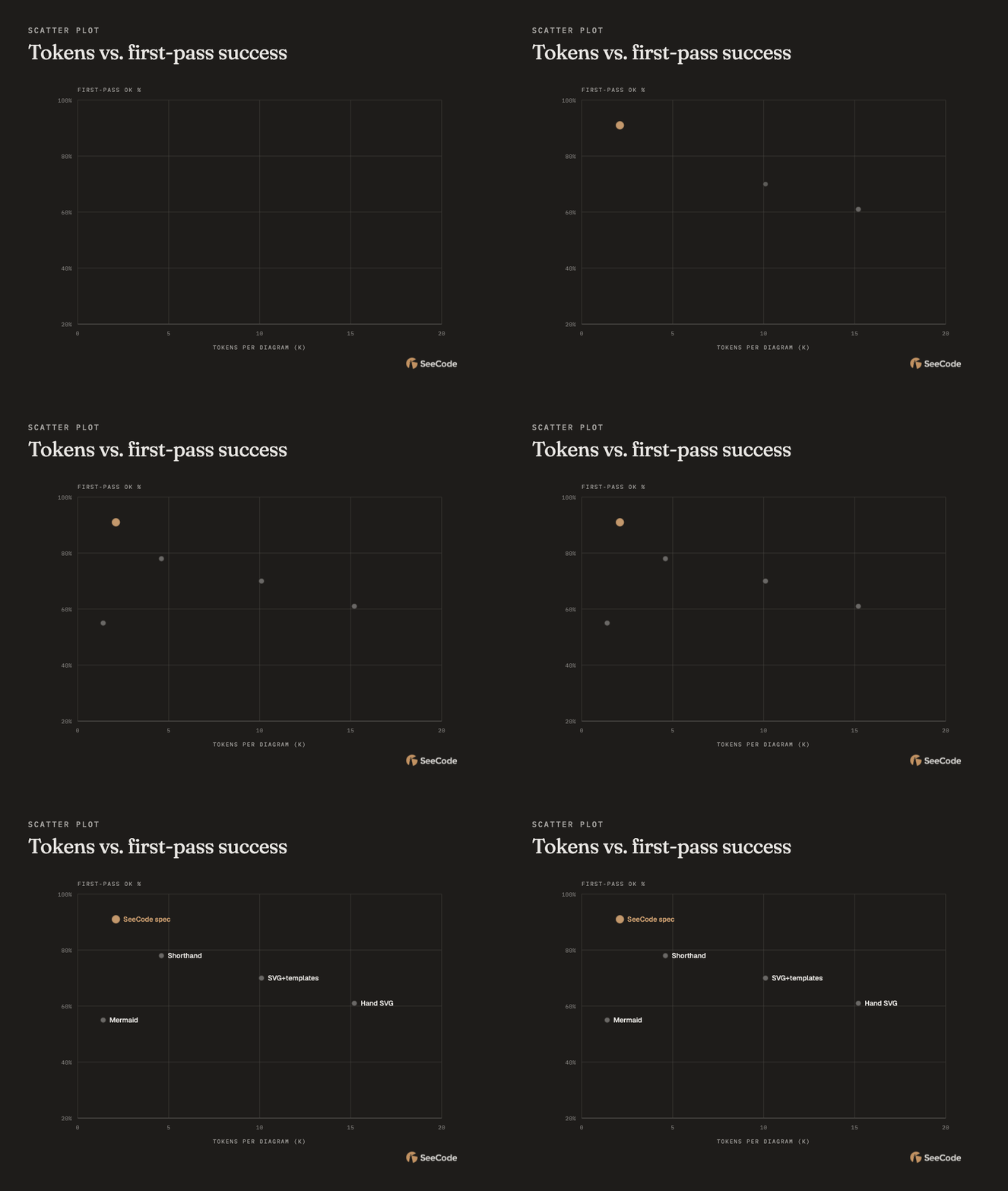
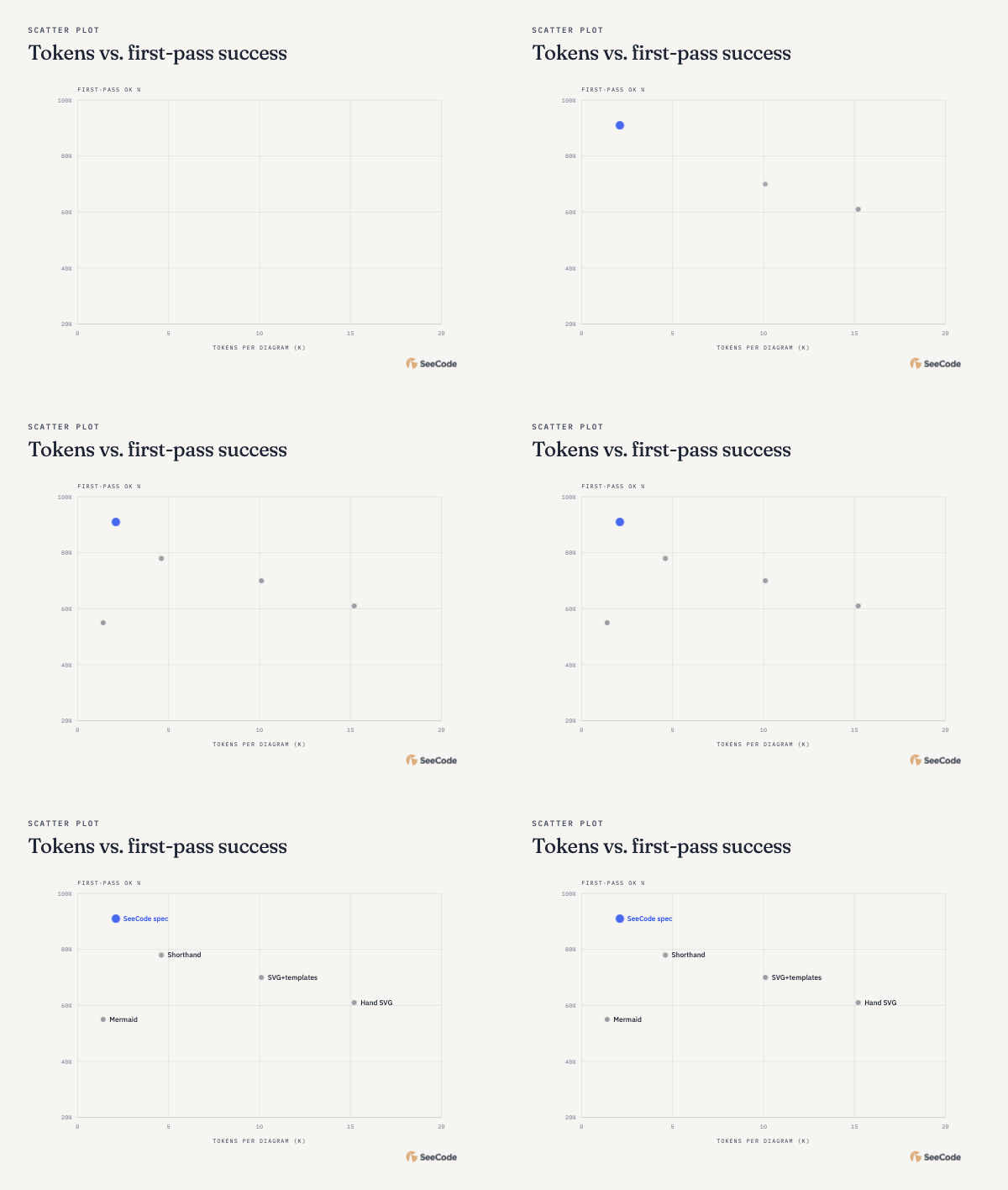
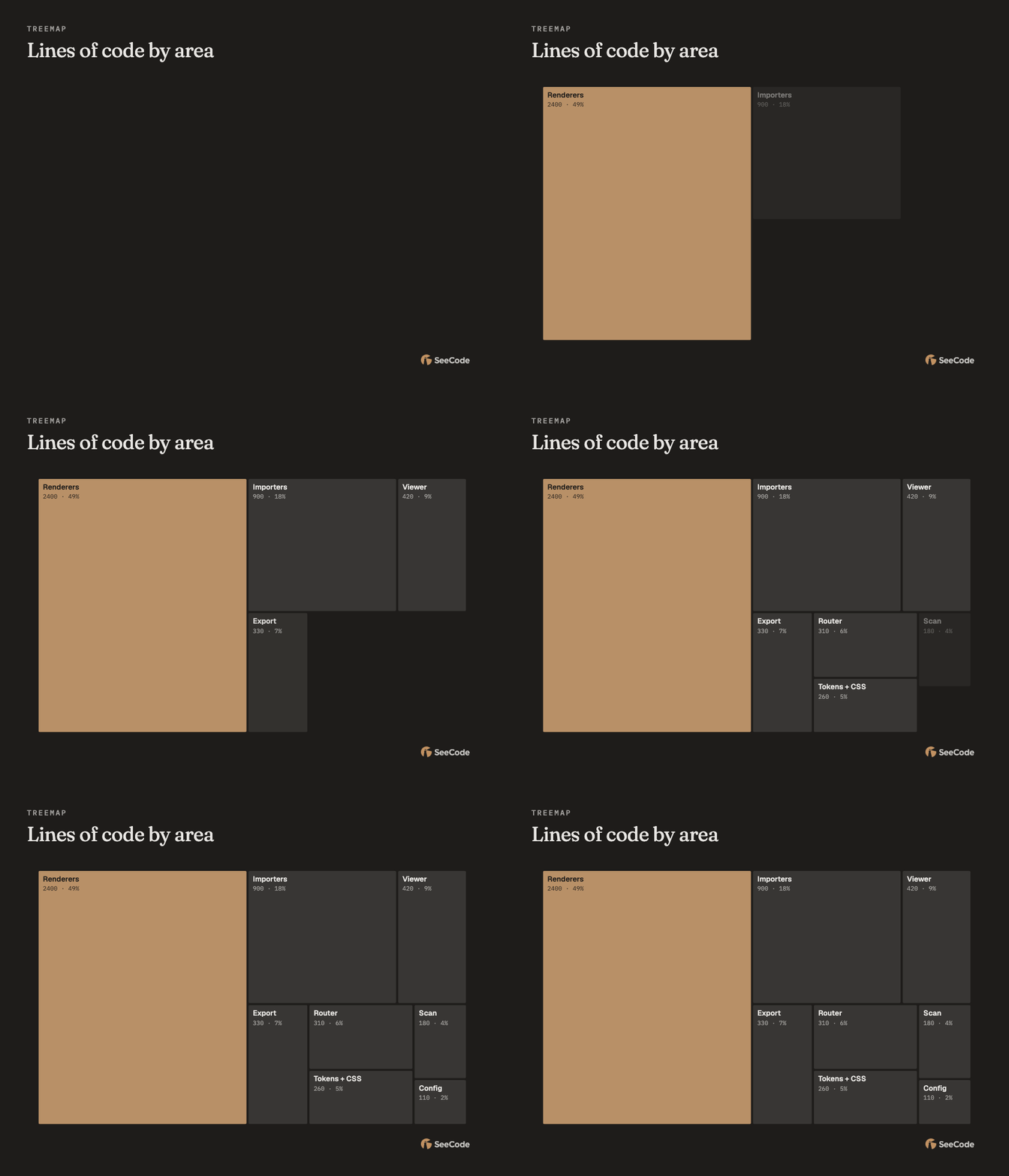
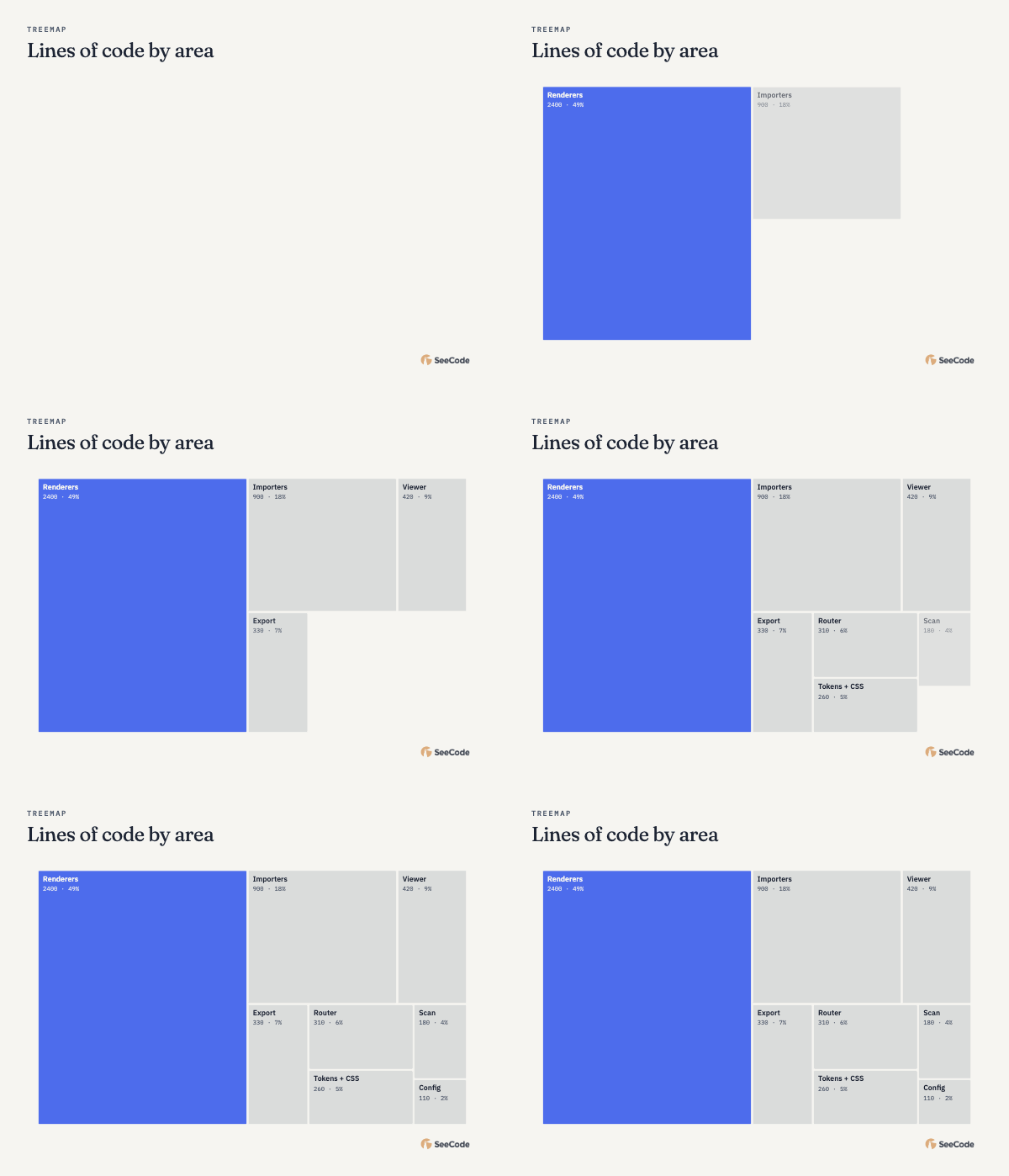
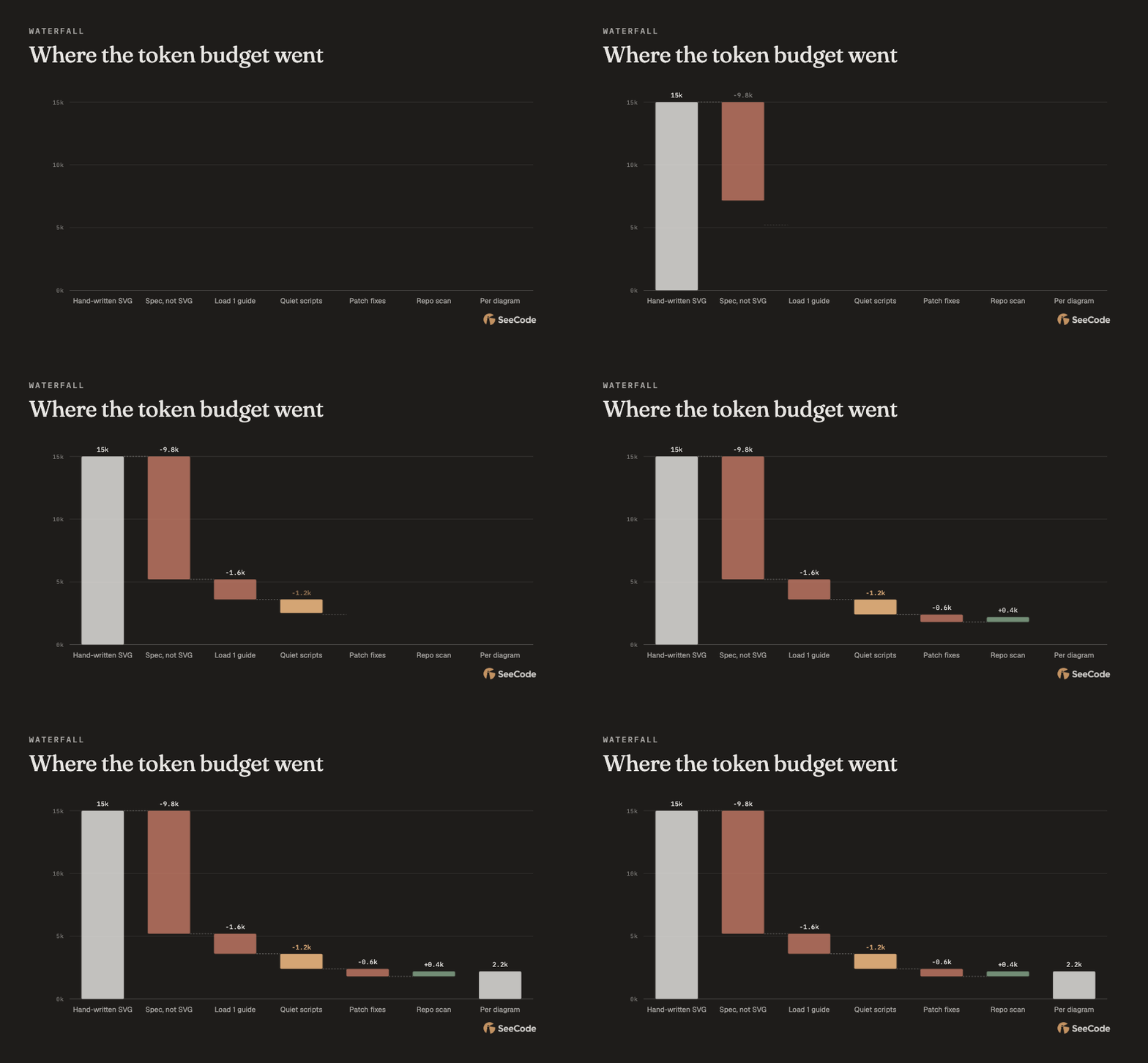
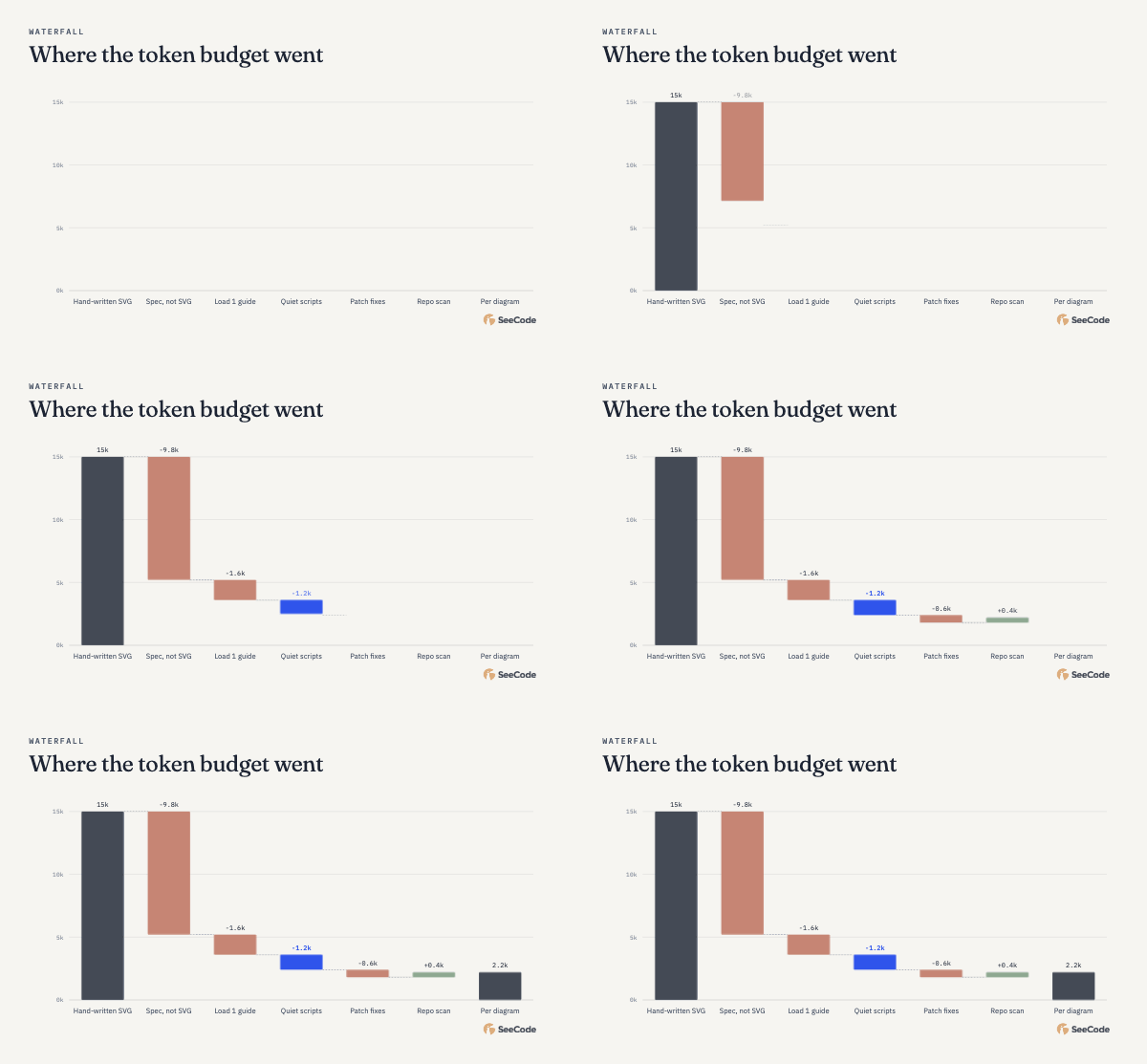
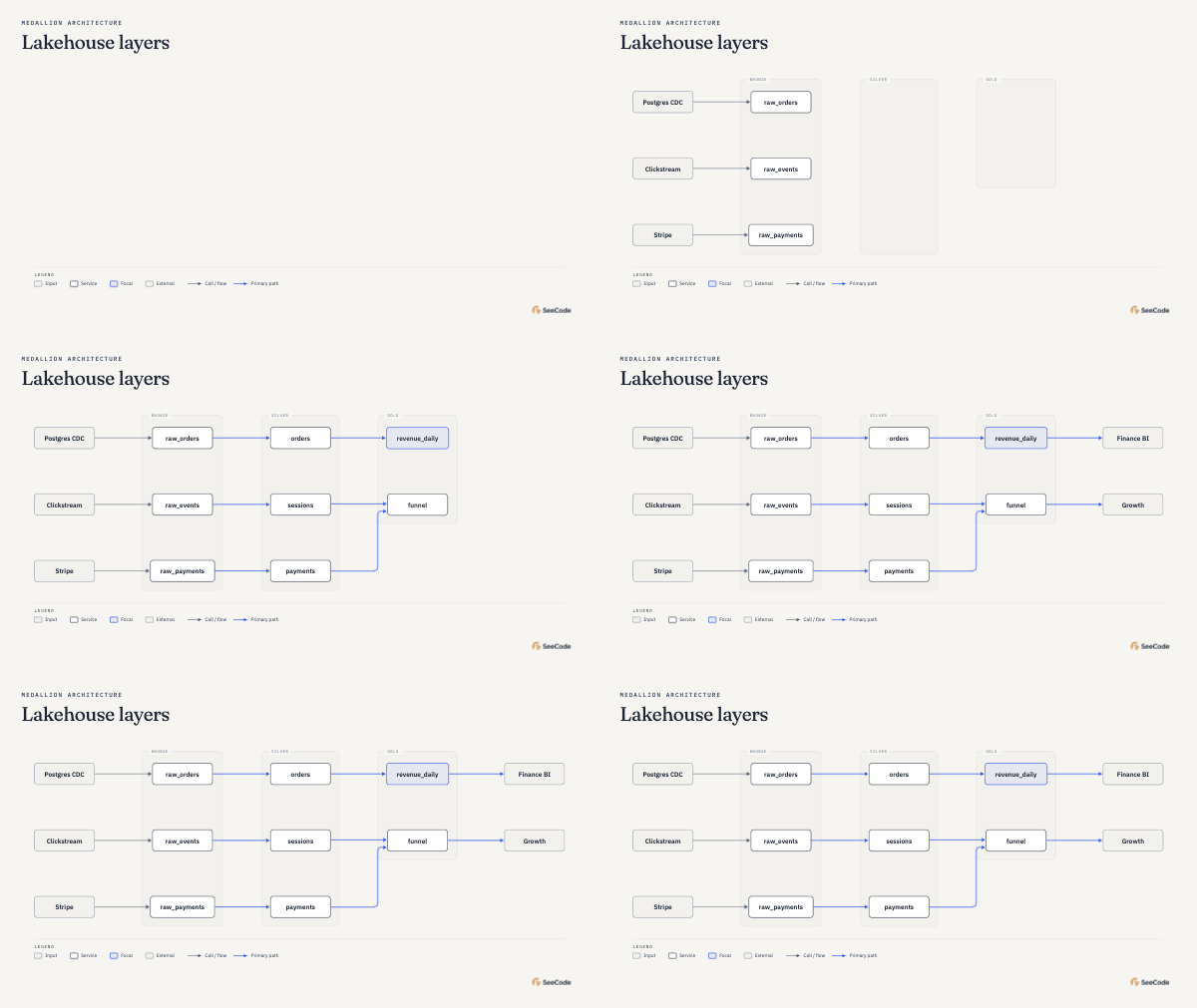
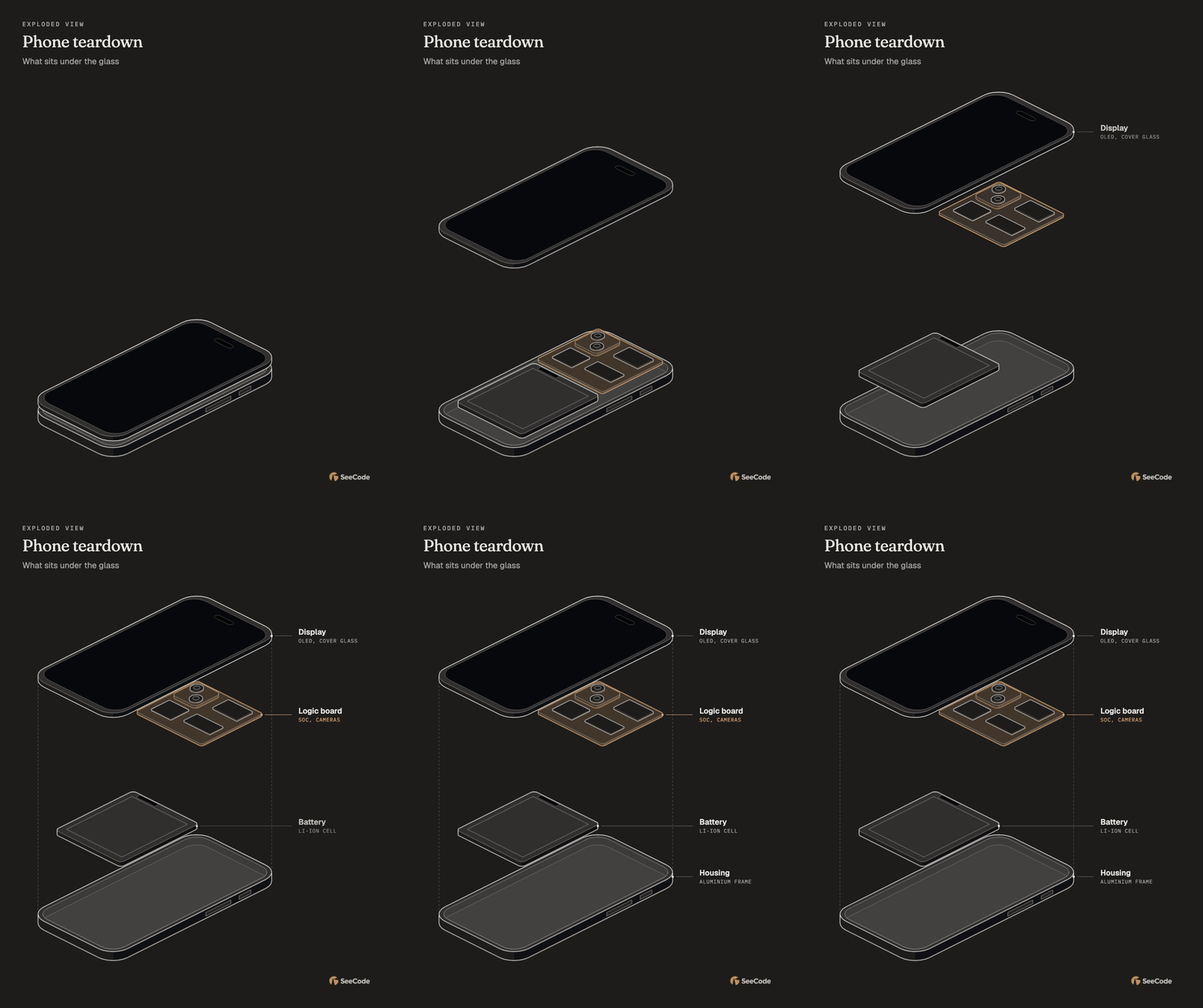
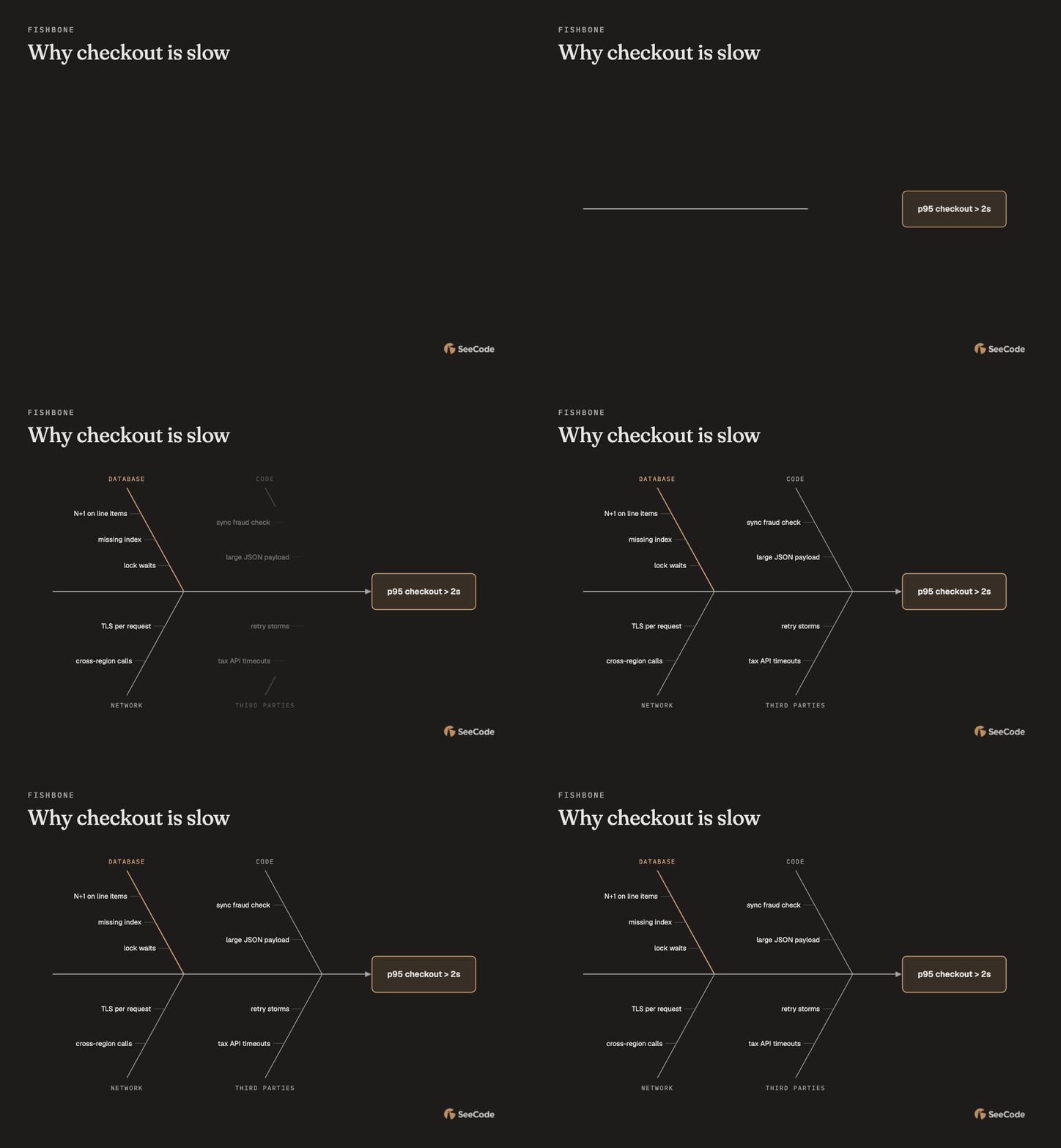
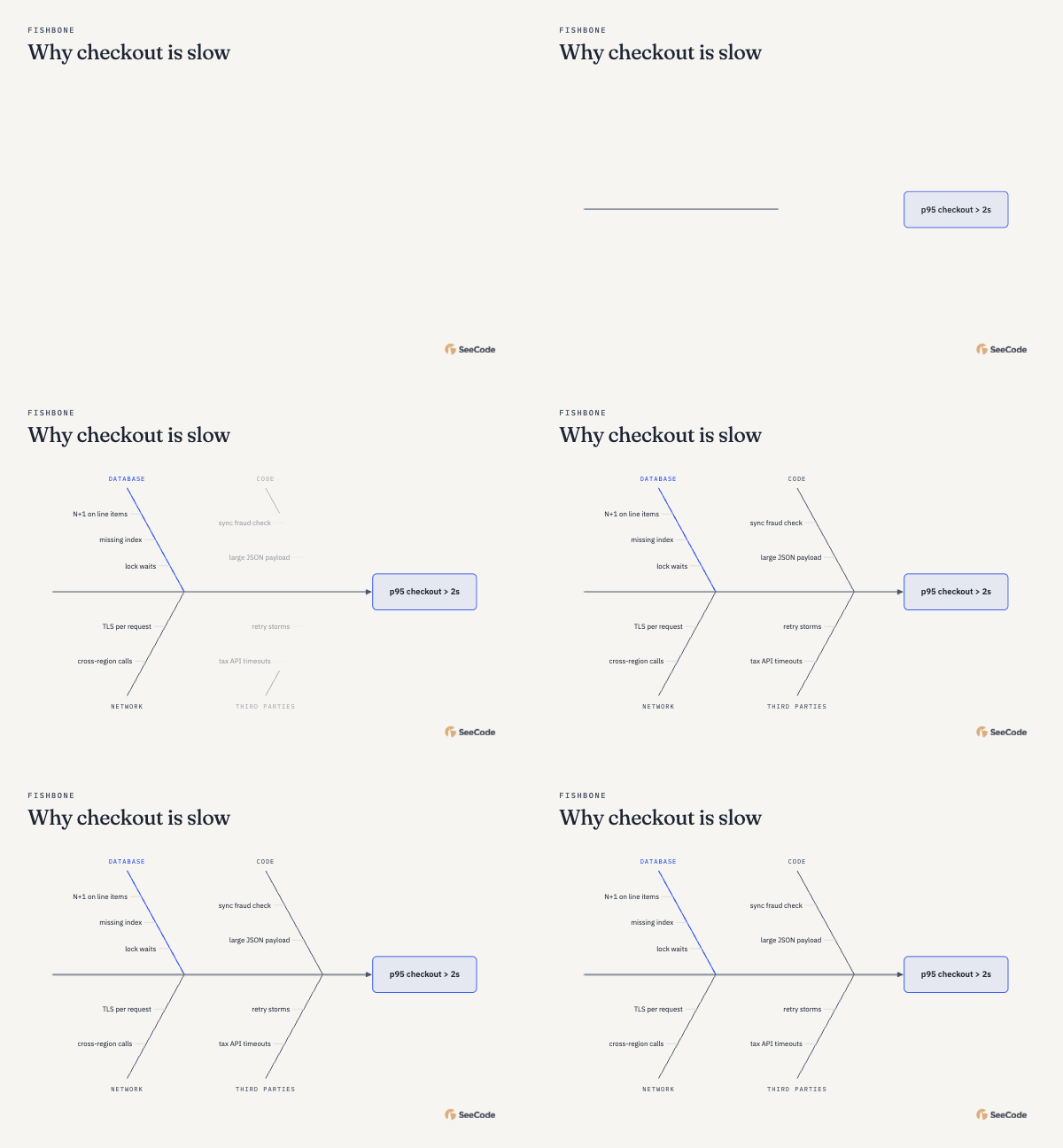
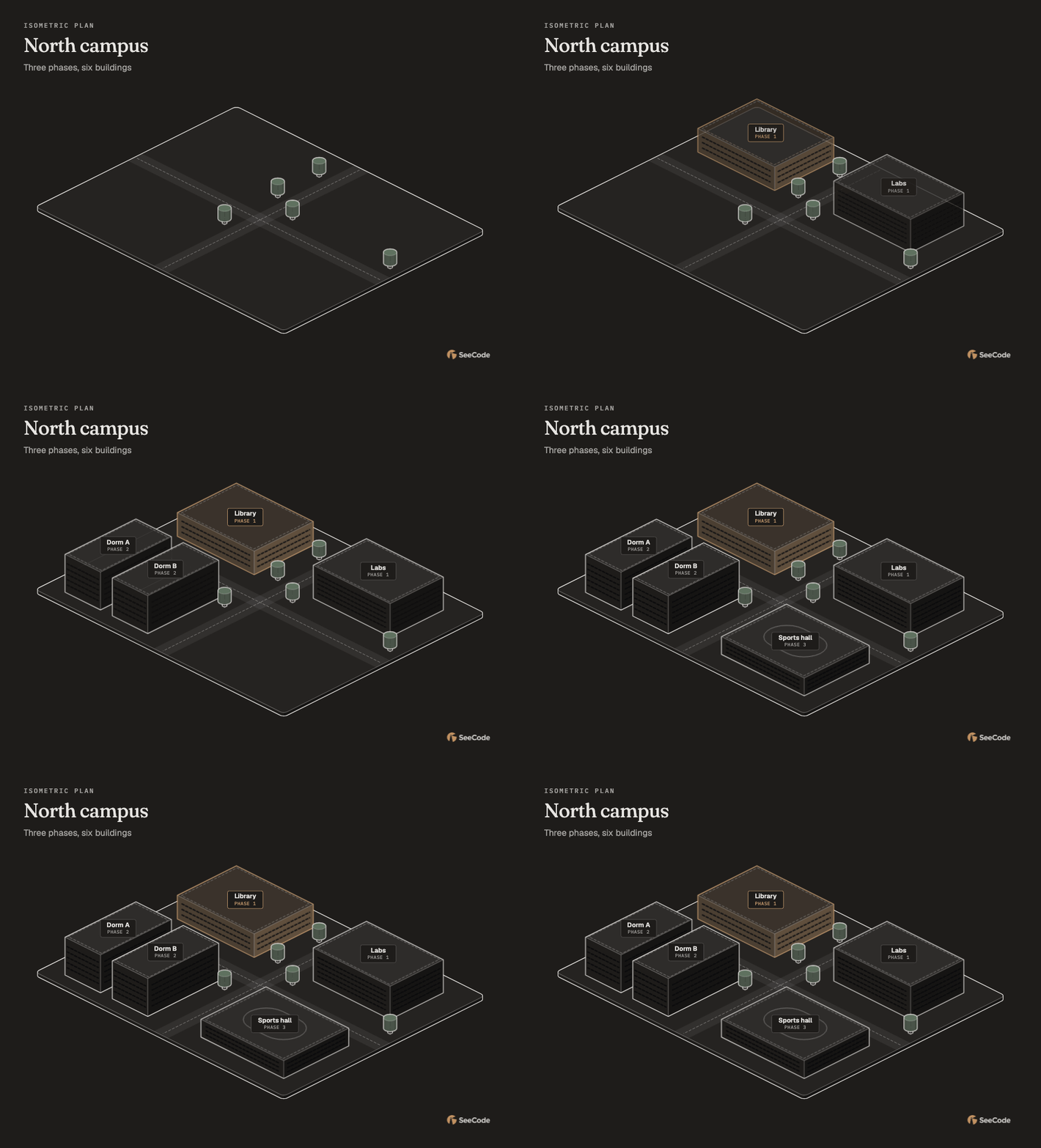
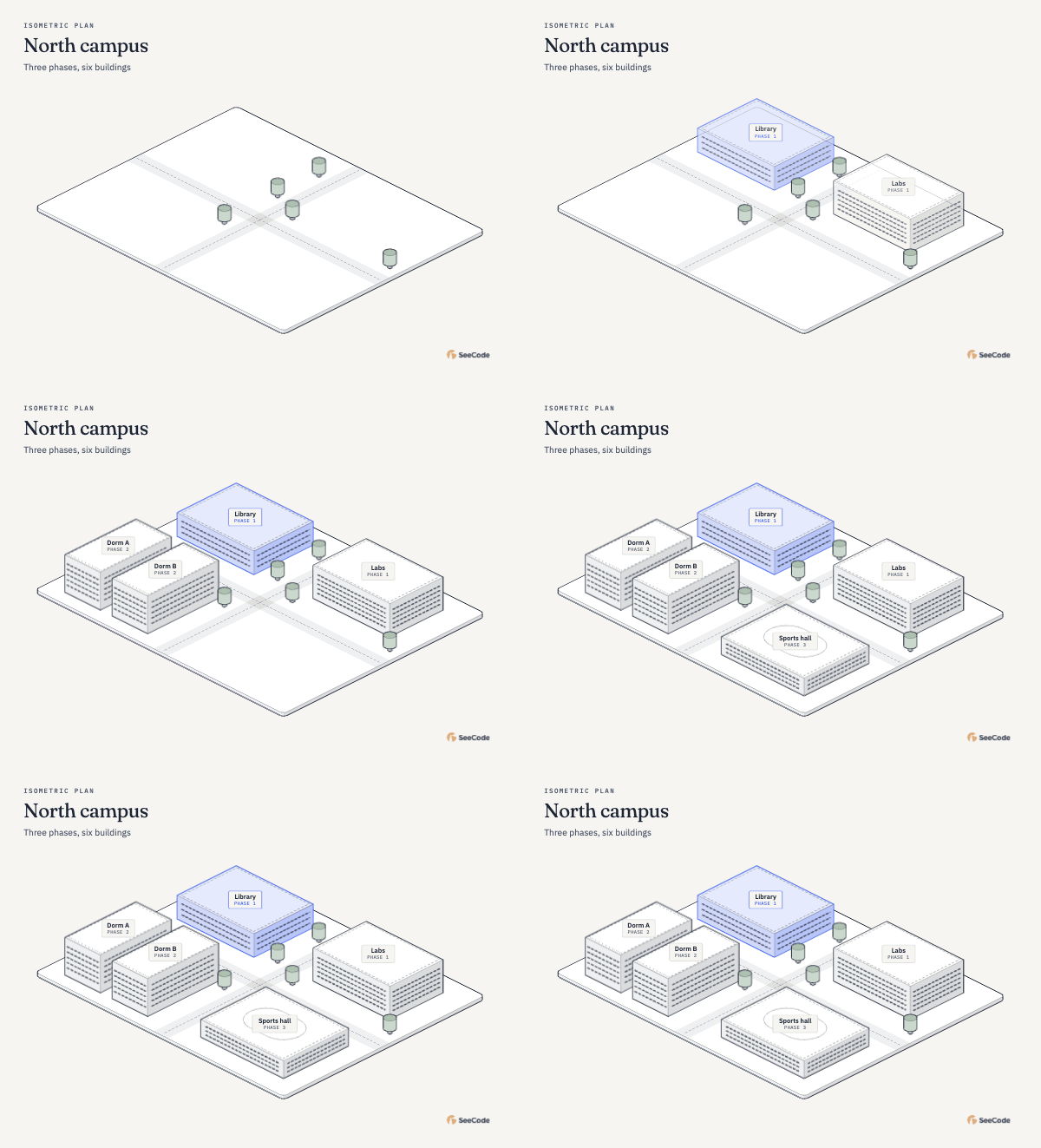
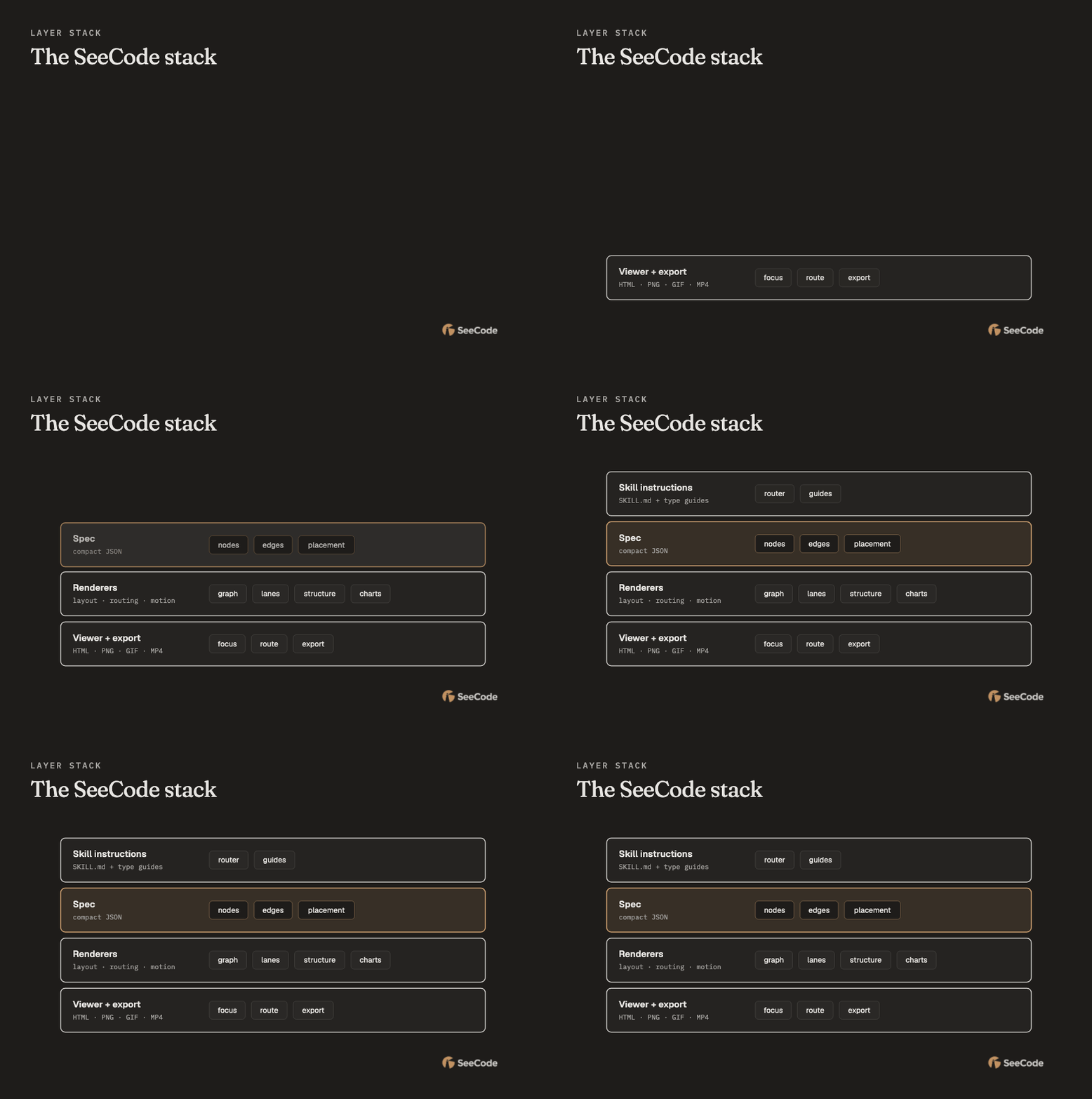
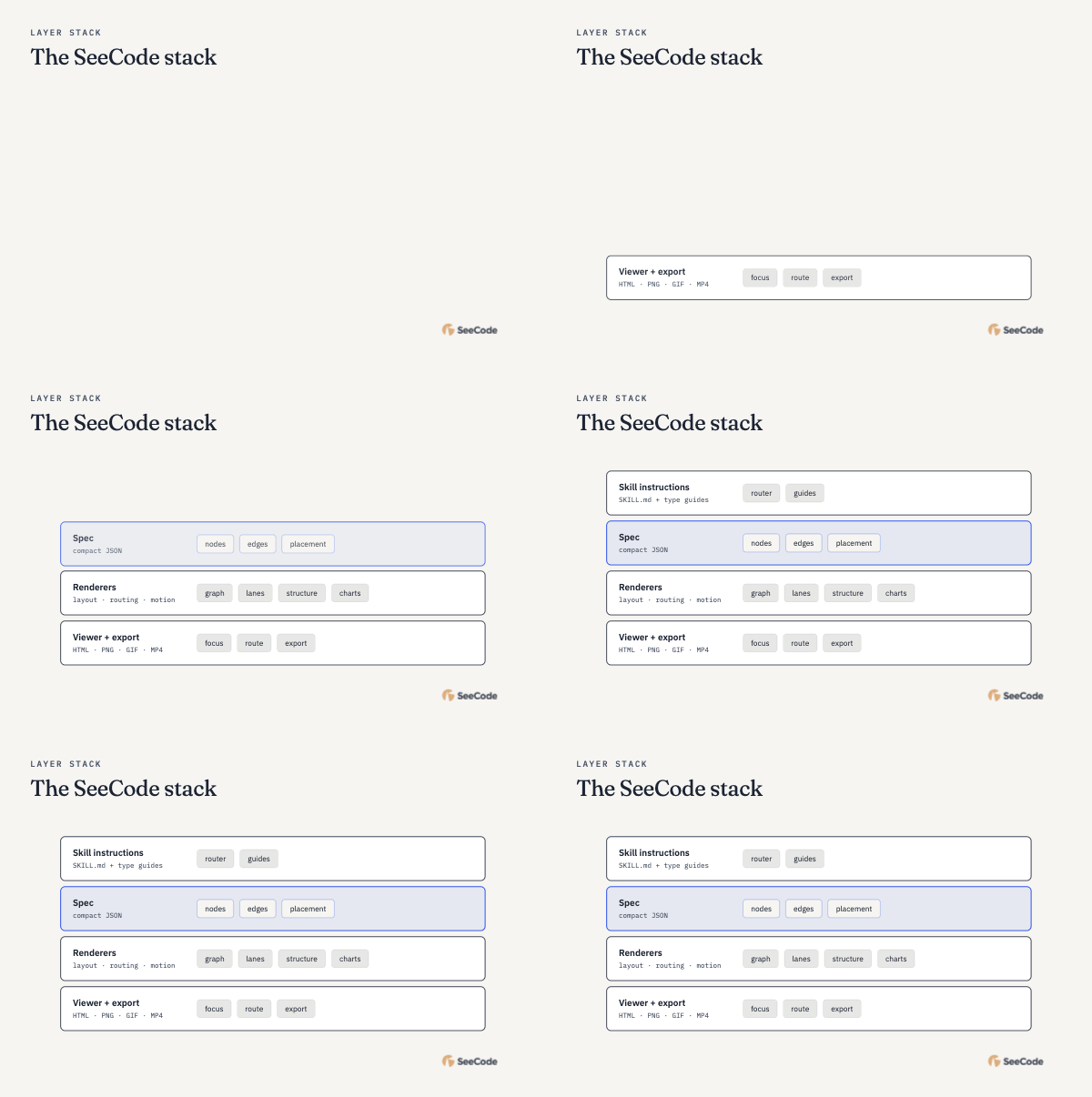
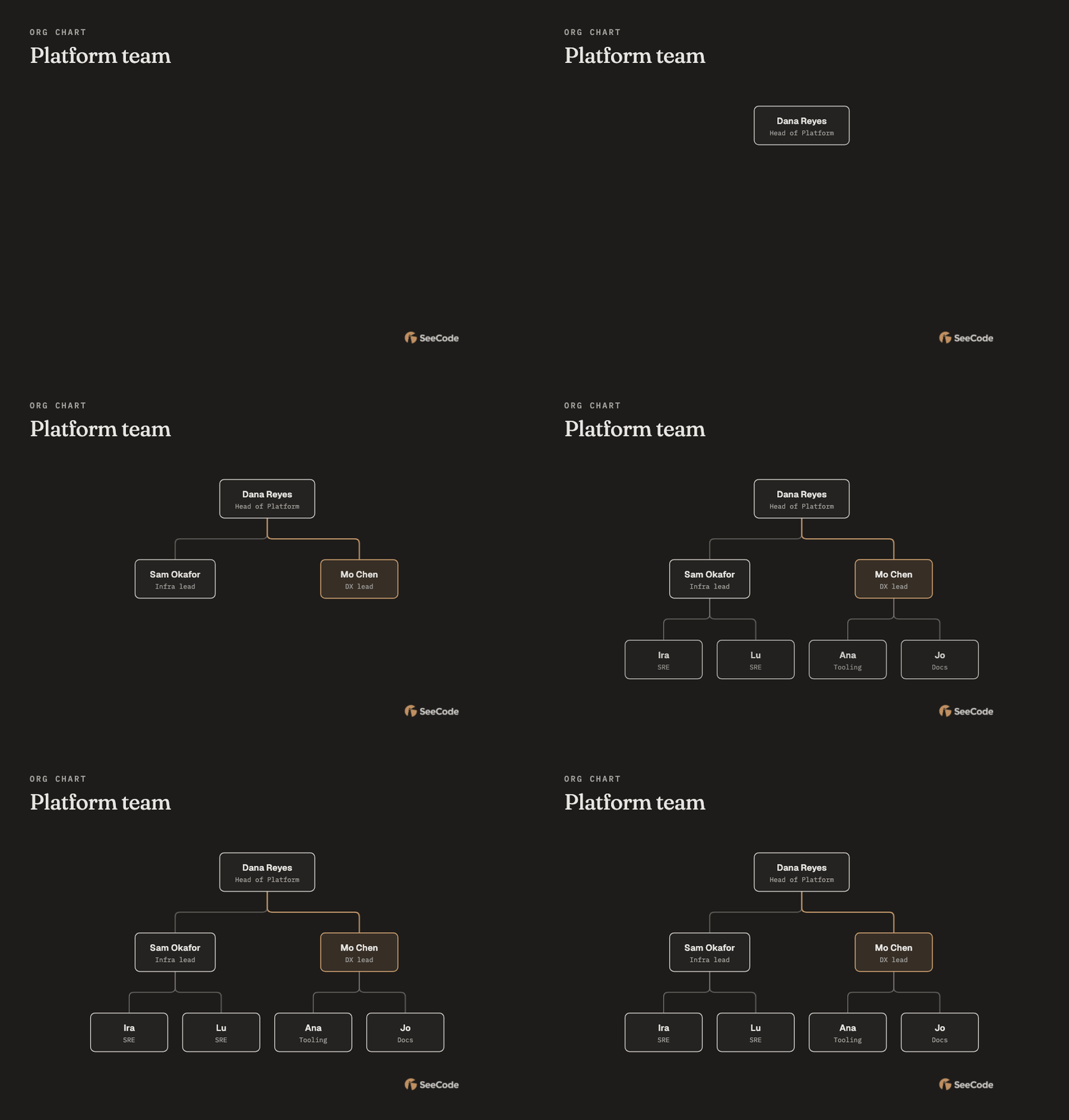
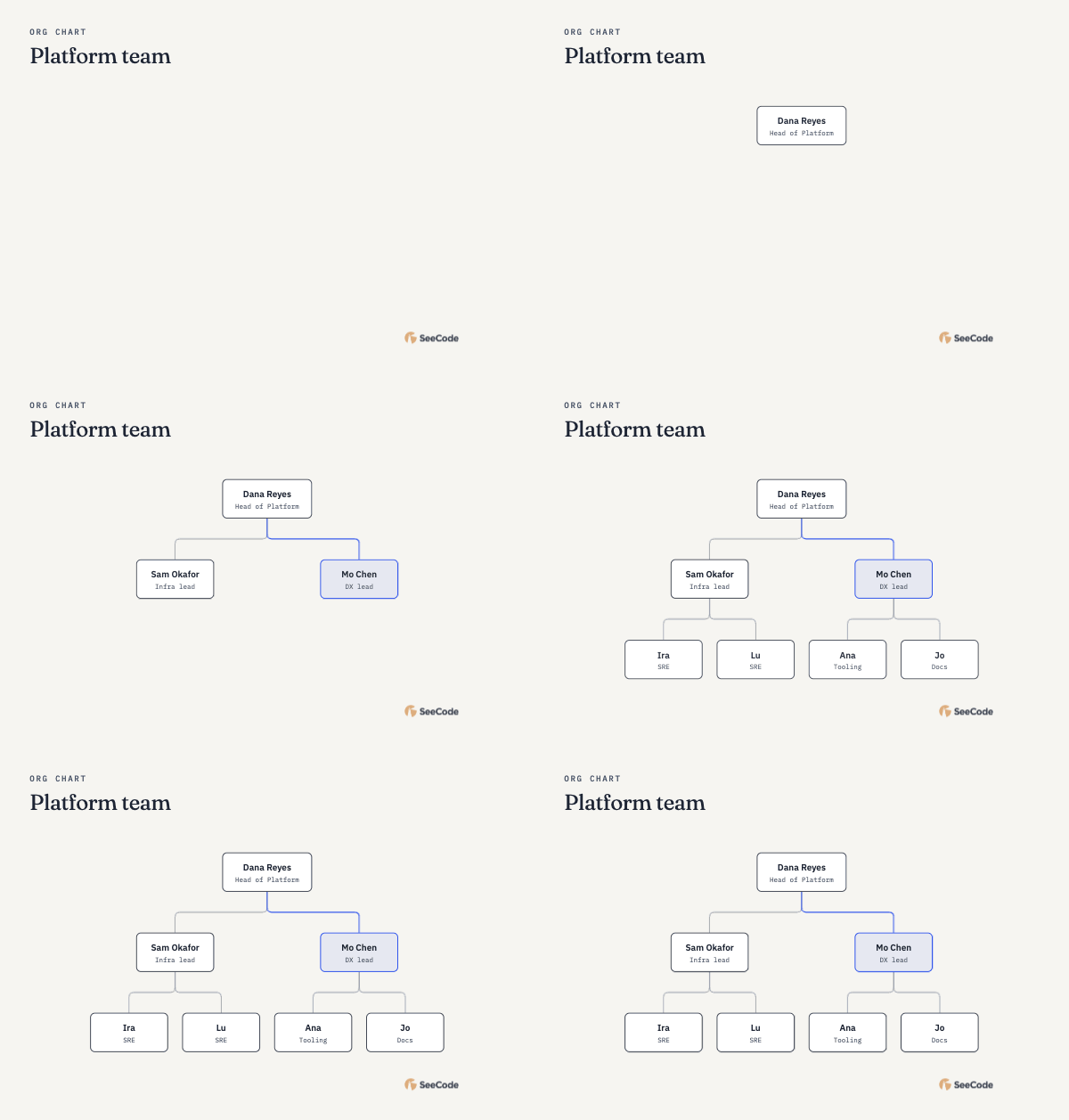
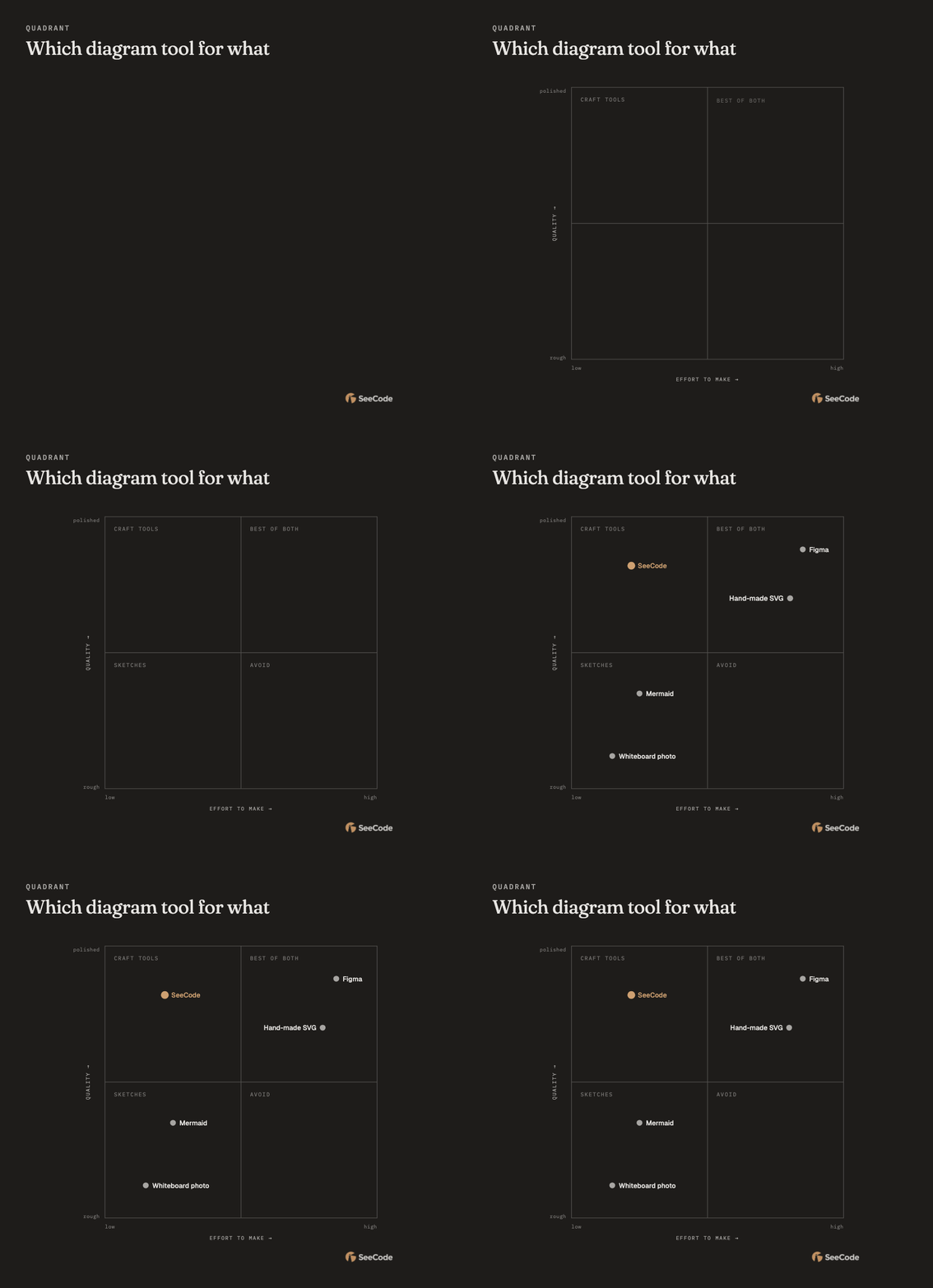
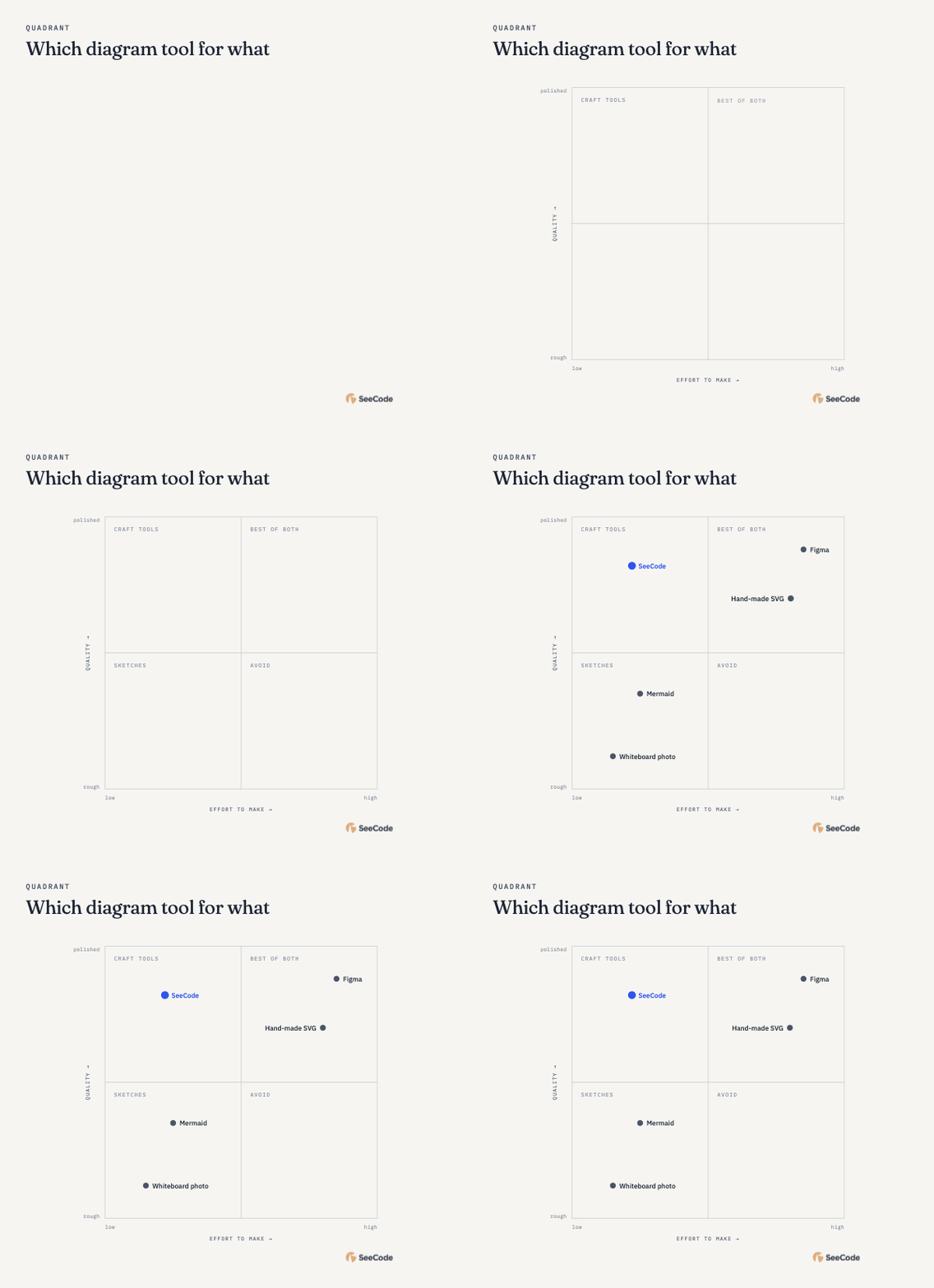
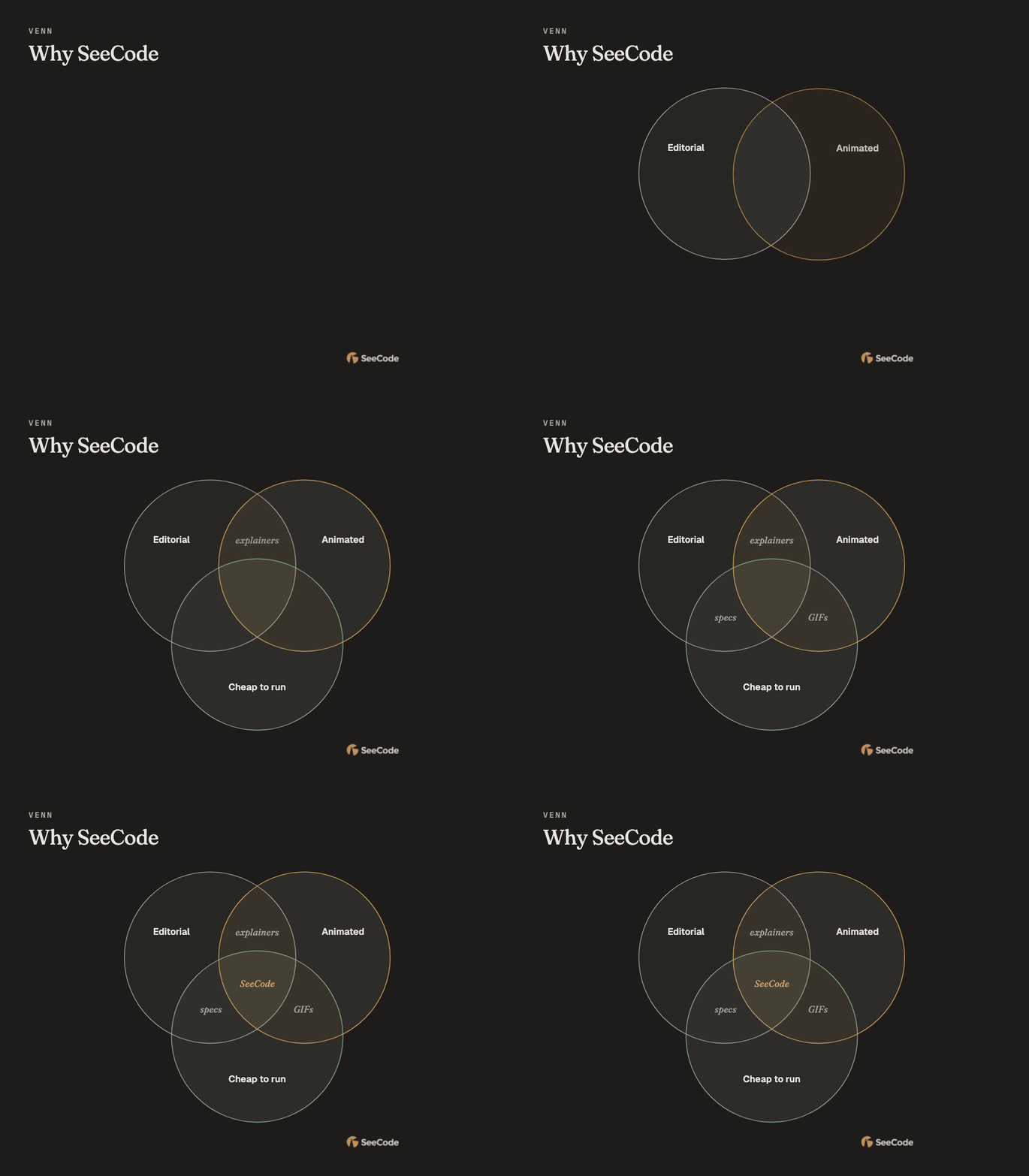
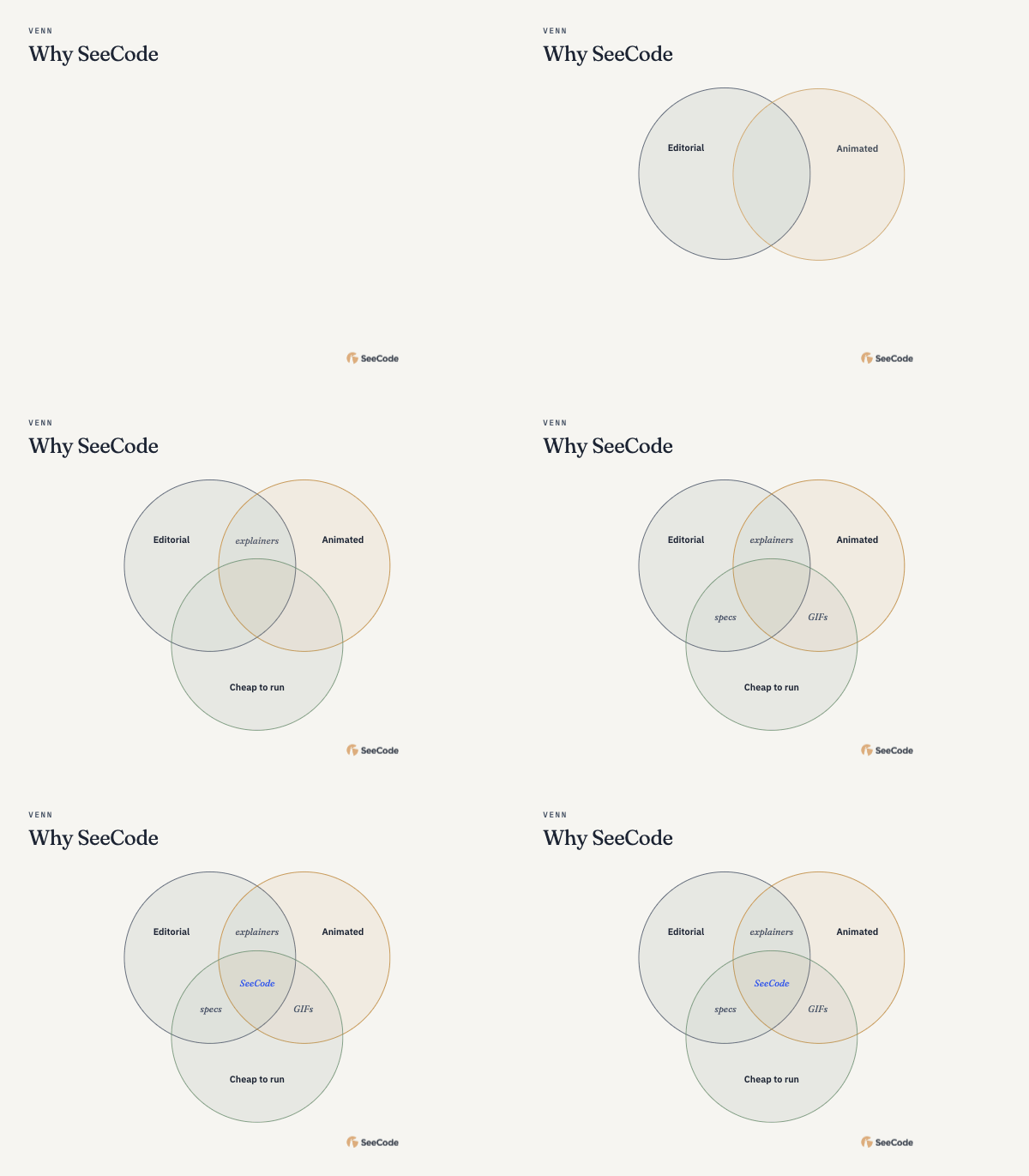
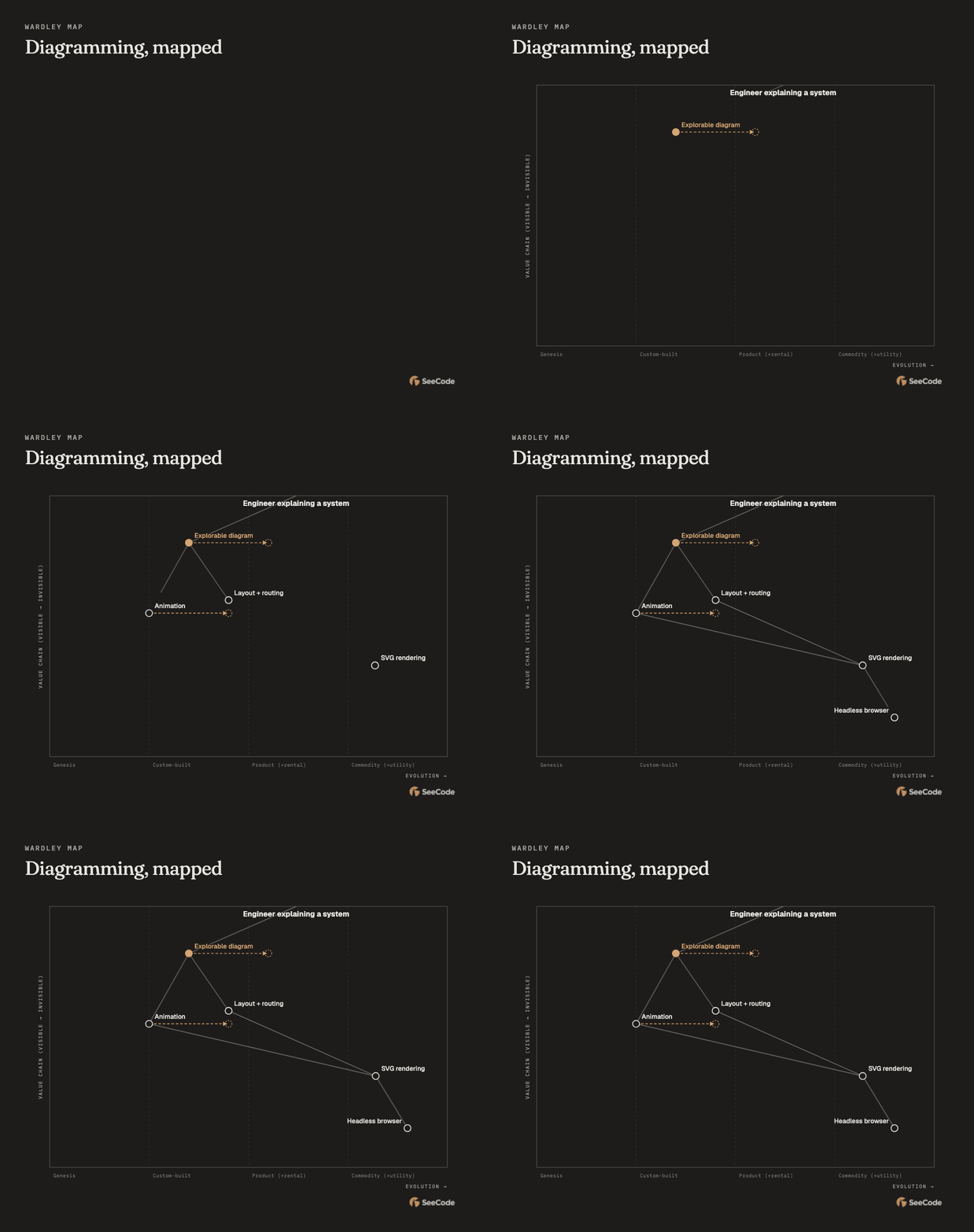
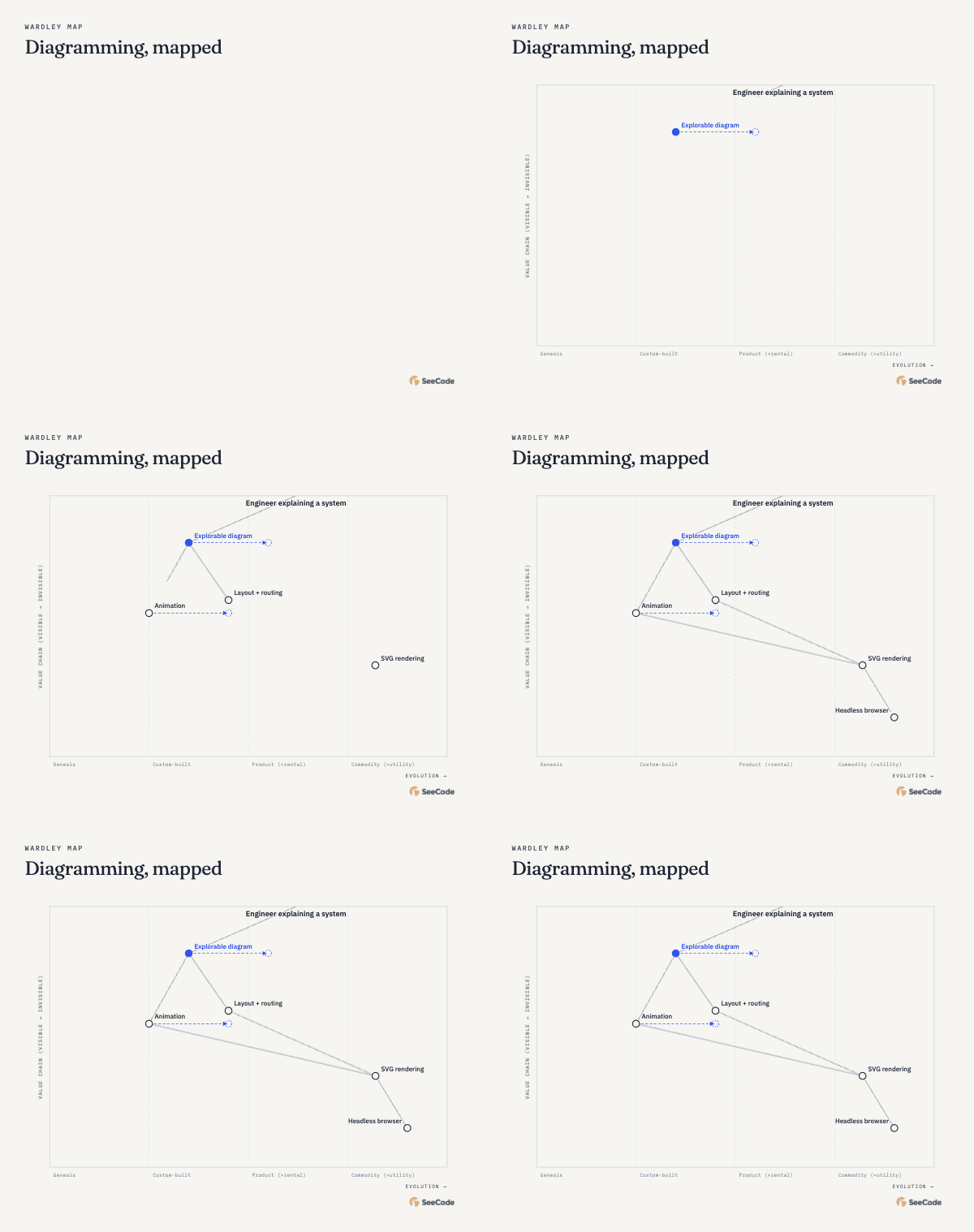
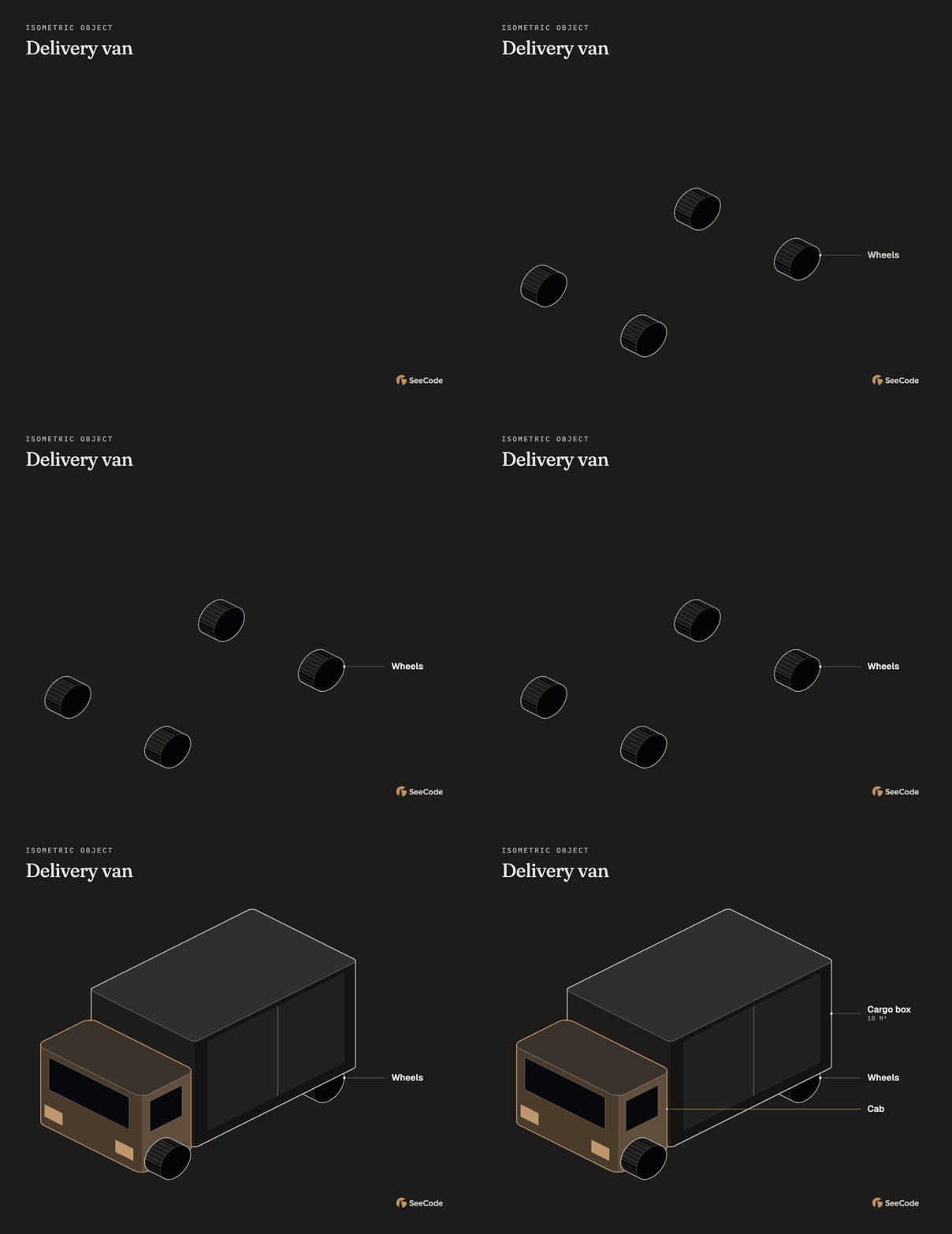
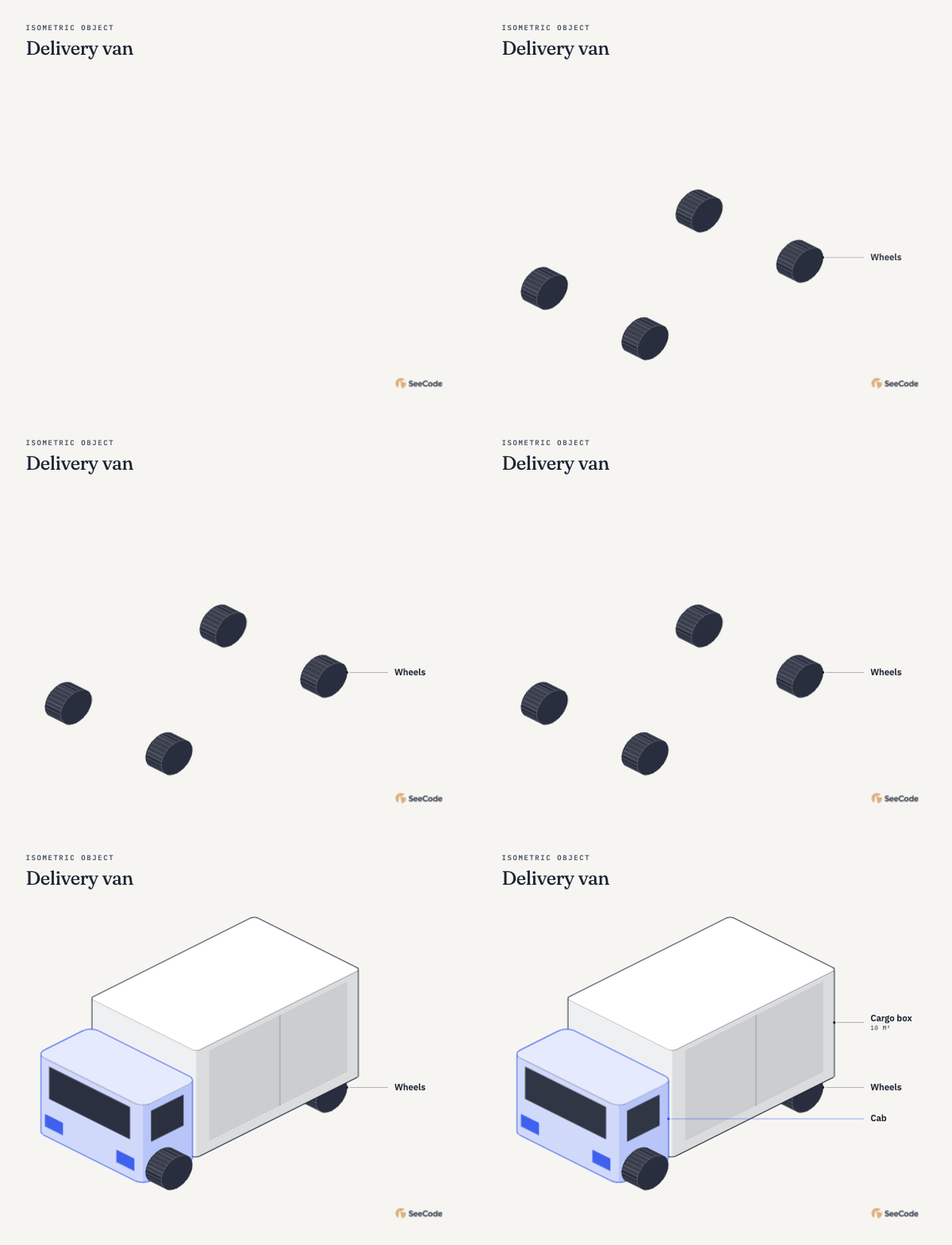
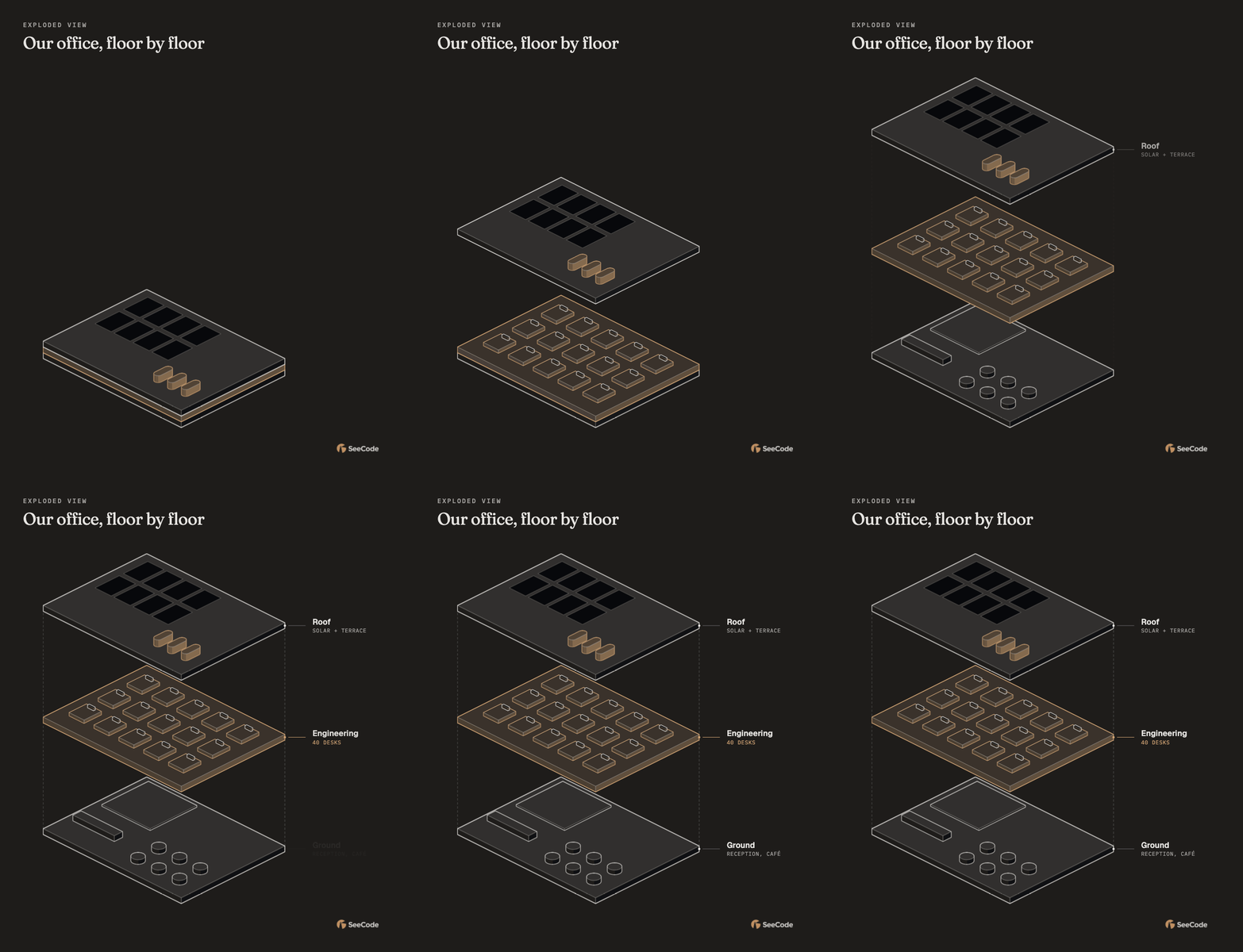
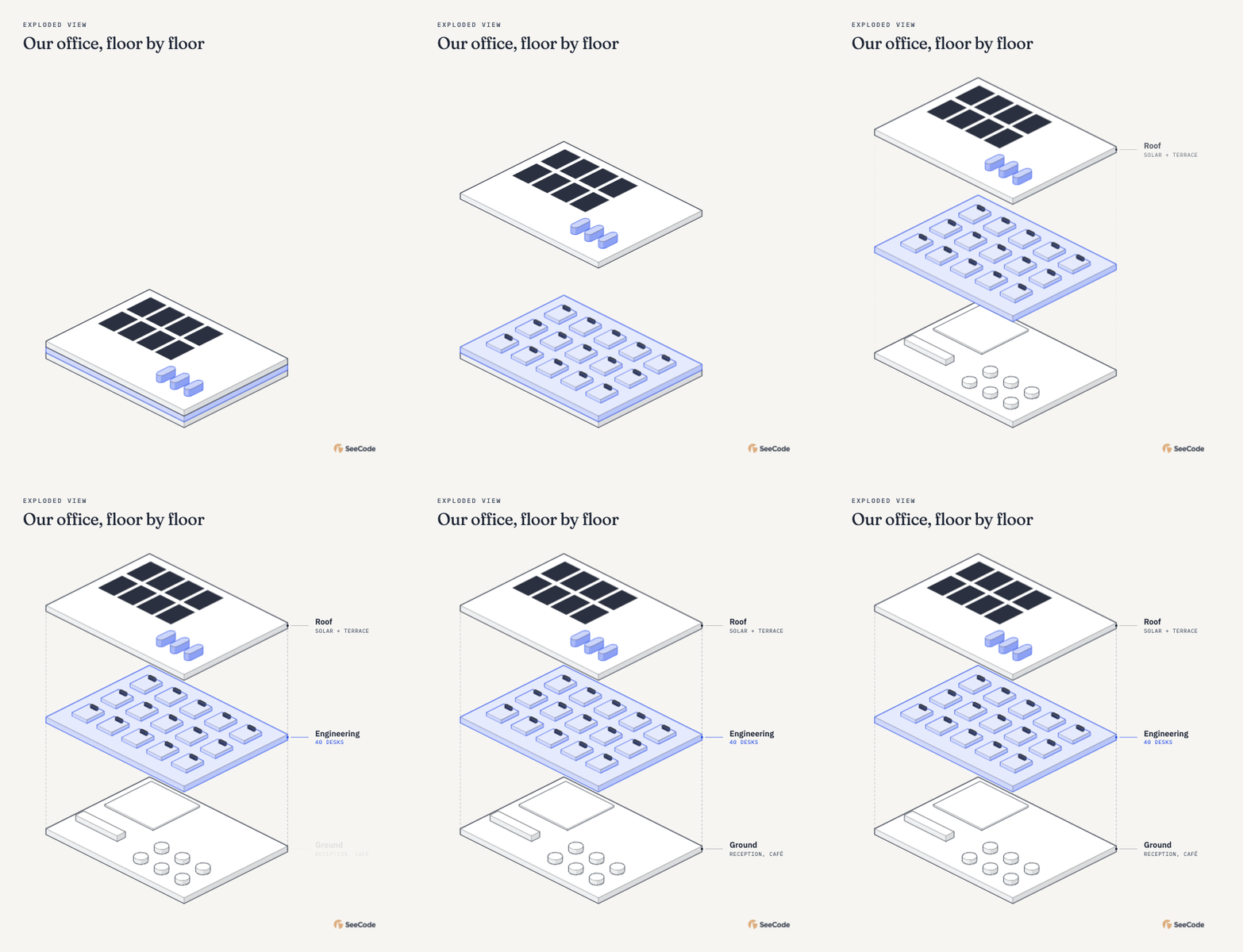
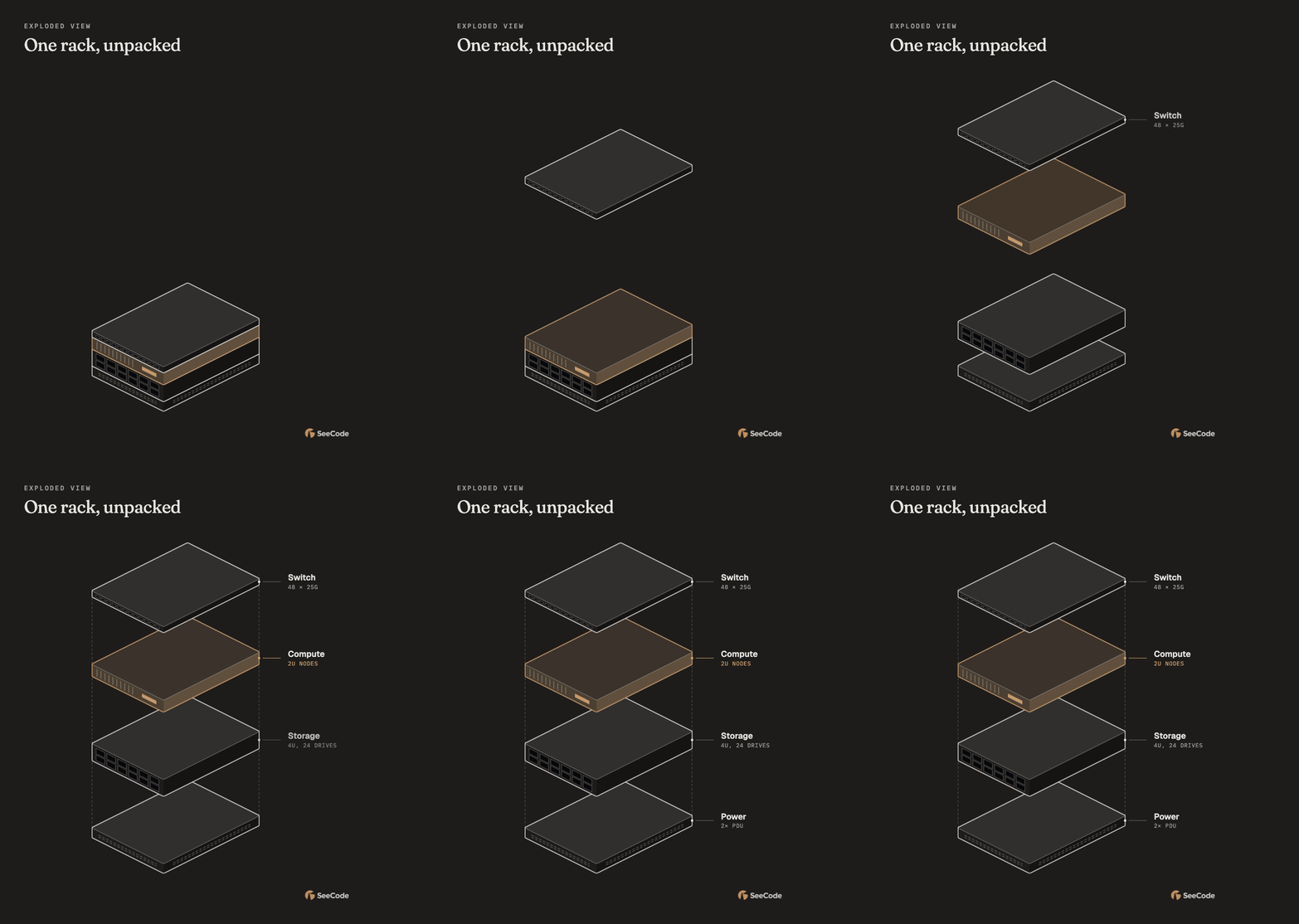
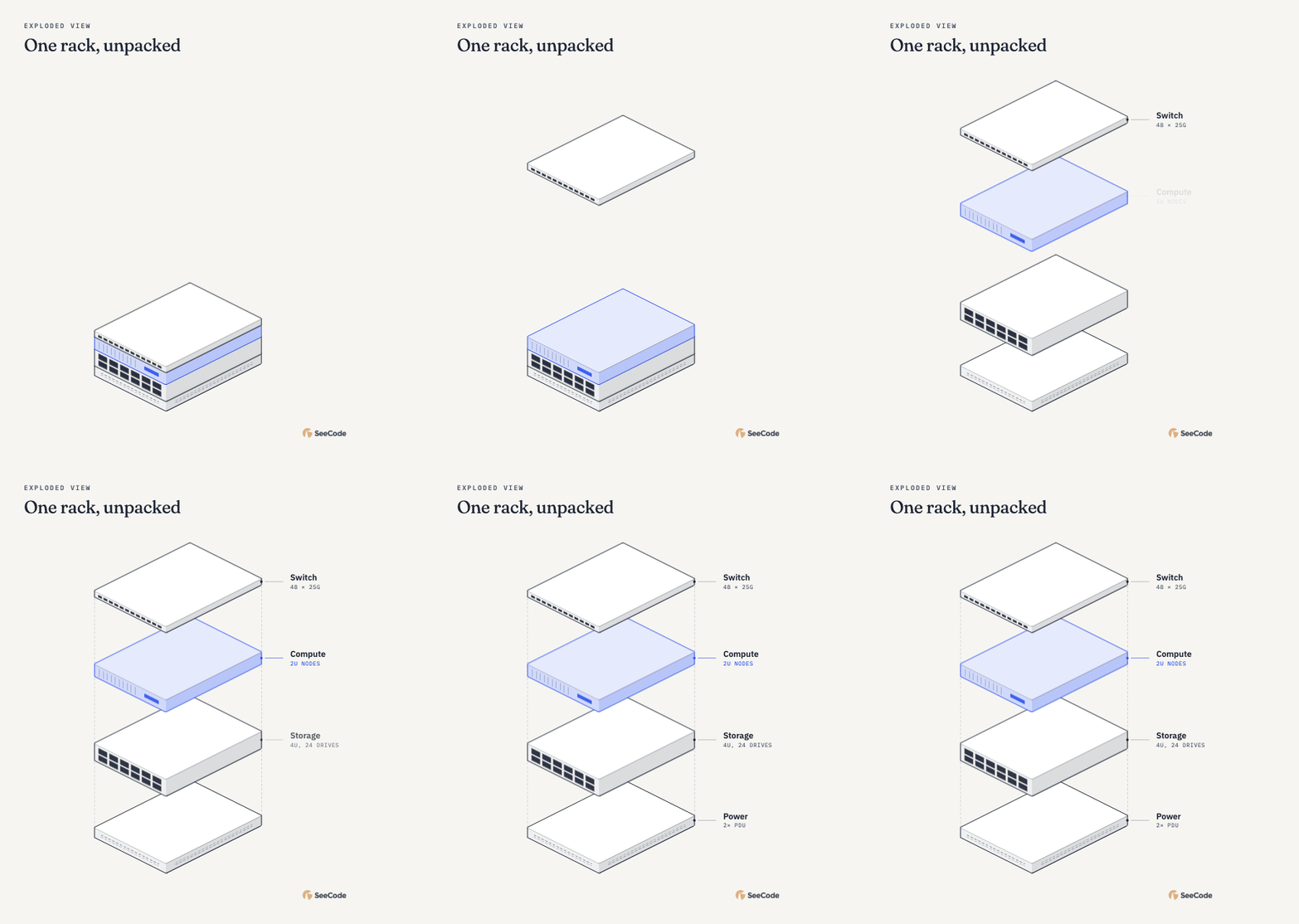
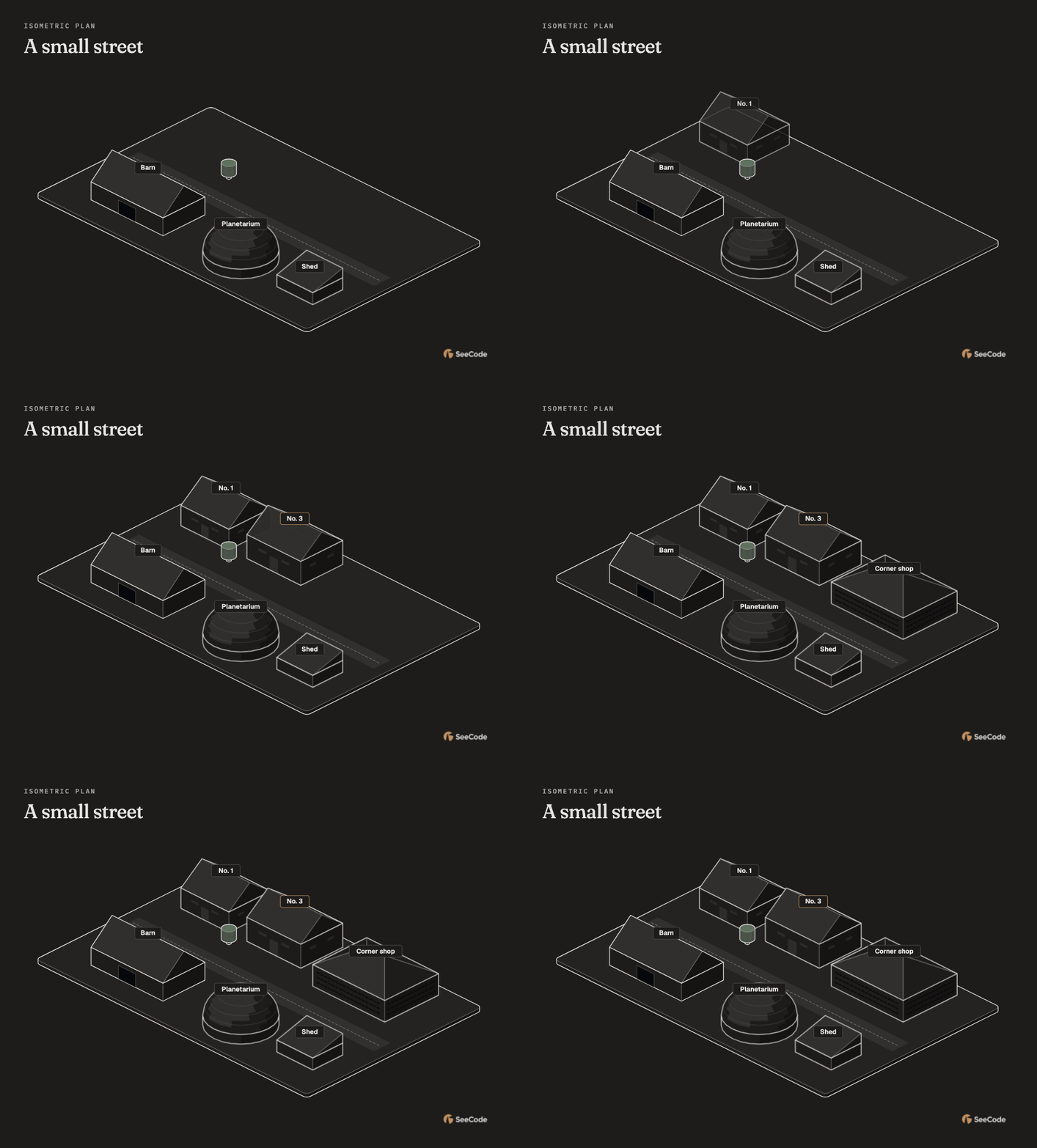
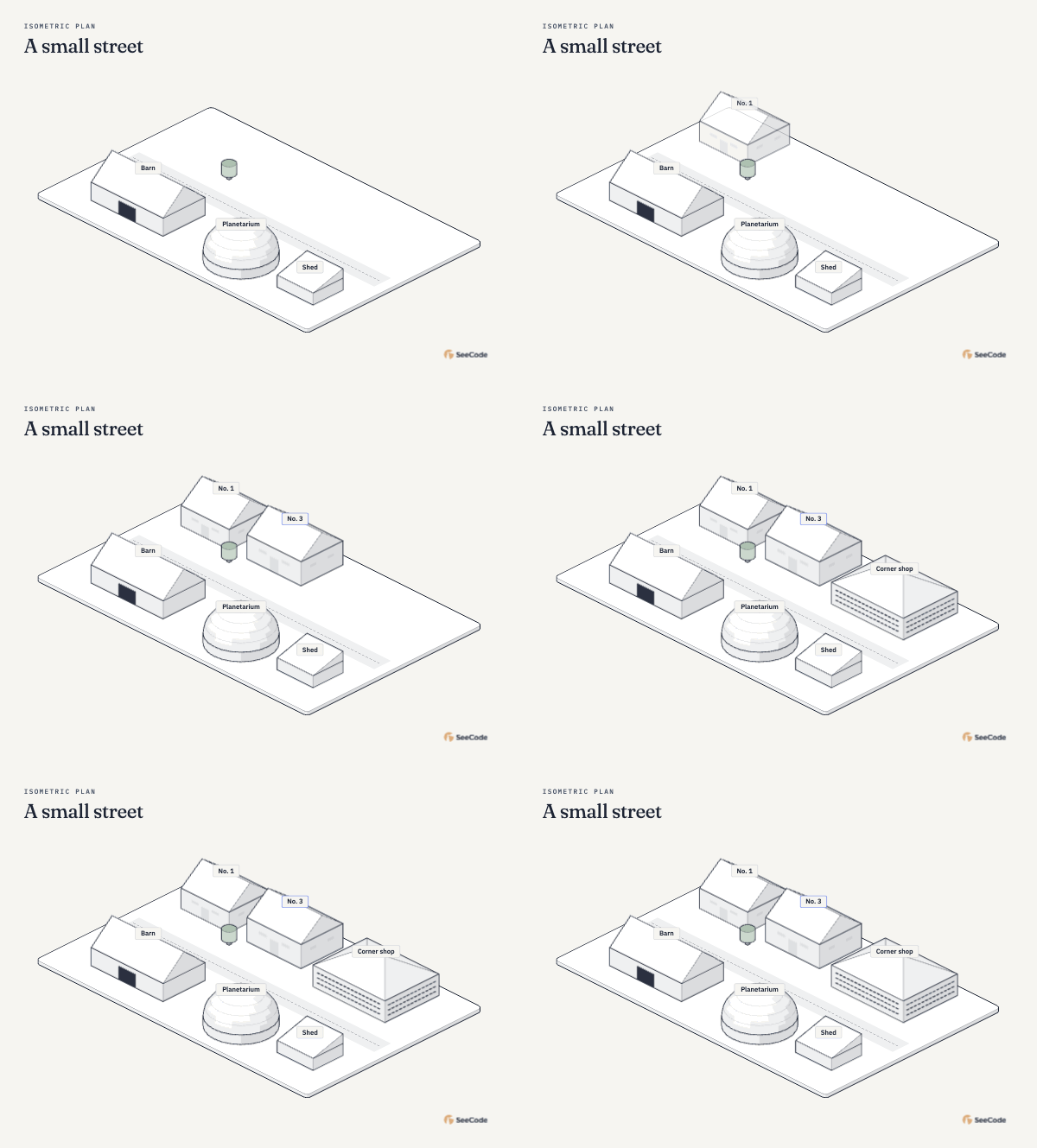
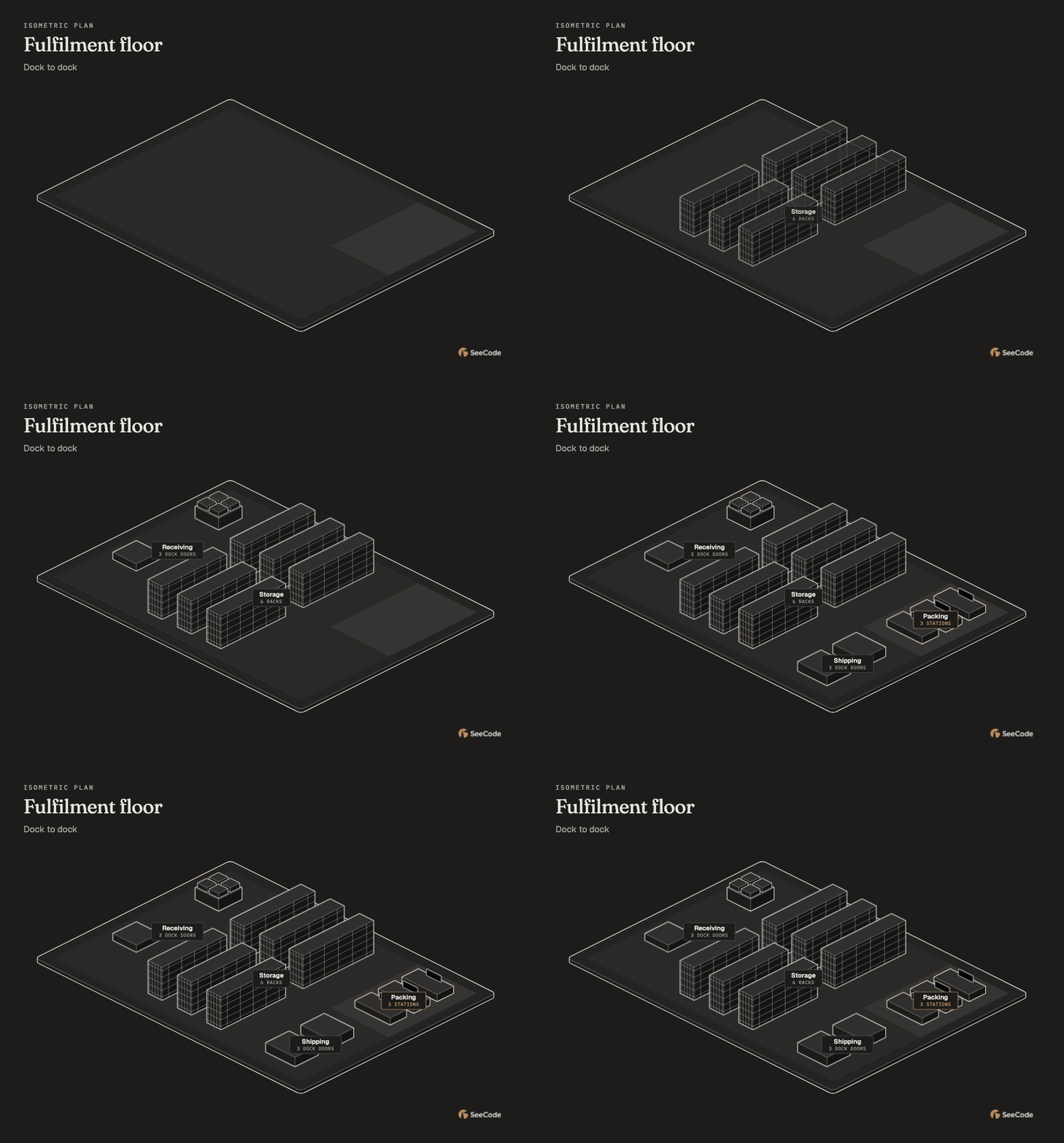
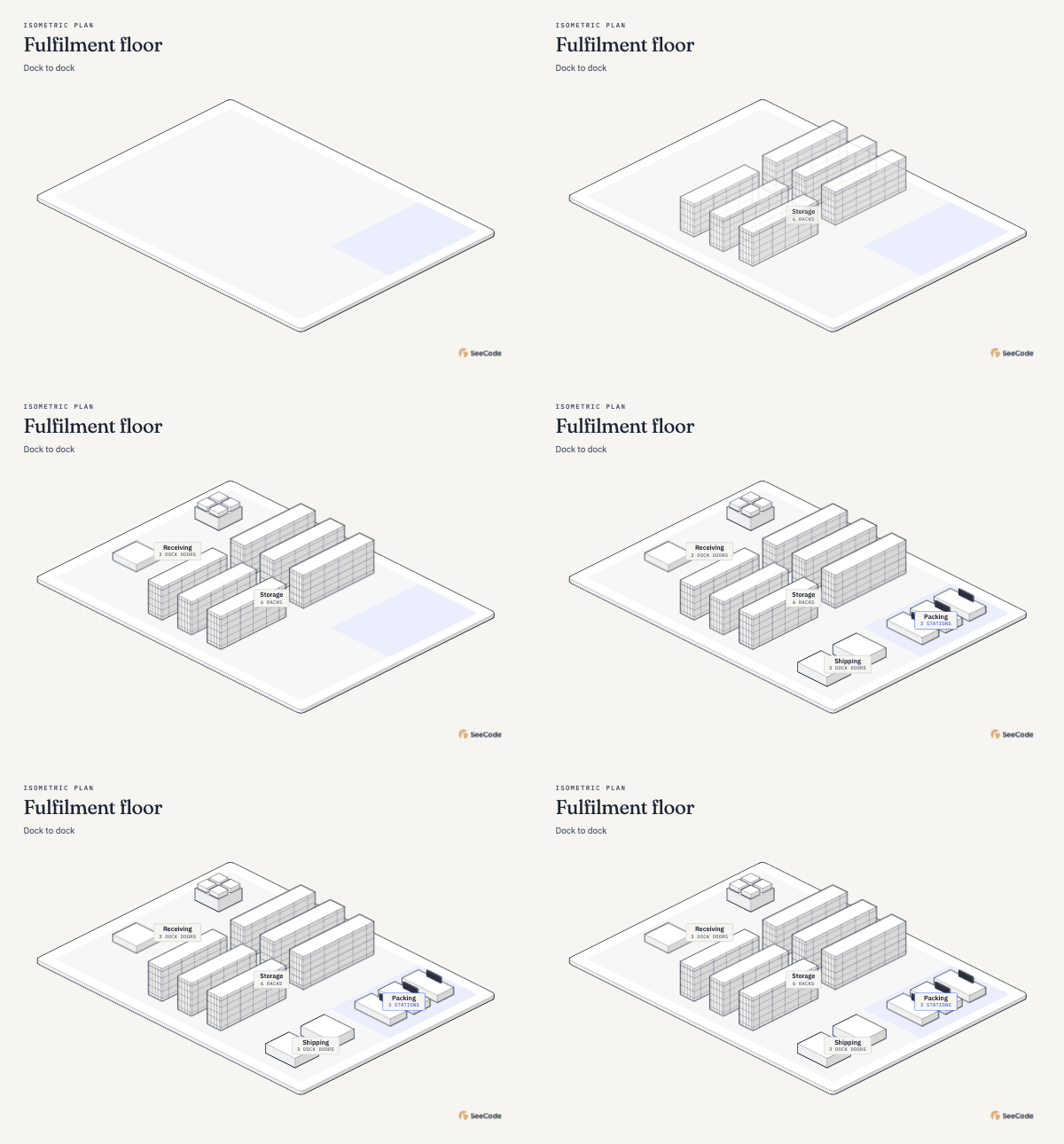
45 visual types. 60 animated examples.
Systems, processes, data, plans — and a different angle.
 GIF YOUR BRANDView
 GIF YOUR BRANDView
 GIF YOUR BRANDView
 GIF YOUR BRANDView
 GIF YOUR BRANDView
 GIF YOUR BRANDView
 GIF YOUR BRANDView
 GIF YOUR BRANDView
 GIF YOUR BRANDView
 GIF YOUR BRANDView
 GIF YOUR BRANDView
 GIF YOUR BRANDView
 GIF YOUR BRANDView
 GIF YOUR BRANDView
 GIF YOUR BRANDView
 GIF YOUR BRANDView
 GIF YOUR BRANDView
 GIF YOUR BRANDView
 GIF YOUR BRANDView
 GIF YOUR BRANDView
 GIF YOUR BRANDView
 GIF YOUR BRANDView
 GIF YOUR BRANDView
 GIF YOUR BRANDView
 GIF YOUR BRANDView
 GIF YOUR BRANDView
 GIF YOUR BRANDView
 GIF YOUR BRANDView
 GIF YOUR BRANDView
 GIF YOUR BRANDView
 GIF YOUR BRANDView
 GIF YOUR BRANDView
 GIF YOUR BRANDView
 GIF YOUR BRANDView
 GIF YOUR BRANDView
 GIF YOUR BRANDView
 GIF YOUR BRANDView
 GIF YOUR BRANDView
 GIF YOUR BRANDView
 GIF YOUR BRANDView
 GIF YOUR BRANDView
 GIF YOUR BRANDView
 GIF YOUR BRANDView
 GIF YOUR BRANDView
 GIF YOUR BRANDView
 GIF YOUR BRANDView
 GIF YOUR BRANDView
 GIF YOUR BRANDView
 GIF YOUR BRANDView
 GIF YOUR BRANDView
 GIF YOUR BRANDView
 GIF YOUR BRANDView
 GIF YOUR BRANDView
 GIF YOUR BRANDView
 GIF YOUR BRANDView
 GIF YOUR BRANDView
 GIF YOUR BRANDView
 GIF YOUR BRANDView
 GIF YOUR BRANDView
 GIF YOUR BRANDView
No visuals match. Try another name or category.
Every example rendered and animated with SeeCode. All 60 examples are here.
A diagram should answer the next question,
not just look good on the first slide.
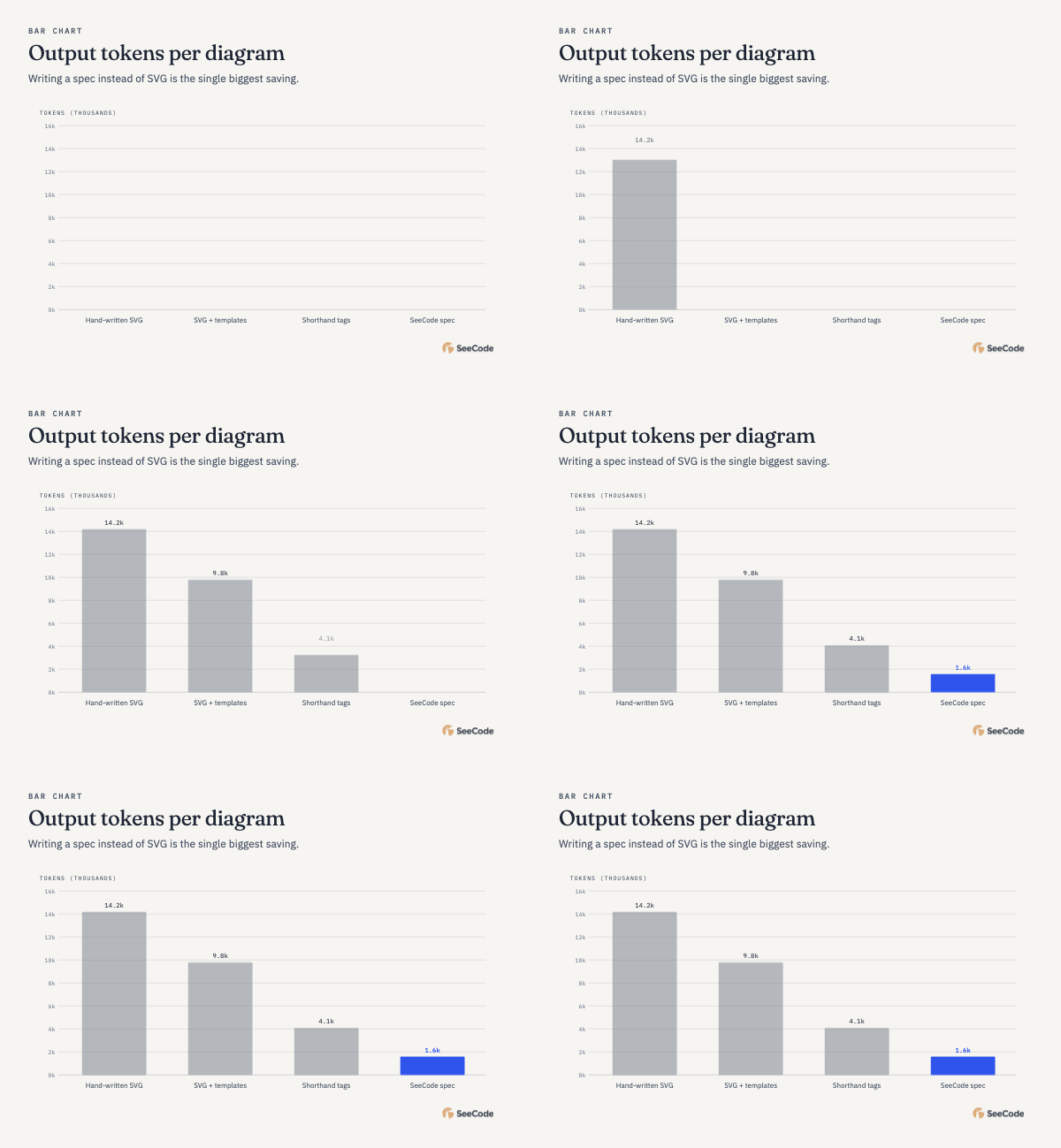
Light, dark, or entirely yours. Learn a palette from your website or use your own colors and fonts.
Mermaid, Graphviz, PlantUML, SQL, CSV, and more. Give an existing idea a new way to be seen.
One standalone HTML file. Keep it, share it, open it in a browser. No SeeCode account required.
Docs, decks, a quick team message.
Keep the clarity, wherever the conversation goes.
SeeCode is free, open source, and made to be yours.
Explore the code. Share an idea. Help shape what’s next.

Add SeeCode to your agent. Then ask for a diagram.
That really is the whole setup.
MIT licensed. Zero runtime dependencies.
No accounts, server, or telemetry.
/plugin marketplace add Aryanutkarsh/seecode
/plugin install seecode@seecode
Run both commands in Claude Code, then start a new session.
“Use SeeCode to show how
our checkout works.”
SeeCode is a skill for your coding agent. Install it in Claude Code, Codex, Cursor, OpenCode, or another Agent Skills host. Describe what you want to see and your agent creates the diagram.
No. Describe it in plain language, ask your agent to inspect your repository, or provide an existing diagram. Your agent prepares the spec and SeeCode renders it.
Yes. Every diagram is a standalone HTML file that opens in a browser. Export SVG, PNG, JPEG, GIF, or MP4 from the viewer for your documents and presentations.
SeeCode has no server, accounts, or telemetry. Diagrams are generated locally. Fonts load from Google Fonts by default and can be set to system fonts. GIF and MP4 exports load browser encoders from jsDelivr. Your coding agent has its own data policies.
Yes. SeeCode is open source under the MIT license, including commercial use. Your coding agent’s own usage costs still apply.
Something worth understanding is worth seeing.